How To Check iPhone for Viruses and Malware and Remove Them
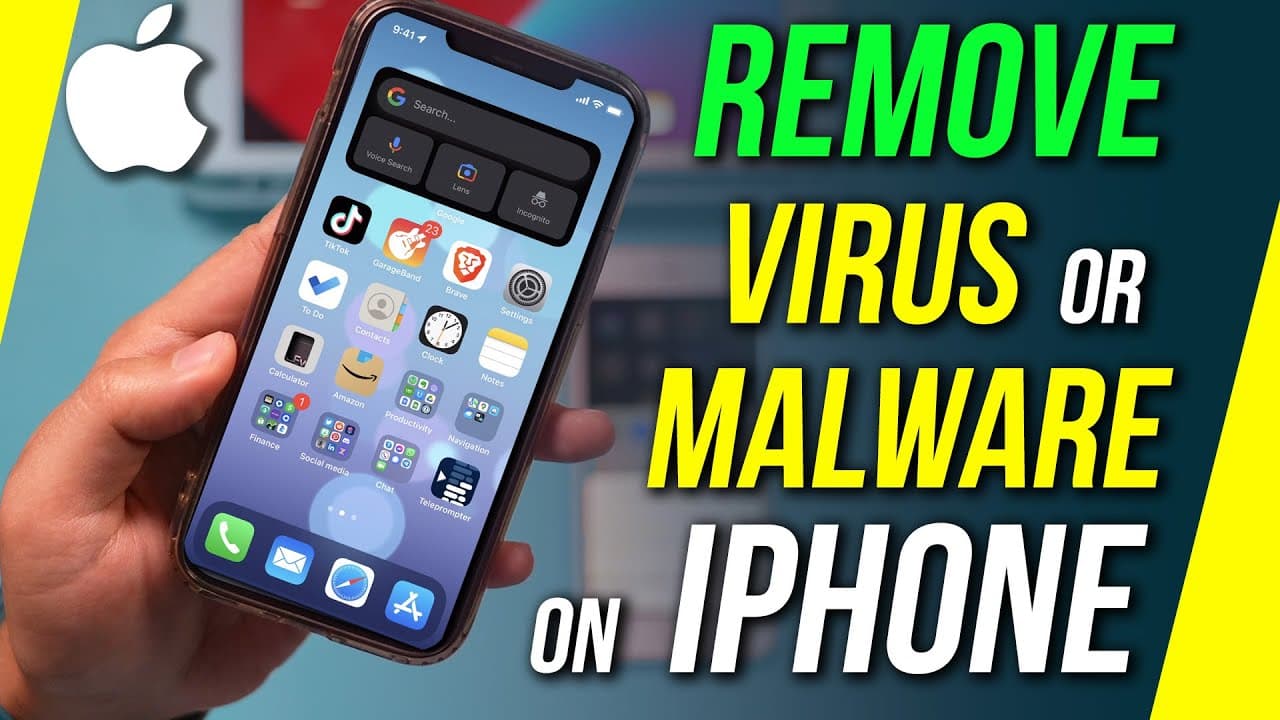
TL;DR
Learn how to check for and address potential iPhone virus, malware, or spam issues in four simple steps.
Transcript
if you think there's an issue with your iphone and your iphone has been compromised or there's an iphone virus iphone malware or spam i'm gonna show you exactly what to do to check i'm gonna show you four different things that i've seen previously happen that take care of some of these problems now actual viruses things that you see like this that ... Read More
Key Insights
- 😀 Virus infections on iPhones are rare unless users download apps from unauthorized sources.
- 👥 Pop-ups indicating viruses are typically fake but can redirect users to unwanted websites.
- 😀 Suspiciously high battery usage by unfamiliar apps may indicate malware presence.
- 😀 Keeping all apps updated can help address potential issues related to app malfunctioning.
- 📅 Calendar spam can be eliminated by unsubscribing from unfamiliar calendars in the Calendar app.
- 🥺 Clearing browsing data in Safari can mitigate unwanted ads and pop-ups.
- ⚠️ Enabling the fraudulent website warning feature can prevent accidental visits to malicious sites.
Install to Summarize YouTube Videos and Get Transcripts
Explore YouTube Video Summarizer or Get YouTube Transcript Extractor
Questions & Answers
Q: How can I detect if my iPhone has a virus or malware?
One way to check is by monitoring battery usage in the Settings app. Suspiciously high battery usage by unfamiliar apps may indicate malware presence.
Q: Are all pop-ups and ads in Safari a sign of malware?
Not necessarily. Unwanted ads and pop-ups can be cleared by going to Safari settings and selecting "Clear History and Website Data." Additionally, enabling the fraudulent website warning feature can help prevent accidental visits to malicious sites.
Q: Can spam affect my iPhone's calendar?
Yes, calendar spam is possible. To address this, go to the Calendar app, navigate to "iCloud Subscriptions," and unsubscribe from any unfamiliar calendars.
Q: How can memory usage impact the performance of my iPhone?
An overload of memory can cause issues that may resemble virus or malware activity. Monitor memory usage in the Usage app and close unnecessary apps or restart your iPhone to alleviate memory strain.
Summary & Key Takeaways
-
You can check for potential issues by monitoring battery usage and identifying suspicious apps.
-
Update your apps regularly as app malfunctioning can sometimes be mistaken as a virus or malware.
-
Unsubscribe from any unfamiliar or suspicious calendar subscriptions and clear browsing data in Safari to mitigate unwanted ads and pop-ups.
-
Manage your device's memory to prevent performance issues that may be mistaken for virus or malware activity.
Read in Other Languages (beta)
Share This Summary 📚
Summarize YouTube Videos and Get Video Transcripts with 1-Click
Try YouTube Summary with ChatGPT & Claude or YouTube Transcript Generator
Explore More Summaries from Howfinity 📚






Summarize YouTube Videos and Get Video Transcripts with 1-Click
Try YouTube Summary with ChatGPT & Claude or YouTube Transcript Generator