The Compressed Zipped Folder is Invalid - 6 EASY, Step-by-Step Solutions for Windows 11, 10, 8, 7!
TL;DR
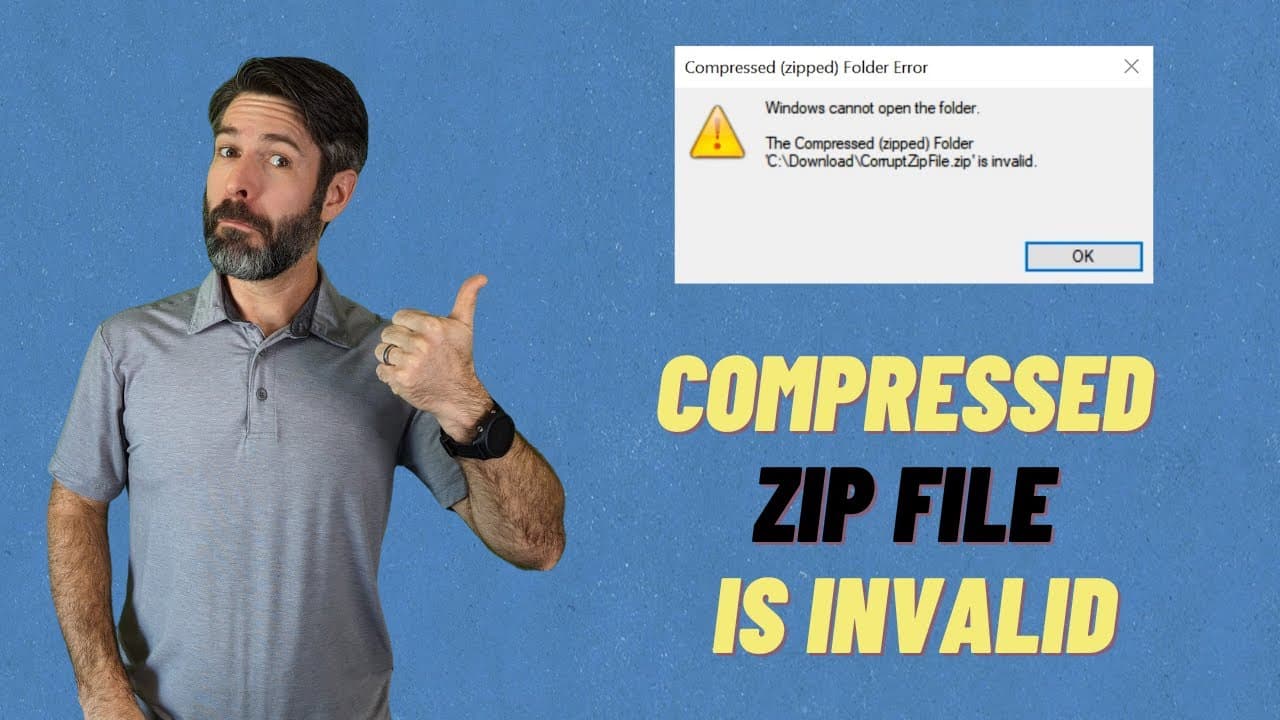
Learn six methods to fix the invalid ZIP file error on Windows.
Transcript
Read and summarize the transcript of this video on Glasp Reader (beta).
Key Insights
- The invalid ZIP file error occurs when a file is corrupted or not properly compressed, making it unreadable by Windows' default extractor.
- Always restart your computer and ensure Windows is updated before trying other solutions, as this can resolve many basic issues.
- Redownloading the file can solve corruption issues that occur during the initial download, especially for larger files.
- WinRAR is a reliable third-party tool for unzipping files and offers additional functionalities like file repair.
- If WinRAR doesn't work, using another tool like 7-Zip might help, as different tools can handle files differently.
- Restarting Windows File Explorer can resolve temporary glitches that might prevent ZIP files from being opened.
- Repairing the Microsoft Visual C++ Redistributable package can fix underlying system issues affecting file extraction.
- User feedback in the comments can help the community identify which solution is most effective for this error.
Install to Summarize YouTube Videos and Get Transcripts
Explore YouTube Video Summarizer or Get YouTube Transcript Extractor
Questions & Answers
Q: What causes the invalid ZIP file error on Windows?
The invalid ZIP file error typically arises from file corruption or improper compression. This can occur during the download process or if the file was not created correctly. It prevents Windows' built-in extractor from accessing the file's contents, necessitating troubleshooting steps to resolve the issue.
Q: Why is it recommended to redownload the file?
Redownloading the file is recommended because the original download may have been corrupted, especially if the file is large or if there were internet connectivity issues. A fresh download can often resolve the problem by providing a complete and uncorrupted version of the file.
Q: How can WinRAR help with the ZIP file error?
WinRAR is a third-party tool that can effectively unzip files and offers additional features like file repair. It can handle ZIP files differently than Windows' default extractor, potentially resolving issues that the built-in tool cannot. Using WinRAR can be a straightforward solution to the invalid ZIP file error.
Q: What should you do if WinRAR doesn't solve the problem?
If WinRAR doesn't resolve the issue, trying another third-party tool like 7-Zip is recommended. Different tools have different methods of handling files, and one might succeed where another fails. Additionally, ensuring the file is not corrupted and the system is functioning properly is crucial.
Q: How does restarting Windows File Explorer help?
Restarting Windows File Explorer can clear temporary glitches or issues within the system that might prevent ZIP files from being opened. This process refreshes the file management system, potentially resolving minor errors and allowing files to be accessed correctly.
Q: Why repair the Microsoft Visual C++ Redistributable?
Repairing the Microsoft Visual C++ Redistributable can fix underlying system issues that affect file extraction. This package is essential for running applications on Windows, and any corruption within it can lead to problems with opening or extracting files, including ZIP files.
Q: What role does user feedback play in solving the ZIP file error?
User feedback in the comments section is valuable as it helps the community identify which solutions are most effective. Sharing experiences allows others to prioritize methods that have been successful for others, facilitating faster and more efficient problem-solving.
Q: What precautions should be taken when dealing with ZIP files?
When dealing with ZIP files, ensure you trust the source to avoid security risks. Keep antivirus software up-to-date to scan for potential threats, and be cautious of bypassing security alerts, as they may indicate genuine dangers to your system.
Summary & Key Takeaways
-
This video addresses the common Windows error where a compressed ZIP file is deemed invalid, preventing extraction. It provides six solutions to troubleshoot and resolve this issue effectively.
-
The video suggests starting with basic solutions like redownloading the file and progresses to more advanced methods like using third-party software and repairing system components.
-
Viewers are encouraged to share their experiences in the comments, helping others identify the most successful solutions and contributing to a collaborative problem-solving community.
Read in Other Languages (beta)
Share This Summary 📚
Summarize YouTube Videos and Get Video Transcripts with 1-Click
Try YouTube Summary with ChatGPT & Claude or YouTube Transcript Generator