How to Use Amazon Kiro for AI-Powered Code Editing
TL;DR
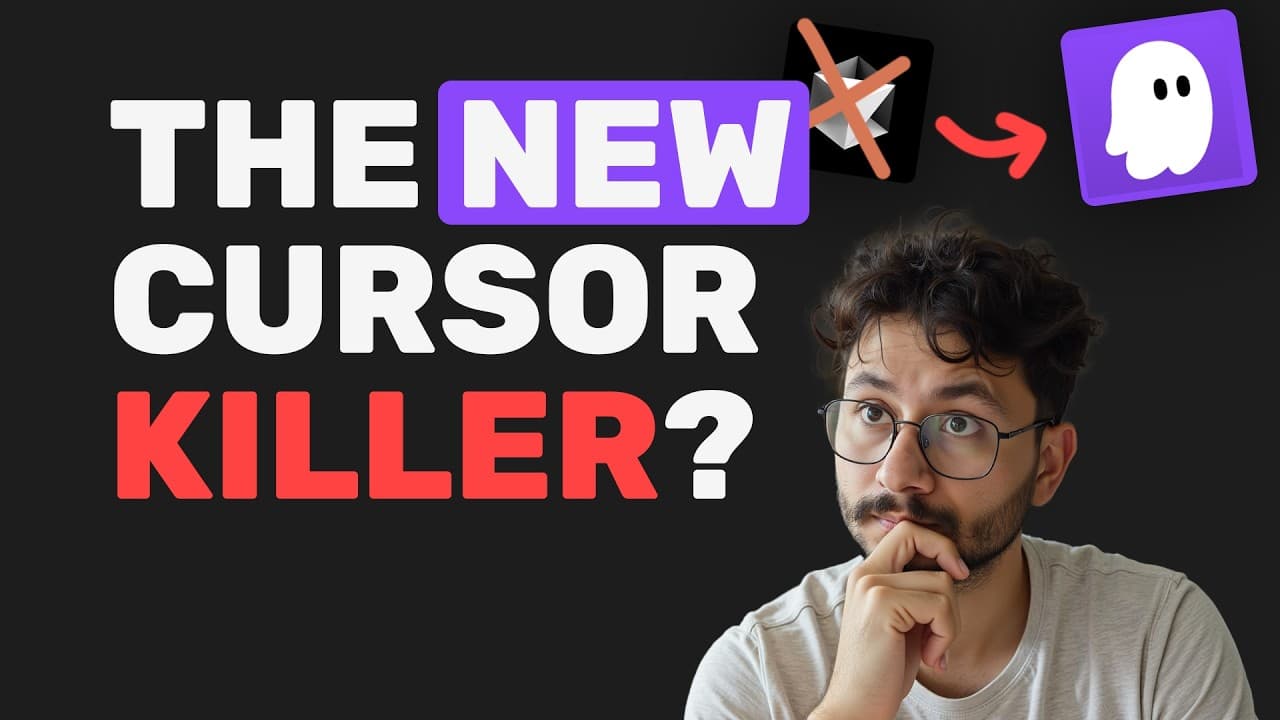
Amazon's Kiro is a new AI-powered code editor that aids in structured project development through a modular approach. It uses markdown files for requirements, design, and tasks to manage context effectively. Although still in preview, it offers free access to Cloud Sonet 4.0, making it a valuable tool for developers seeking an agentic system despite some error messages.
Transcript
Amazon has just launched its own AID which is called Curo and it's pretty interesting. It has a lot of features that help even Vibe coders structure the project and act in a modular way to ensure that the entire project is as expected and not just prompting into the LM to like create a website for me that does this or that and then it'll start crea... Read More
Key Insights
- Amazon Kiro is a free AI-powered code editor currently in preview.
- Kiro uses a modular approach with markdown files for requirements, design, and tasks.
- Kiro aims to improve project structure beyond simple LLM prompting.
- The editor frequently encounters 'unexpected error' messages due to its preview status.
- Kiro integrates with Cloud Sonet 4.0, offering advanced AI capabilities for free.
- The system fetches context from the entire application for better project management.
- Kiro's task execution interface allows users to manage and execute tasks selectively.
- Despite its issues, Kiro shows promise in structured project development and context management.
Install to Summarize YouTube Videos and Get Transcripts
Explore YouTube Video Summarizer or Get YouTube Transcript Extractor
Questions & Answers
Q: How does Amazon Kiro improve project development?
Amazon Kiro enhances project development by using a modular approach that includes markdown files for requirements, design, and tasks. This method provides a structured way to manage project context, moving beyond simple LLM prompting. It allows developers to better organize and execute tasks, improving overall project efficiency.
Q: What are the main features of Amazon Kiro?
Amazon Kiro's main features include a modular approach with markdown files for managing project requirements, design, and tasks. It integrates with Cloud Sonet 4.0 for advanced AI capabilities and offers a task execution interface that allows selective task management. These features aim to improve project structure and context management.
Q: What challenges does Kiro face in its current preview status?
In its current preview status, Kiro faces challenges such as frequent 'unexpected error' messages. These errors can interrupt workflow and task execution, making it less reliable for continuous development. However, its free access to advanced AI capabilities still makes it an attractive option for developers willing to work around these issues.
Q: How does Kiro manage project context effectively?
Kiro manages project context effectively by using markdown files to organize requirements, design, and tasks. This modular approach allows the system to fetch context from the entire application, providing a comprehensive understanding of the project. It helps developers maintain a structured workflow and manage tasks more efficiently.
Q: What is the significance of Kiro's integration with Cloud Sonet 4.0?
Kiro's integration with Cloud Sonet 4.0 is significant because it provides access to advanced AI capabilities for free. This integration enhances the editor's ability to manage project context and structure, offering developers powerful tools for AI-driven code editing and project management, despite the system's preview limitations.
Q: How does Kiro's task execution interface work?
Kiro's task execution interface allows users to manage and execute tasks selectively. It provides options to start, pause, or continue tasks, giving developers control over the workflow. This interface helps prevent context loss and ensures that tasks are executed in the desired order, enhancing project management and efficiency.
Q: Why might developers choose Kiro over other code editors?
Developers might choose Kiro over other code editors because it offers a structured, modular approach to project development with free access to advanced AI capabilities. Despite its preview status and error messages, Kiro's integration with Cloud Sonet 4.0 provides powerful tools for managing project context and structure, making it an appealing option.
Q: What potential does Kiro have for future development?
Kiro has significant potential for future development as it continues to refine its modular approach and address error issues. Its integration with advanced AI models like Cloud Sonet 4.0 positions it as a powerful tool for structured project management. With improvements, Kiro could become a leading choice for developers seeking AI-driven code editing solutions.
Summary & Key Takeaways
-
Amazon Kiro is a new AI-powered code editor that offers a structured approach to project development. It uses markdown files to manage requirements, design, and tasks, providing a better context for developers. While still in preview, it provides free access to Cloud Sonet 4.0, making it an attractive option despite some error messages.
-
Kiro's modular approach allows developers to effectively manage project context and structure. The editor's task execution interface lets users control task execution, enhancing workflow management. Although it encounters frequent errors, Kiro's integration with advanced AI models makes it a valuable tool for developers.
-
The AI-powered code editor Kiro by Amazon is designed to enhance project development with its modular approach. It uses markdown files to organize project requirements and tasks, offering a structured method for developers. Despite being in preview with occasional errors, its free access to advanced AI capabilities makes it a promising tool.
Read in Other Languages (beta)
Share This Summary 📚
Summarize YouTube Videos and Get Video Transcripts with 1-Click
Try YouTube Summary with ChatGPT & Claude or YouTube Transcript Generator
Explore More Summaries from Leonardo Grigorio | AI Automation 📚


Summarize YouTube Videos and Get Video Transcripts with 1-Click
Try YouTube Summary with ChatGPT & Claude or YouTube Transcript Generator