【Huan】 讓老電腦再次回春! 在老筆電上安裝免費的Ubuntu作業系統
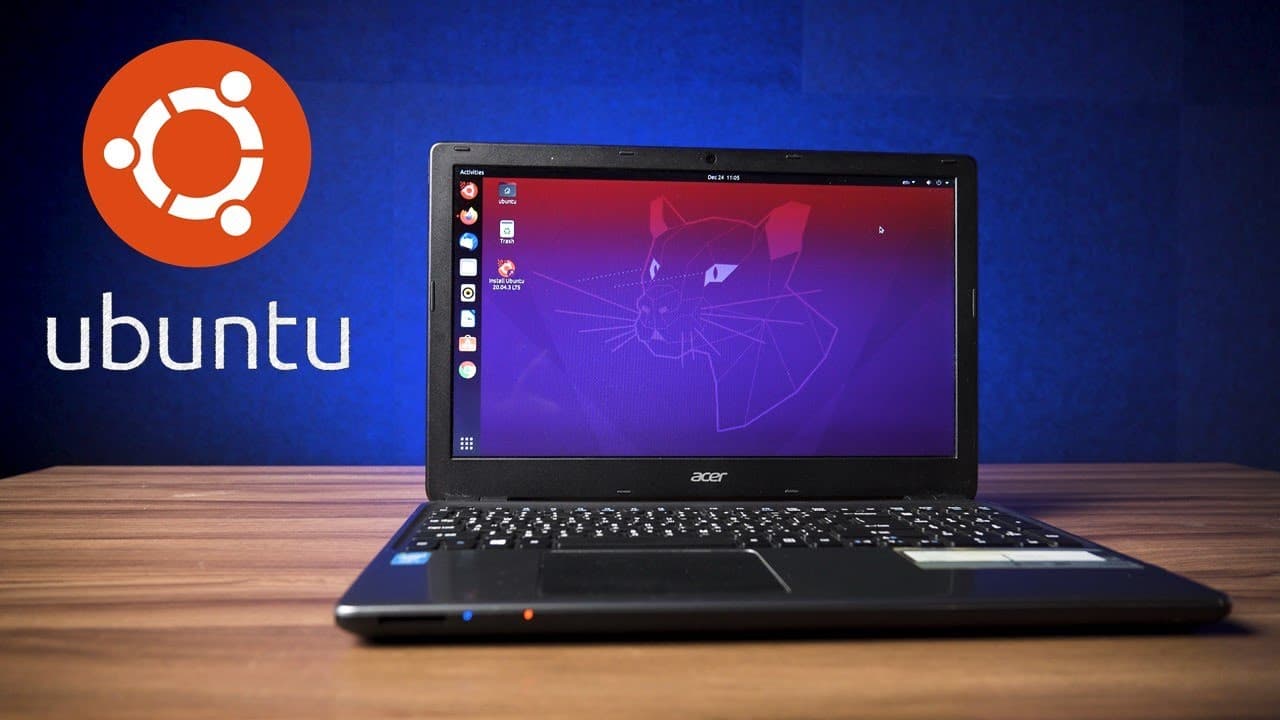
TL;DR
Ubuntu로 오래된 노트북 성능 개선
Transcript
Read and summarize the transcript of this video on Glasp Reader (beta).
Key Insights
- 오래된 노트북의 성능을 개선하기 위해 Ubuntu를 설치하여 Windows의 리소스 소모 문제를 해결하려고 합니다.
- Ubuntu는 Debian 기반의 Linux 운영 체제로, 전 세계에서 가장 많이 사용되는 Linux 버전입니다.
- Ubuntu는 빠른 부팅 속도와 사용자 친화적인 인터페이스로 초보자도 쉽게 사용할 수 있습니다.
- Ubuntu는 무료이면서 오픈 소스이며, 다양한 무료 소프트웨어를 제공하여 높은 활용도를 자랑합니다.
- Ubuntu는 다양한 하드웨어와의 호환성이 우수하여 드라이버 설치 없이도 대부분의 장치를 인식합니다.
- Ubuntu의 메모리 사용량은 Windows보다 적어, 오래된 하드웨어에서도 더 나은 성능을 발휘합니다.
- Ubuntu는 기본적인 문서 작업 및 인터넷 사용에 충분하며, 일부 게임도 실행할 수 있습니다.
- Ubuntu의 설치 및 사용은 비교적 간단하며, Windows 사용자도 쉽게 적응할 수 있습니다.
Install to Summarize YouTube Videos and Get Transcripts
Explore YouTube Video Summarizer or Get YouTube Transcript Extractor
Questions & Answers
Q: Ubuntu를 설치하면 어떤 장점이 있나요?
Ubuntu는 가벼운 시스템으로, 오래된 하드웨어에서도 더 나은 성능을 발휘할 수 있습니다. 또한, 빠른 부팅 속도와 사용자 친화적인 인터페이스로 초보자도 쉽게 사용할 수 있으며, 다양한 무료 소프트웨어를 제공하여 높은 활용도를 자랑합니다. Ubuntu는 오픈 소스이기 때문에 사용자들이 자유롭게 커스터마이즈할 수 있는 장점도 있습니다.
Q: Ubuntu 설치 과정은 어떻게 되나요?
Ubuntu 설치 과정은 비교적 간단합니다. 먼저 Ubuntu 공식 웹사이트에서 ISO 파일을 다운로드하고, 이를 부팅 가능한 USB 드라이브에 작성합니다. 이후 노트북을 USB 드라이브로 부팅하여 BIOS 설정에서 USB를 첫 번째 부팅 장치로 설정합니다. 그런 다음 화면의 지시에 따라 Ubuntu를 설치하면 됩니다.
Q: Ubuntu의 하드웨어 호환성은 어떤가요?
Ubuntu는 다양한 하드웨어와의 호환성이 우수하여 드라이버 설치 없이도 대부분의 장치를 인식할 수 있습니다. 무선 네트워크 카드, 이더넷, 웹캠, 키보드, 터치패드 등 대부분의 장치가 Ubuntu 설치 과정 중 자동으로 인식됩니다. 이는 Ubuntu가 많은 사용자들 사이에서 인기를 끄는 이유 중 하나입니다.
Q: Ubuntu에서 게임을 실행할 수 있나요?
Ubuntu에서는 일부 게임을 실행할 수 있습니다. Steam을 통해 제공되는 게임 중 일부는 Linux 버전을 지원하므로, CS:GO와 같은 게임은 Ubuntu에서 실행할 수 있습니다. 그러나 많은 대형 게임은 Windows 전용이므로, 모든 게임이 Ubuntu에서 실행되는 것은 아닙니다. 하지만 일부 게임 개발사는 Linux 지원을 위해 노력하고 있습니다.
Summary & Key Takeaways
-
비디오에서는 오래된 노트북의 성능을 개선하기 위해 Ubuntu 운영 체제를 설치하는 과정을 설명합니다. Ubuntu는 Windows보다 가벼운 시스템으로, 오래된 하드웨어에서도 더 나은 성능을 발휘할 수 있습니다. 비디오는 Ubuntu의 설치 과정과 기본적인 사용법을 설명하며, Ubuntu가 제공하는 다양한 기능과 장점을 강조합니다.
-
Ubuntu는 빠른 부팅 속도와 사용자 친화적인 인터페이스로 초보자도 쉽게 사용할 수 있는 운영 체제입니다. 비디오는 Ubuntu의 설치 과정과 기본적인 사용법을 설명하며, Ubuntu가 제공하는 다양한 기능과 장점을 강조합니다. Ubuntu는 다양한 무료 소프트웨어를 제공하여 높은 활용도를 자랑합니다.
-
비디오는 Ubuntu의 설치 및 사용이 비교적 간단하며, Windows 사용자도 쉽게 적응할 수 있음을 강조합니다. Ubuntu는 기본적인 문서 작업 및 인터넷 사용에 충분하며, 일부 게임도 실행할 수 있습니다. Ubuntu의 메모리 사용량은 Windows보다 적어, 오래된 하드웨어에서도 더 나은 성능을 발휘합니다.
Read in Other Languages (beta)
Share This Summary 📚
Summarize YouTube Videos and Get Video Transcripts with 1-Click
Try YouTube Summary with ChatGPT & Claude or YouTube Transcript Generator