7 Essential Command Line Tools (2022)
TL;DR
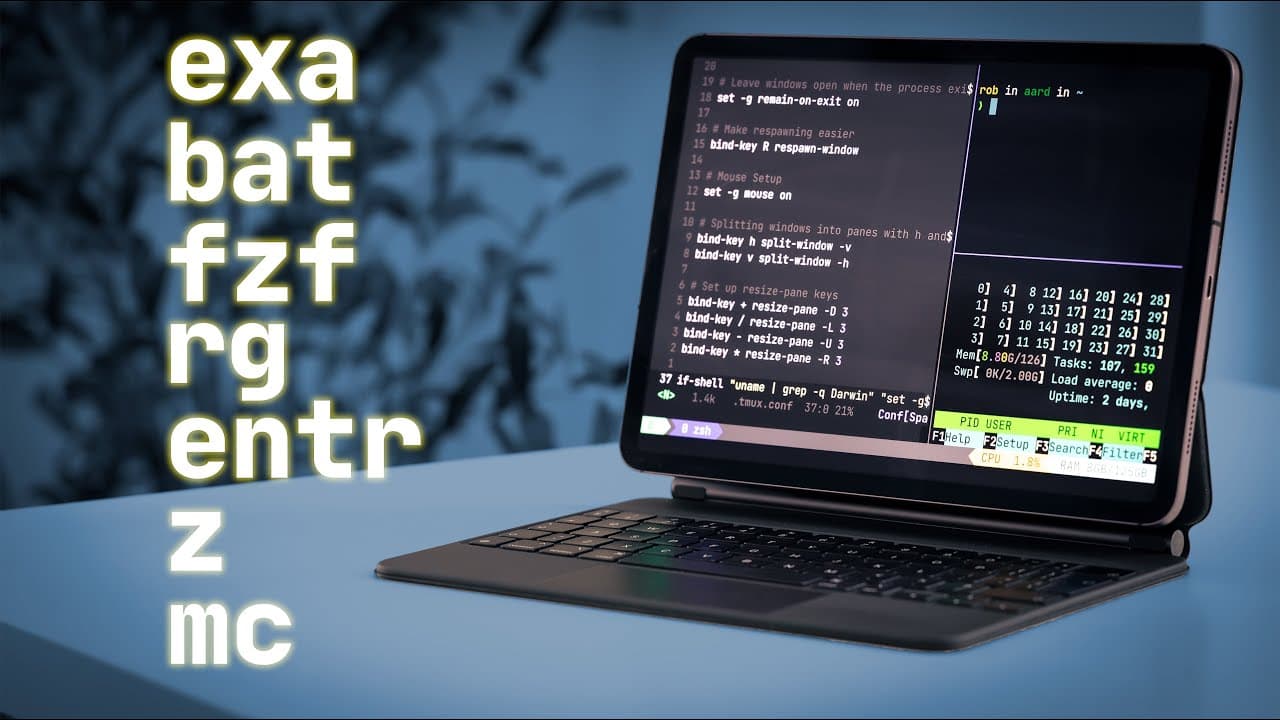
Seven command line tools to boost productivity.
Transcript
Read and summarize the transcript of this video on Glasp Reader (beta).
Key Insights
- Exa is recommended as a superior alternative to the traditional 'ls' command, offering enhanced file listing with color coding and better formatting options.
- Bat improves upon the 'cat' command by providing syntax highlighting and line numbers, making it ideal for viewing code and configuration files.
- Ripgrep is a powerful search tool that supports regular expressions and glob patterns, allowing for efficient text searching across files and directories.
- Fuzzy Finder (FZF) offers a flexible way to search for files and command history with fuzzy matching, enhancing efficiency in locating information.
- Zoxide replaces the 'cd' command, offering memory of previously visited directories and shortcuts for quick navigation between them.
- Entr allows automatic execution of commands when files change, which is particularly useful for coding and learning environments.
- Midnight Commander is a dual-pane file manager that facilitates file operations with a range of shortcuts and commands, providing a robust alternative to graphical file managers.
- The video emphasizes the daily utility of these tools, encouraging viewers to integrate them into their workflows for improved command line productivity.
Install to Summarize YouTube Videos and Get Transcripts
Explore YouTube Video Summarizer or Get YouTube Transcript Extractor
Questions & Answers
Q: What makes Exa a better alternative to the 'ls' command?
Exa is preferred over the traditional 'ls' command because it provides a more visually appealing and informative file listing. It uses a configurable color scheme to highlight different file types and offers better formatting options. This makes it easier to distinguish between files at a glance and enhances the overall file management experience.
Q: How does Bat improve upon the 'cat' command?
Bat enhances the 'cat' command by adding syntax highlighting and line numbers, making it particularly useful for viewing code and configuration files. This feature-rich alternative allows users to easily read and navigate through file contents, and with the '-p' flag, users can revert to a simpler output similar to 'cat' if needed.
Q: What are the key features of Ripgrep?
Ripgrep is a versatile search tool that excels in searching text within files and directories. It supports regular expressions and glob patterns, allowing users to perform complex searches efficiently. Ripgrep can search through large codebases quickly and offers case-insensitive searching and the ability to limit searches to specific file types or directories.
Q: How does Fuzzy Finder (FZF) enhance searching capabilities?
Fuzzy Finder (FZF) enhances searching by allowing users to find files and commands using fuzzy matching. This means users can search with approximations, not requiring exact matches, which speeds up finding files or previous commands. FZF can be integrated into command history searches, making it a powerful tool for quickly retrieving past commands with minimal input.
Q: What advantages does Zoxide offer over the traditional 'cd' command?
Zoxide offers several advantages over the 'cd' command by remembering previously visited directories and allowing users to navigate to them using partial paths. This feature reduces the need to type full directory paths repeatedly, speeding up navigation. Zoxide also handles name clashes efficiently and can toggle between recently visited directories with ease.
Q: In what scenarios is Entr particularly useful?
Entr is particularly useful in coding and development scenarios where files need to be monitored for changes. It automatically executes specified commands when a file is modified, allowing developers to see immediate results of their code changes. This feature is beneficial for those learning to code or working on projects that require frequent testing and iteration.
Q: What are the benefits of using Midnight Commander?
Midnight Commander offers a dual-pane interface for file management, making it easier to perform file operations like copying, moving, and deleting. It supports various keyboard shortcuts for efficient navigation and file handling. With its long-standing history and active development, Midnight Commander remains a robust tool for users who prefer a text-based file manager.
Q: Why are these command line tools recommended for daily use?
These command line tools are recommended for daily use because they significantly enhance productivity by offering improved functionality over traditional commands. They streamline tasks such as file management, text searching, and directory navigation, making them indispensable for developers, system administrators, and anyone who relies on the command line for their workflow.
Summary & Key Takeaways
-
The video introduces seven command line tools designed to enhance productivity by improving file management, searching, and navigation tasks. Each tool provides unique features or improvements over traditional commands, making them valuable additions to a user's toolkit.
-
Exa, Bat, and Ripgrep are highlighted for their enhanced file listing, content viewing, and search capabilities, respectively. These tools offer better formatting, syntax highlighting, and powerful search functionalities, which are beneficial for developers and system administrators.
-
Fuzzy Finder, Zoxide, Entr, and Midnight Commander further augment command line efficiency by offering fuzzy searching, smarter directory navigation, automatic command execution on file changes, and a dual-pane file management interface, respectively.
Read in Other Languages (beta)
Share This Summary 📚
Summarize YouTube Videos and Get Video Transcripts with 1-Click
Try YouTube Summary with ChatGPT & Claude or YouTube Transcript Generator