Experience the Future of Note-Taking in the Goodnotes Beta
TL;DR
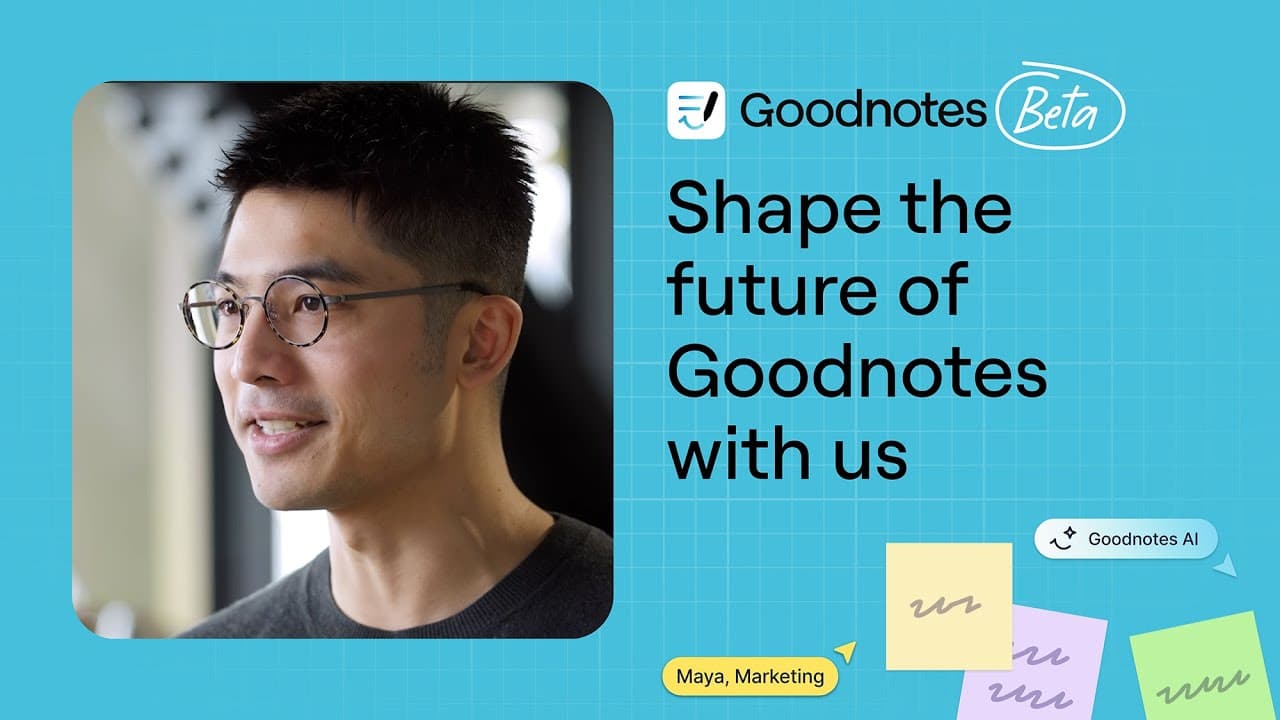
Goodnotes introduces new features like Whiteboard, Text Document, and AI enhancements.
Transcript
Read and summarize the transcript of this video on Glasp Reader (beta).
Key Insights
- Goodnotes is launching two new file formats: Whiteboard and Text Document, enhancing note-taking capabilities with limitless space and typing-first options.
- Whiteboard offers an infinite canvas for unbounded sketching and note-taking, ideal for mind maps and collaborative brainstorming sessions.
- The revamped Shapes tool in Whiteboard supports structured diagramming, allowing users to create flowcharts and connect ideas seamlessly.
- Text Documents introduce a typing-first format, facilitating easy integration of rich elements like tables, images, and videos into notes.
- Real-time collaboration is a key feature, enabling multiple users to work on documents simultaneously across various devices.
- Goodnotes AI evolves from chat features to an intelligent assistant, capable of summarizing notes, explaining concepts, and translating content.
- AI enhancements include automatic extraction of key meeting information, such as action items and decisions, from audio recordings and transcripts.
- The new features, including AI capabilities, will be available as an optional upgrade for existing Goodnotes 6 users, with a beta program starting soon.
Install to Summarize YouTube Videos and Get Transcripts
Explore YouTube Video Summarizer or Get YouTube Transcript Extractor
Questions & Answers
Q: What are the new file formats introduced in Goodnotes?
Goodnotes has introduced two new file formats: Whiteboard and Text Document. Whiteboard offers an infinite canvas for sketching and note-taking without boundaries, perfect for mind maps and collaborative brainstorming. Text Document is a typing-first format that allows easy integration of rich elements like tables, images, and videos into notes, enhancing productivity.
Q: How does the Whiteboard feature enhance note-taking in Goodnotes?
The Whiteboard feature in Goodnotes provides an infinite canvas, allowing users to take notes and sketch without boundaries. This is particularly useful for creating mind maps and brainstorming sessions, where space limitations can hinder creativity. The revamped Shapes tool also supports structured diagramming, enabling users to create flowcharts and connect ideas seamlessly.
Q: What improvements does the Text Document format offer?
The Text Document format in Goodnotes introduces a typing-first approach, making it easier to draft proposals, capture meeting notes, and write plans. It allows for the effortless integration of multimedia elements like tables, images, and videos into notes. This format enhances the user's ability to organize and format content quickly and intuitively.
Q: How does Goodnotes facilitate real-time collaboration?
Goodnotes facilitates real-time collaboration by allowing multiple users to work on a document simultaneously across various devices, including desktops, tablets, and phones. This feature is integrated into both the Whiteboard and Text Document formats, enabling teams to brainstorm, plan, and execute projects together efficiently and effectively.
Q: What are the new AI capabilities in Goodnotes?
The new AI capabilities in Goodnotes transform it into an intelligent assistant that works with various note formats, including handwriting and audio transcripts. It can summarize notes, explain complex concepts, and translate content across languages. AI can also suggest edits and organize content, providing users with a powerful tool to capture and refine their ideas.
Q: How does Goodnotes AI enhance meeting note-taking?
Goodnotes AI enhances meeting note-taking by automatically extracting key information from conversations, such as action items, decisions, and important discussion points. It builds on existing audio recording and real-time transcription features, allowing users to stay fully present during meetings while AI captures and organizes the details in the background.
Q: What is the significance of the beta program for Goodnotes users?
The beta program for Goodnotes users allows them to be among the first to test new features like Whiteboard, Text Document, and AI enhancements. By signing up for the waitlist, users can provide feedback and help shape the development of these features. The program will gradually roll out, with some features available earlier and others unlocking later.
Q: When will the new features be available to Goodnotes users?
The new features, including Whiteboard, Text Document, and AI enhancements, will be available this fall to all existing Goodnotes 6 users. The AI and collaboration features are designed for power users and will be available as an optional upgrade. The beta program starts soon, allowing users to test and provide feedback on the new features.
Summary & Key Takeaways
-
Goodnotes is expanding its note-taking capabilities with the introduction of Whiteboard and Text Document formats. Whiteboard provides limitless space for sketching and brainstorming, while Text Document offers a typing-first approach with easy integration of multimedia elements. These features aim to enhance user experience and streamline workflows.
-
The new Whiteboard format in Goodnotes allows for unbounded note-taking and sketching, making it ideal for mind mapping and collaborative brainstorming. The revamped Shapes tool supports structured diagramming, enhancing the ability to create flowcharts and connect ideas effectively.
-
Goodnotes AI is being transformed into an intelligent assistant that works with various note formats, including handwriting and audio transcripts. It can summarize notes, explain concepts, and translate content, providing users with a powerful tool to capture and organize their ideas efficiently.
Read in Other Languages (beta)
Share This Summary 📚
Summarize YouTube Videos and Get Video Transcripts with 1-Click
Try YouTube Summary with ChatGPT & Claude or YouTube Transcript Generator