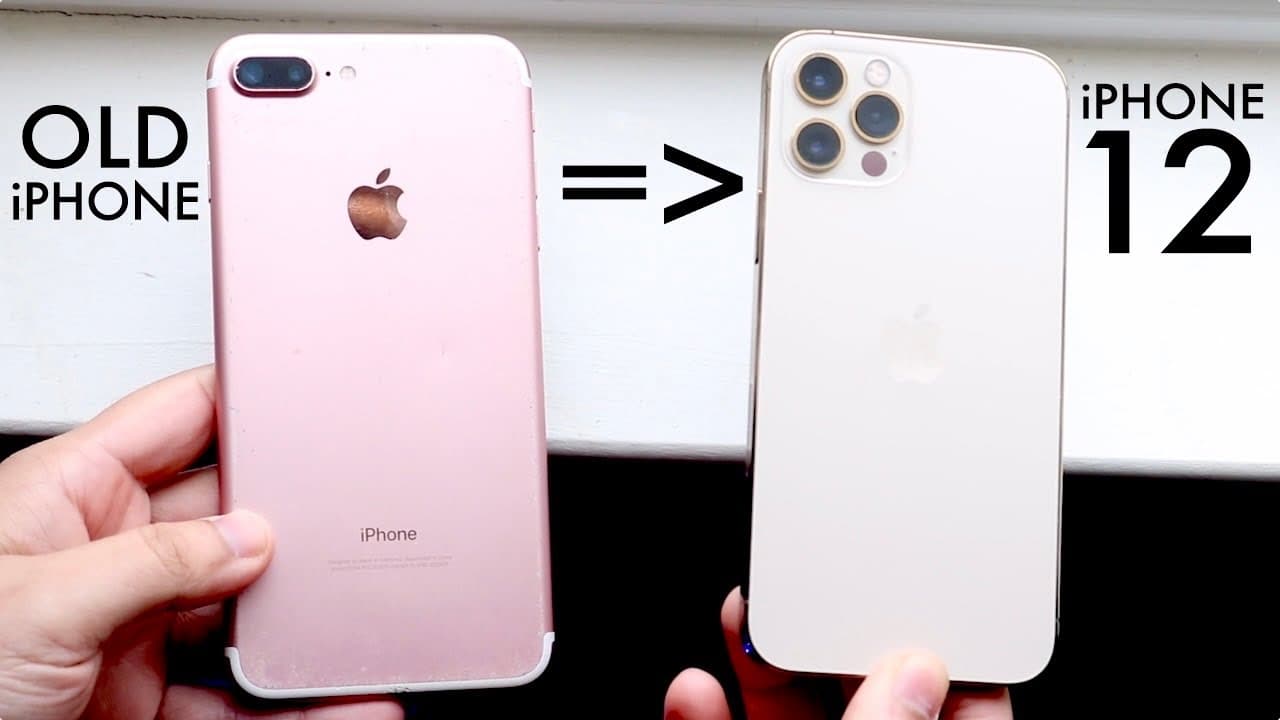
How To Transfer From OLD iPhone To NEW iPhone 12!
TL;DR
Learn effective methods to back up and restore your iPhone data.
Transcript
well everyone you may have just bought in your brand new iPhone 12 or any even any new iPhone and I'll go ahead and show you exactly how to backup your older iPhone and restore it to your new one with maintaining all your data nothing will be deleted and I just did this 20 seconds ago so it's still working now the very first thing I'll tell you is ... Read More
Key Insights
- 💻 Both wireless and computer methods are available for transferring data to a new iPhone, with the computer method generally being more reliable.
- 🐎 Preparing for the transfer by deleting unnecessary data enhances the efficiency and speed of the backup process.
- 😶🌫️ Using cloud services like Google Photos offers an added layer of protection for photos, minimizing risks during data transfers.
- 👾 Users should familiarize themselves with the backup capacity requirements to prevent potential data loss by ensuring adequate storage space.
- 🥶 The iPhone setup process includes erasing content from the new device to prepare it for data restoration from the old phone.
- 💻 Ensuring that iTunes (or the appropriate software) is installed on the computer is crucial for executing the backup and restoration processes smoothly.
- ⌛ The overall transfer process can take from 30 minutes to several hours, depending on the amount of data being transferred.
Install to Summarize YouTube Videos and Get Transcripts
Explore YouTube Video Summarizer or Get YouTube Transcript Extractor
Questions & Answers
Q: What is the main reason for preferring the computer method over the wireless transfer method?
The computer method is preferred because it typically encounters fewer issues, provides faster and more reliable data transfers, and allows users to remain mobile during the process. The wireless transfer has been reported to have various glitches, making it less dependable, especially for users with large amounts of data.
Q: How can users ensure they have enough storage space when backing up their old iPhone?
Users should check the storage capacity of their old iPhone and ensure that the computer being used for the backup has at least as much free space available as the amount of data on the old iPhone. This means if the old device uses 64 GB, the computer should also have at least 64 GB of free space, or users can opt for external storage options.
Q: What does the author suggest doing with unnecessary apps or data on the old iPhone before the transfer?
The author recommends deleting apps and files that are not essential before starting the transfer. This is particularly vital for users with limited storage on their devices, as removing unneeded items will streamline the backup process and allow for a smoother transition to the new iPhone.
Q: What additional backup solution is suggested to safeguard photos during the transfer process?
The content suggests using Google Photos to back up photos as an extra precaution. By storing photos on Google Photos, users can have unlimited backup space and can free up significant space on their old iPhone. This ensures that all important photos are safeguarded in case of any issues during the transfer.
Summary & Key Takeaways
-
The content provides a detailed guide on transferring data from an old iPhone to a new one, explaining two methods: wireless transfer and computer backup.
-
It recommends using the computer method for better reliability and speed, and advises cleaning up unnecessary files from the old device before the transfer.
-
Backup solutions such as Google Photos are suggested to ensure data safety, emphasizing the importance of having an up-to-date backup.
Read in Other Languages (beta)
Share This Summary 📚
Summarize YouTube Videos and Get Video Transcripts with 1-Click
Try YouTube Summary with ChatGPT & Claude or YouTube Transcript Generator
Explore More Summaries from Simple Alpaca 📚






Summarize YouTube Videos and Get Video Transcripts with 1-Click
Try YouTube Summary with ChatGPT & Claude or YouTube Transcript Generator