How to Use TradingView's Crypto Screener Effectively
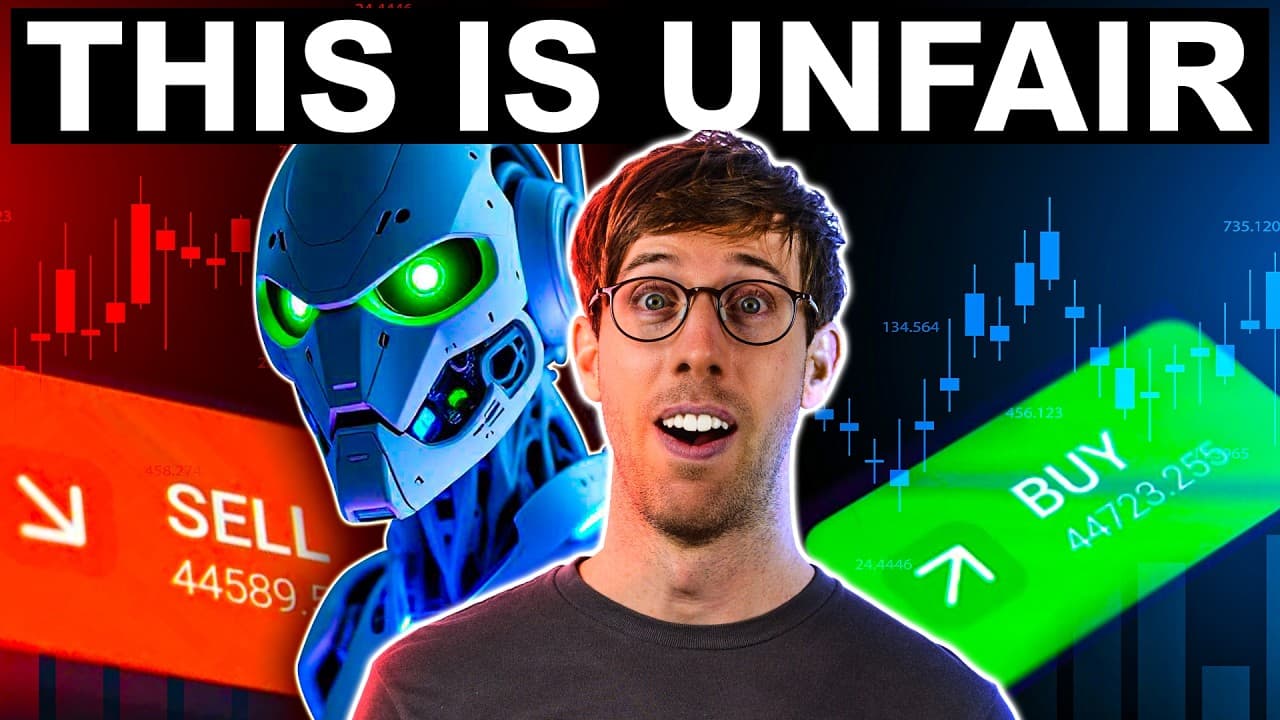
TL;DR
The updated TradingView crypto screener allows traders to efficiently filter and identify promising trading pairs by using advanced criteria such as exchange, market type, quote currency, and technical indicators like EMA and volume change. This tool significantly enhances the ability to focus on high-probability setups and streamline the trading process.
Transcript
Long gone are the days where you have to find all of these trading pairs and add them manually into a watch list or sorting them by their last price, their change, all this stuff that you're limited to here on Trading View. Now, with this screener that's been updated, we can do so much more. We're going to be going over everything you need to know ... Read More
Key Insights
- TradingView's new screener allows filtering by exchange, market type, and quote currency, enhancing trading precision.
- The screener can sort trading pairs by price, volume, and percentage change, providing a comprehensive market overview.
- Advanced indicators like EMA and volume change can be applied for identifying strong uptrends and potential setups.
- Users can manually set up filters to focus on specific percentage changes, aiding in spotting significant market movements.
- Watchlists can be created and refined using the screener, allowing traders to maintain focus on key trading opportunities.
- Alerts can be set up for specific conditions, though some features require a paid version of TradingView.
- The screener supports real-time updates, ensuring traders have the latest market data for decision-making.
- Customizable parameters enable traders to tailor the screener to their specific strategies and trading goals.
Install to Summarize YouTube Videos and Get Transcripts
Explore YouTube Video Summarizer or Get YouTube Transcript Extractor
Questions & Answers
Q: How to filter crypto pairs by exchange in TradingView?
To filter crypto pairs by exchange in TradingView, use the updated screener feature. Select the 'Screener' option and choose your preferred exchange from the list. This allows you to focus on trading pairs available on that specific exchange, streamlining your analysis and trading process.
Q: What indicators can be used with TradingView's crypto screener?
TradingView's crypto screener supports various indicators such as Exponential Moving Averages (EMA), Relative Strength Index (RSI), Moving Average Convergence Divergence (MACD), and volume change. These indicators help traders identify trends, potential reversals, and strong market movements, aiding in making informed trading decisions.
Q: How does the TradingView screener help in identifying strong uptrends?
The TradingView screener helps identify strong uptrends by allowing traders to apply indicators like the Exponential Moving Average (EMA). By setting conditions where the price is above the EMA, traders can filter for pairs that are in a strong uptrend, thus focusing on potential profitable trading opportunities.
Q: Can TradingView's screener be customized for specific trading strategies?
Yes, TradingView's screener can be customized for specific trading strategies. Traders can set up manual filters based on percentage changes, volume, and specific indicators. This customization enables traders to tailor the screener to their unique trading goals and strategies, enhancing their ability to identify high-probability setups.
Q: What are the benefits of creating a watchlist in TradingView?
Creating a watchlist in TradingView allows traders to focus on specific trading pairs that meet their criteria. It helps in organizing and monitoring potential trading opportunities efficiently. Watchlists can be refined using the screener, ensuring that traders concentrate on the most promising setups, thus enhancing trading efficiency and effectiveness.
Q: How can alerts be set up in TradingView's screener?
Alerts in TradingView's screener can be set up by selecting specific conditions under which the alert should trigger, such as price movements or indicator signals. Although some alert features require a paid version, they allow traders to stay informed about market changes without constantly monitoring the charts, thus enhancing trading efficiency.
Q: What is the importance of real-time updates in TradingView's screener?
Real-time updates in TradingView's screener are crucial as they provide traders with the most current market data, enabling timely decision-making. This feature ensures that traders have up-to-date information on price movements, volume changes, and indicator signals, which is essential for executing successful trades and maintaining a competitive edge.
Q: How does the screener improve trading efficiency?
The TradingView screener improves trading efficiency by allowing traders to filter and sort trading pairs based on various criteria such as exchange, market type, and technical indicators. This targeted approach reduces the time spent manually analyzing charts, enabling traders to quickly identify and focus on high-probability setups, thus streamlining their trading process.
Summary & Key Takeaways
-
The TradingView crypto screener update enables traders to efficiently filter trading pairs by exchange, market type, and quote currency. Advanced indicators like EMA and volume change can be used to identify strong uptrends and potential trading setups. This tool streamlines the trading process by allowing the creation and refinement of watchlists.
-
With the new TradingView screener, traders can sort pairs by price, volume, and percentage change, offering a comprehensive market overview. Manual filter setup allows for focusing on specific percentage changes, aiding in spotting significant market movements. Alerts can be set for specific conditions, enhancing trading efficiency.
-
TradingView's screener supports real-time updates, providing traders with the latest market data. Customizable parameters enable tailoring the screener to specific strategies and trading goals, making it a powerful tool for those serious about crypto trading. The screener significantly enhances the ability to focus on high-probability setups.
Read in Other Languages (beta)
Share This Summary 📚
Summarize YouTube Videos and Get Video Transcripts with 1-Click
Try YouTube Summary with ChatGPT & Claude or YouTube Transcript Generator
Explore More Summaries from Coin Bureau Trading 📚


Summarize YouTube Videos and Get Video Transcripts with 1-Click
Try YouTube Summary with ChatGPT & Claude or YouTube Transcript Generator