How we designed the new Evernote Home on Mobile 🏡
TL;DR
Evernote improved its mobile homepage for better speed, usability, and intuitiveness.
Transcript
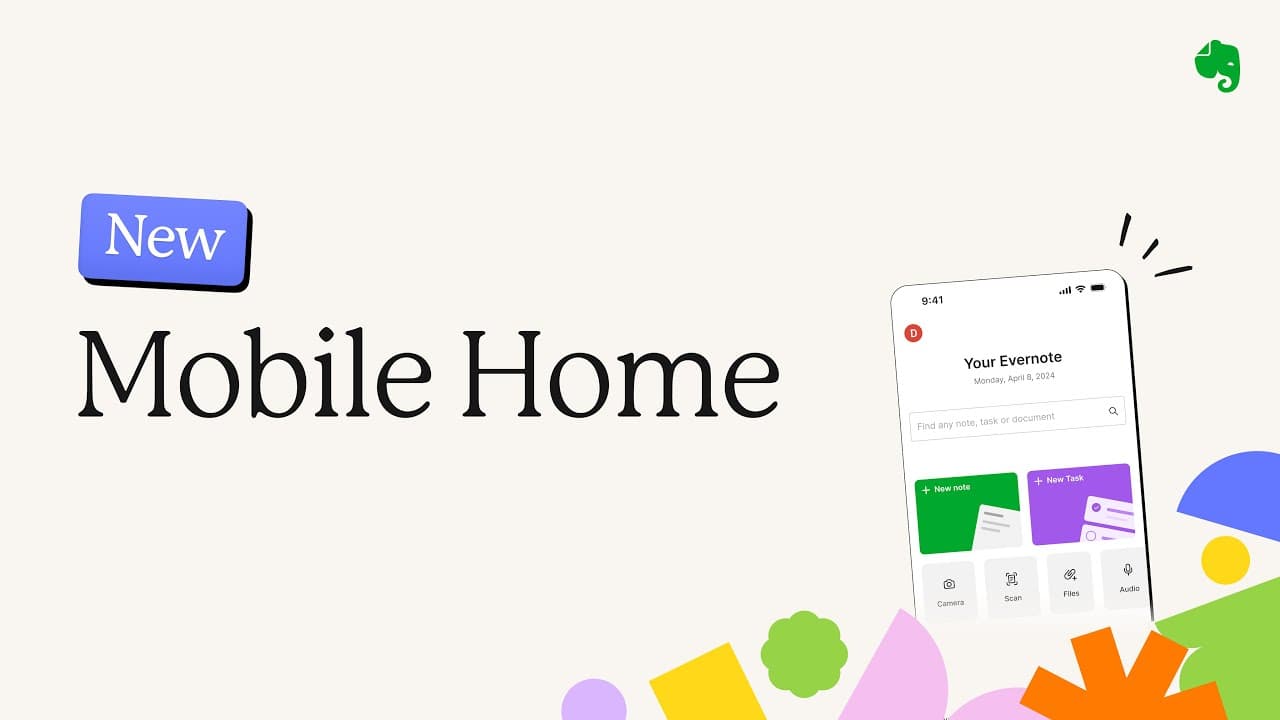
Let's talk about the new mobile Home on Evernote. So we are changing the home page that you see on Evernote mobile and I wanted to give you some details about our thought process and some like insights on the different variations that we've tested. So, we went from the one that you see on the left to the one that I'm showing on the right through a ... Read More
Key Insights
- 👤 User feedback is vital for product development, as seen in Evernote's redesign seeking to enhance performance based on user suggestions.
- 😄 The transition from a hamburger menu to a bottom navigation bar indicates a shift towards more modern design trends prioritizing ease of navigation.
- 😀 Testing multiple variations underscores a thorough approach to understanding user engagement and preferences in app design.
- 💗 Streamlining the homepage to focus on creation aligns with the growing trend of applications emphasizing user-generated content capture.
- 🤢 Increased accessibility of essential features like the search bar reflects a commitment to improving user experience on mobile platforms.
- 👤 The reintroduction of the Scratchpad illustrates responsiveness to user needs and a focus on practical functionality.
- 👤 The results from usability tests highlight the importance of iterative design processes in developing user-friendly applications.
Install to Summarize YouTube Videos and Get Transcripts
Explore YouTube Video Summarizer or Get YouTube Transcript Extractor
Questions & Answers
Q: What were the main reasons for the Evernote mobile homepage redesign?
The redesign was primarily driven by user feedback regarding speed and usability. Evernote aimed to make the application faster, particularly for capturing content quickly. Additionally, they wanted the app to be more intuitive for new users, reducing complexity associated with customization options.
Q: How many variations of the homepage were tested before the final design?
The team tested nine different variations before settling on the final design. Each iteration provided valuable insights that informed the decision-making process, allowing the designers to understand user preferences in navigation and creation functionalities.
Q: What key navigational feature was replaced in the new design?
The new design replaced the traditional hamburger menu with a modern bottom navigation bar. This change was well-received, as it made it easier for users to access different sections of the app with a single tap, significantly enhancing the user experience.
Q: What specific adjustments were made to the search functionality in the redesign?
One of the significant adjustments was the expansion of the search button into a full search bar. This change involved repositioning the search bar lower on the screen, making it more accessible and user-friendly, based on feedback that the previous location was too far to reach easily.
Q: What is the purpose of the Scratchpad feature in the new design?
The Scratchpad feature serves as a quick-access area for users to jot down information or notes. In response to user feedback, this functionality was prioritized in the redesign, as users expressed a desire for shortcuts to be more visible and easily accessible.
Q: How did user feedback shape the final design iteration?
User feedback was instrumental in shaping the final design. Specifically, suggestions led to the adjustment of the search feature's position and the inclusion of illustrations on main buttons. The team actively incorporated this feedback to ensure the redesign met user needs and expectations.
Q: What does the new design aim to achieve regarding navigation?
The new design aims to achieve quicker and more efficient navigation by placing essential buttons within easy reach of a user's thumb. This update allows for a seamless transition between different sections of the app, focusing on supporting users in their task of quickly capturing information.
Summary & Key Takeaways
-
The redesign of Evernote's mobile homepage was initiated to enhance speed, with an emphasis on creating a leaner interface and addressing user feedback about performance.
-
Through nine variations, the team tested different navigation approaches, ultimately favoring a bottom navigation bar to streamline creation and access to features.
-
User feedback played a crucial role in the updates, leading to adjustments such as repositioning the search bar and reintroducing the Scratchpad for improved functionality.
Read in Other Languages (beta)
Share This Summary 📚
Summarize YouTube Videos and Get Video Transcripts with 1-Click
Try YouTube Summary with ChatGPT & Claude or YouTube Transcript Generator
Explore More Summaries from Evernote 📚



Summarize YouTube Videos and Get Video Transcripts with 1-Click
Try YouTube Summary with ChatGPT & Claude or YouTube Transcript Generator