organize your life with NOTION (step-by-step tutorial for beginners)
TL;DR
Learn how to use Notion to create functional pages for life management, including tracking appointments, health, occasions, workouts, spending, and more.
Transcript
it's true you're overthinking notion all the time I hear from people saying that they really want to try notion they know it can be this powerful tool but they just don't know where to start they feel really intimidated by it because admittedly there is a little bit of a learning curve to it so as someone who uses notion every single day to keep tr... Read More
Key Insights
- 🛟 Notion can be a powerful tool for organizing and managing various aspects of life.
- 👻 Creating databases and functional pages in Notion allows for easy tracking and referencing of information.
- 📟 Notion's filtering and sorting capabilities make it convenient to find specific data within the pages.
- 😷 Tracking health appointments, sick history, workouts, birthdays, and spending can provide valuable insights and help with organization.
- 👻 Notion's flexibility allows users to customize pages based on their specific needs.
- 🥡 Taking notes during appointments can help prevent important details from being forgotten.
- 💨 Using databases in Notion provides a convenient way to organize and categorize information.
Install to Summarize YouTube Videos and Get Transcripts
Explore YouTube Video Summarizer or Get YouTube Transcript Extractor
Questions & Answers
Q: How can I track my physical health appointments in Notion?
To track physical health appointments, you can create a database in Notion and use columns for appointment type, date, and notes. You can also customize the database with additional properties like doctor's information or homework given.
Q: How can I keep track of my sick history in Notion?
To keep track of your sick history, create a database with columns for the date symptoms began, date symptoms ended, and tags for symptoms. You can add notes on remedies or treatments that worked, helping you reference them in the future.
Q: How can I track workouts in Notion?
Create a database with columns for workout title, tags for type (e.g., yoga, Pilates), and duration. You can also add a URL section to paste links to workout videos or resources. The database allows you to easily filter and sort workouts based on type and duration.
Q: How can I organize birthdays and gifts in Notion?
Use a database to track birthdays, including the individual's name and date. You can then create a separate page for each birthday, where you can note gift ideas, budget, and what you actually purchased. This helps you keep track of gifts given and celebration details.
Summary & Key Takeaways
-
The content provides a step-by-step guide on creating functional pages in Notion for life management, focusing on functionality rather than aesthetics.
-
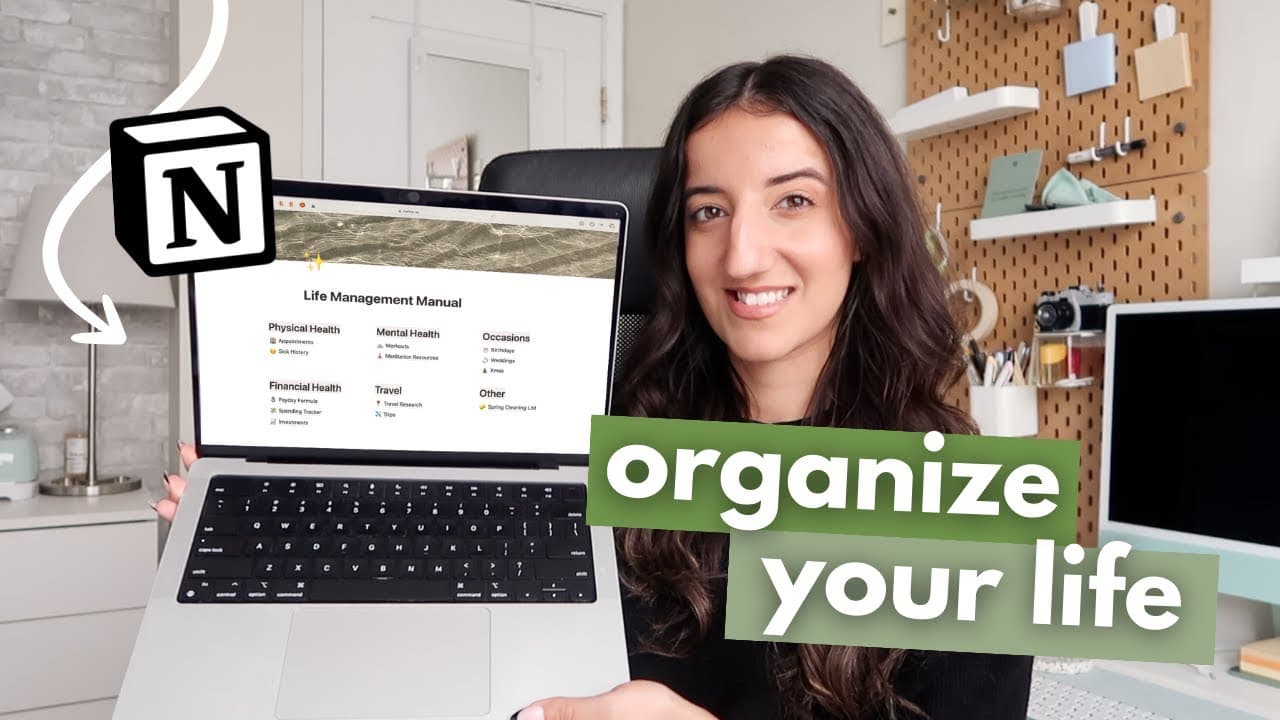
The tutorial covers creating a life management manual dashboard to track various aspects of life, such as health, occasions, mental health, and finances.
-
Specific examples are given, such as tracking appointments with a database, keeping a sick history, organizing birthdays and weddings, and creating spending trackers.
Read in Other Languages (beta)
Share This Summary 📚
Summarize YouTube Videos and Get Video Transcripts with 1-Click
Try YouTube Summary with ChatGPT & Claude or YouTube Transcript Generator
Explore More Summaries from Caitlin's Corner 📚





Summarize YouTube Videos and Get Video Transcripts with 1-Click
Try YouTube Summary with ChatGPT & Claude or YouTube Transcript Generator