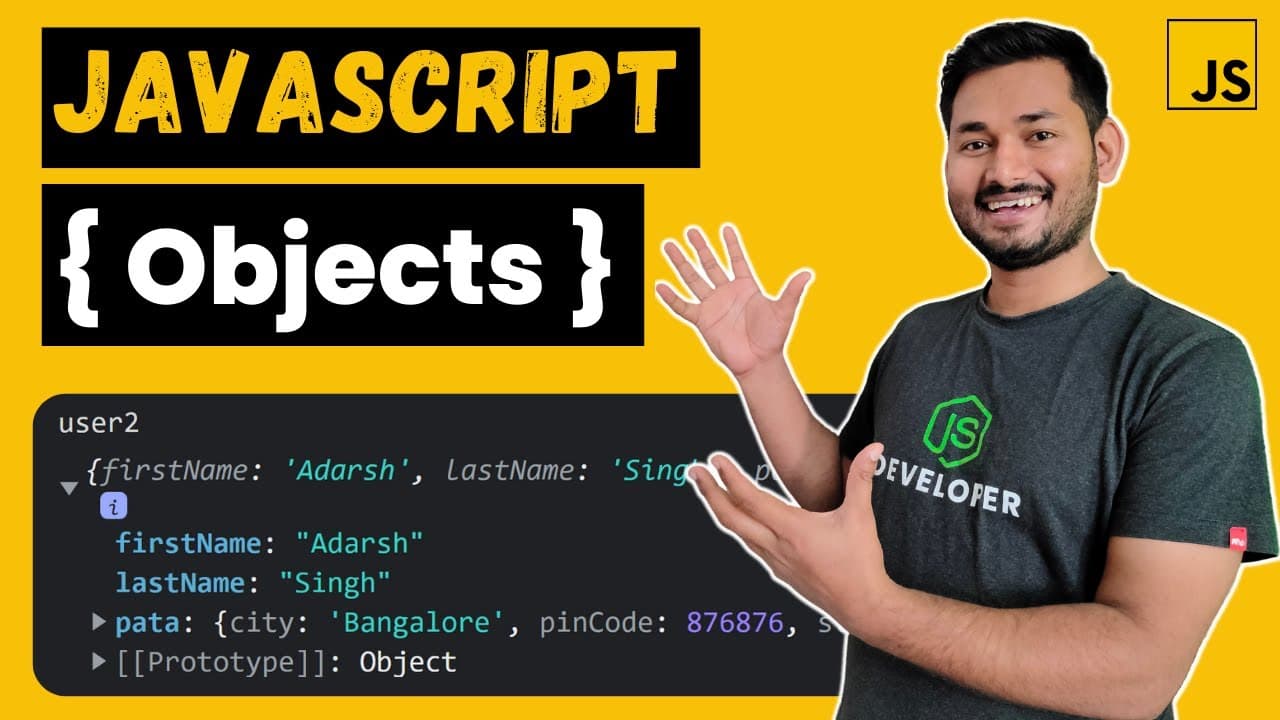
Objects in JavaScript Explained in Depth | The Complete JavaScript Course | Ep.18
TL;DR
In-depth explanation of JavaScript objects and their memory allocation.
Transcript
Read and summarize the transcript of this video on Glasp Reader (beta).
Key Insights
- Primitive and non-primitive data types in JavaScript are distinctly different, with non-primitive types being reference types.
- JavaScript has seven primitive data types and one non-primitive type, which is the object.
- Objects in JavaScript are created using curly braces and can store key-value pairs.
- The keys in JavaScript objects are strings, and values can be of any data type, including other objects.
- Dot notation and bracket notation are two ways to access and update object properties.
- Bracket notation allows for more flexibility as it can evaluate JavaScript expressions and use variables.
- Objects can be nested within each other, creating complex structures where each object has a unique memory address.
- When comparing objects, JavaScript compares their memory addresses, not their values, due to potential complexity and size.
Install to Summarize YouTube Videos and Get Transcripts
Explore YouTube Video Summarizer or Get YouTube Transcript Extractor
Questions & Answers
Q: What are the differences between primitive and non-primitive data types in JavaScript?
Primitive data types in JavaScript, such as Number, String, and Boolean, are value types that store actual data values. Non-primitive data types, like objects, are reference types that store references to the data. This distinction affects how data is stored and accessed in memory.
Q: How are objects created and used in JavaScript?
Objects in JavaScript are created using curly braces and can store key-value pairs. Keys are strings, while values can be any data type, including other objects. Objects can be accessed and modified using dot notation or bracket notation, with bracket notation allowing for more flexibility.
Q: What is the significance of memory addresses in JavaScript objects?
Memory addresses in JavaScript objects are crucial because they determine how objects are stored and accessed in memory. When comparing objects, JavaScript compares their memory addresses rather than their values to efficiently handle potentially large and complex data structures.
Q: How does JavaScript handle nested objects?
JavaScript can handle nested objects by allowing objects to be stored as values within other objects. Each nested object has its own memory address, and the outer object stores a reference to this address. This structure supports complex data modeling and hierarchical data storage.
Q: What are dot and bracket notations in JavaScript?
Dot notation and bracket notation are two methods for accessing and modifying object properties in JavaScript. Dot notation is straightforward and used for simple keys, while bracket notation allows for more complex operations, such as using variables or expressions to determine keys.
Q: Why does JavaScript compare object addresses instead of values?
JavaScript compares object addresses instead of values to efficiently manage memory and performance. Comparing values directly can be computationally expensive, especially for large objects. Address comparison ensures quick and reliable equality checks by focusing on object references.
Q: Can JavaScript objects store functions as values?
Yes, JavaScript objects can store functions as values. These functions are called methods when associated with an object. Storing functions within objects allows for encapsulating behavior and data, enabling object-oriented programming patterns in JavaScript.
Q: How can developers explore object memory allocation in JavaScript?
Developers can explore object memory allocation in JavaScript using browser developer tools. The memory tab in these tools allows for inspecting memory snapshots, revealing how objects are stored and interconnected through memory addresses. This insight aids in understanding JavaScript's memory management.
Summary & Key Takeaways
-
In this video, the instructor explains the difference between primitive and non-primitive data types in JavaScript, emphasizing that objects are the only non-primitive type.
-
The video demonstrates how to create objects in JavaScript, showing how to store and access key-value pairs using both dot and bracket notation.
-
The concept of object memory addresses is explained, highlighting how JavaScript manages memory allocation for objects and why address comparison is used instead of value comparison.
Read in Other Languages (beta)
Share This Summary 📚
Summarize YouTube Videos and Get Video Transcripts with 1-Click
Try YouTube Summary with ChatGPT & Claude or YouTube Transcript Generator
Explore More Summaries from Anurag Singh ProCodrr 📚






Summarize YouTube Videos and Get Video Transcripts with 1-Click
Try YouTube Summary with ChatGPT & Claude or YouTube Transcript Generator