3D Printing - Does the step format really produce the smoothest print?
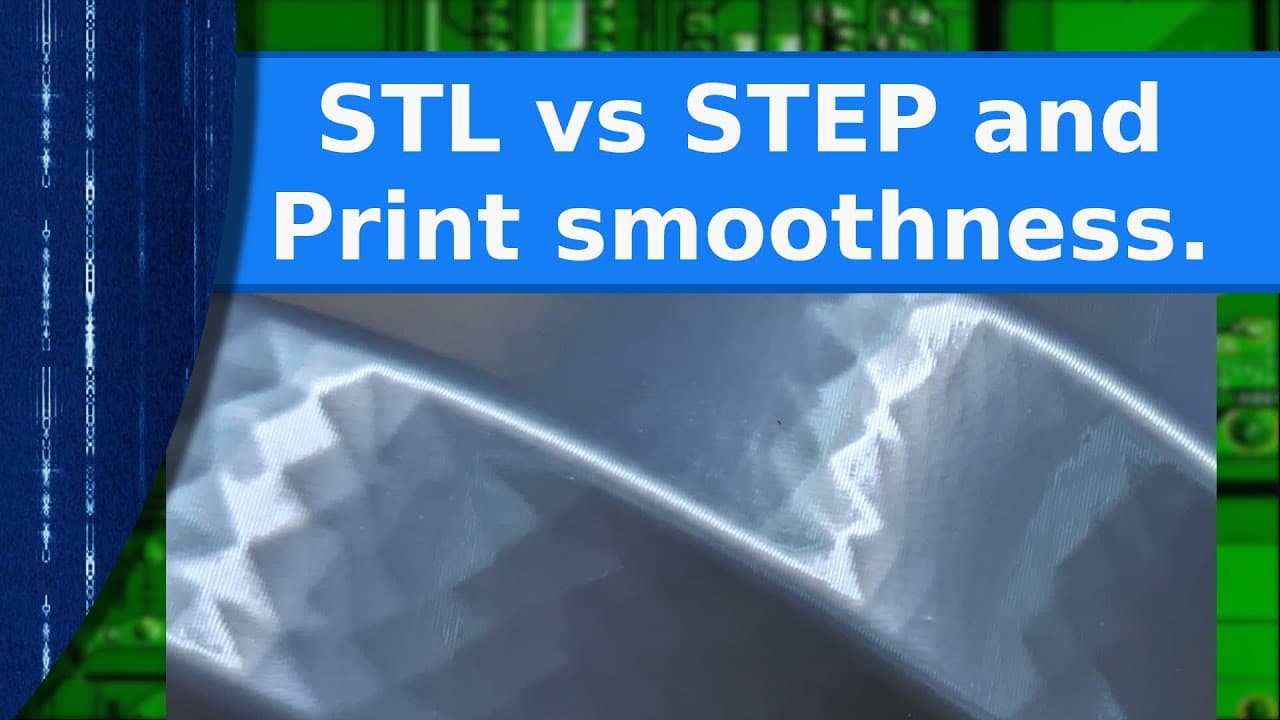
TL;DR
STL files can sometimes outperform STEP files for smooth 3D prints.
Transcript
Read and summarize the transcript of this video on Glasp Reader (beta).
Key Insights
- The STL file format, developed in 1987, is widely used in 3D printing for defining meshes, but may cause faceting on curved surfaces due to its flat triangle structure.
- STEP files, defined in the mid-1980s, mathematically define 3D shapes and are often considered superior for smooth prints, yet slicers convert them back into meshes.
- Slicers like Prusa and Orca are built to handle meshes, making STEP's mathematical advantages less impactful unless the mesh density is adjusted.
- Increasing mesh density in STL files can produce smoother prints, though it leads to larger file sizes and increased processing times.
- STEP files can offer smaller file sizes but may suffer from missing geometry due to inconsistent CAD program support.
- For high-detail artistic prints, adjusting mesh density or utilizing STEP files with slicer quality settings can enhance print smoothness.
- The choice between STL and STEP largely depends on the specific use case, with each format having distinct advantages and trade-offs.
- Recent slicer updates allow users to adjust mesh density for STEP files, potentially improving print quality but also increasing resource demands.
Install to Summarize YouTube Videos and Get Transcripts
Explore YouTube Video Summarizer or Get YouTube Transcript Extractor
Questions & Answers
Q: Why are STEP files recommended for smoother 3D prints?
STEP files are recommended for smoother 3D prints because they define 3D shapes mathematically, allowing for infinitely smooth curves. This is similar to scalable vector graphics in 2D. However, when imported into slicers, they are converted back into meshes, which may not always yield the expected smoothness.
Q: How do STL files define 3D models?
STL files define 3D models using a mesh of flat triangles, akin to chicken wire. This structure can lead to faceting on curved surfaces if the resolution is low, as it approximates curves with a series of flat surfaces, potentially affecting print smoothness.
Q: What is the impact of increasing mesh density in STL files?
Increasing mesh density in STL files can significantly improve print smoothness by reducing visible facets on curved surfaces. However, this results in much larger file sizes and higher memory usage, as well as longer processing times during slicing, due to the increased number of polygons.
Q: What potential issues can arise with STEP files in 3D printing?
STEP files may encounter issues such as missing geometry when imported into slicers, due to inconsistent support for STEP's full set of entries across different CAD programs. This can result in incomplete models, though it is a relatively rare occurrence.
Q: How do slicers handle STEP files upon import?
When STEP files are imported into slicers, they are converted into triangulated meshes in memory. The density of this mesh determines the smoothness of the final print, and slicers like Prusa offer settings to adjust this density, impacting print quality and processing time.
Q: What are the trade-offs between using STL and STEP files?
STL files, while potentially offering smoother prints with increased mesh density, result in larger files and longer processing times. STEP files offer smaller file sizes and smoother prints generally, but may suffer from missing geometry and still depend on slicer settings for optimal results.
Q: Which file format is better for high-detail artistic prints?
For high-detail artistic prints, both STL and STEP files can be suitable. Increasing STL mesh density can enhance smoothness, while STEP files, especially with slicers allowing quality adjustments, can provide smooth results. The choice depends on balancing file size, processing time, and desired detail level.
Q: What advancements have slicers made regarding STEP file handling?
Recent advancements in slicers, such as Prusa, allow users to adjust the mesh density created from STEP files upon import. This enables better control over print quality, allowing for high-resolution settings that can enhance smoothness, though at the cost of increased processing demands.
Summary & Key Takeaways
-
The video discusses the differences between STL and STEP file formats in 3D printing, emphasizing that while STEP files are often recommended for smooth prints, STL files can sometimes achieve better results with adjustments.
-
STL files define 3D models using flat triangles, which can lead to faceting on curves, but increasing mesh density can mitigate this issue, resulting in smoother prints albeit with larger file sizes.
-
STEP files, used for CAD data exchange, define shapes mathematically, yet slicers convert them into meshes, which may not always yield the expected smoothness, highlighting the importance of slicer settings and use case considerations.
Read in Other Languages (beta)
Share This Summary 📚
Summarize YouTube Videos and Get Video Transcripts with 1-Click
Try YouTube Summary with ChatGPT & Claude or YouTube Transcript Generator