TABLEAU DUAL AXIS CHART TUTORIAL
TL;DR
Learn how to create dual axis charts in Tableau to compare and analyze related data in one visualization.
Transcript
g'day and welcome back to the next episode on the super data science youtube channel today we are looking at dual access charts are we taking a break from the custom chart series nonetheless we're happy to have you here and that we are sure you will enjoy this as well so as I mentioned we're looking at dual access charts so dual access charts or ba... Read More
Key Insights
- 📊 Dual access charts combine related data into a single view, allowing for easy comparison and analysis of trends and relationships between variables.
- 🔍 The provided data is an Excel file called "amazing mod EU" which includes information on orders, order breakdown, and sales targets.
- 📌 To create a dual access chart in Tableau, connect to the Excel file and join the necessary data sources.
- 📈 The first example chart created is comparing sales versus profit, using the month as the x-axis and sales and profit as the y-axis.
- 🎯 The second example chart compares sales versus targets, incorporating a separate data source for the target information. Regions and months are used as dimensions in this chart.
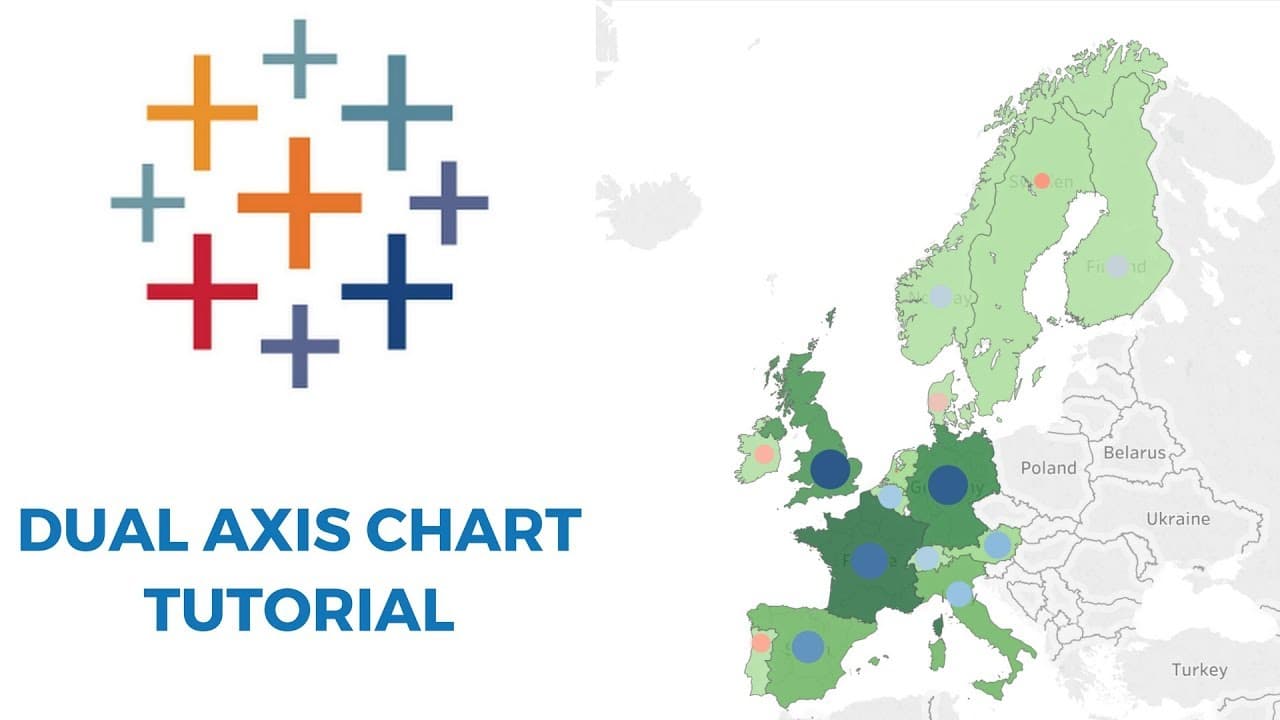
- 🗺️ The third example chart uses geographic data, specifically countries, to visualize sales and profit. The size of circles represents the magnitude of sales/profit.
- 💡 Dual access charts allow for meaningful insights, such as identifying months with high sales but low profit or comparing sales and profit across different regions and countries.
- 🎥 This tutorial is available on the Super Data Science YouTube channel, which provides more valuable content on data analysis and visualization in Tableau.
Install to Summarize YouTube Videos and Get Transcripts
Explore YouTube Video Summarizer or Get YouTube Transcript Extractor
Questions & Answers
Q: How do dual axis charts in Tableau help in analyzing data?
Dual axis charts in Tableau help in analyzing data by allowing the comparison of multiple variables in a single visualization. By overlaying different measures, such as sales and profit, users can identify trends and relationships between the variables easily.
Q: What are the steps to create a dual axis chart in Tableau?
To create a dual axis chart in Tableau, start by connecting to the desired data source. Then, drag the relevant dimensions and measures onto the canvas. Right-click on one of the measures, select "Dual Axis," and adjust the chart types and formatting as needed.
Q: How can dual axis charts be used to compare sales and targets?
Dual axis charts can be used to compare sales and targets by overlaying the two measures on top of each other. This allows for a visual comparison of actual sales performance against the set targets, helping to identify areas where targets are being met or exceeded, as well as areas for improvement.
Q: Can dual axis charts be used to visualize geographic data?
Yes, dual axis charts can be used to visualize geographic data in Tableau. By mapping the data using latitude and longitude coordinates, and overlaying different measures, such as sales and profit, users can gain insights into regional performance and identify patterns or discrepancies across different locations.
Summary & Key Takeaways
-
Dual axis charts combine related data into a single view, allowing for additional comparisons and insights.
-
Using an example dataset, the tutorial demonstrates how to create three different dual axis charts in Tableau.
-
The examples include comparing sales and profit, comparing sales and targets, and visualizing geographic data.
Read in Other Languages (beta)
Share This Summary 📚
Summarize YouTube Videos and Get Video Transcripts with 1-Click
Try YouTube Summary with ChatGPT & Claude or YouTube Transcript Generator