tts performance suite for SAP S/4HANA
TL;DR
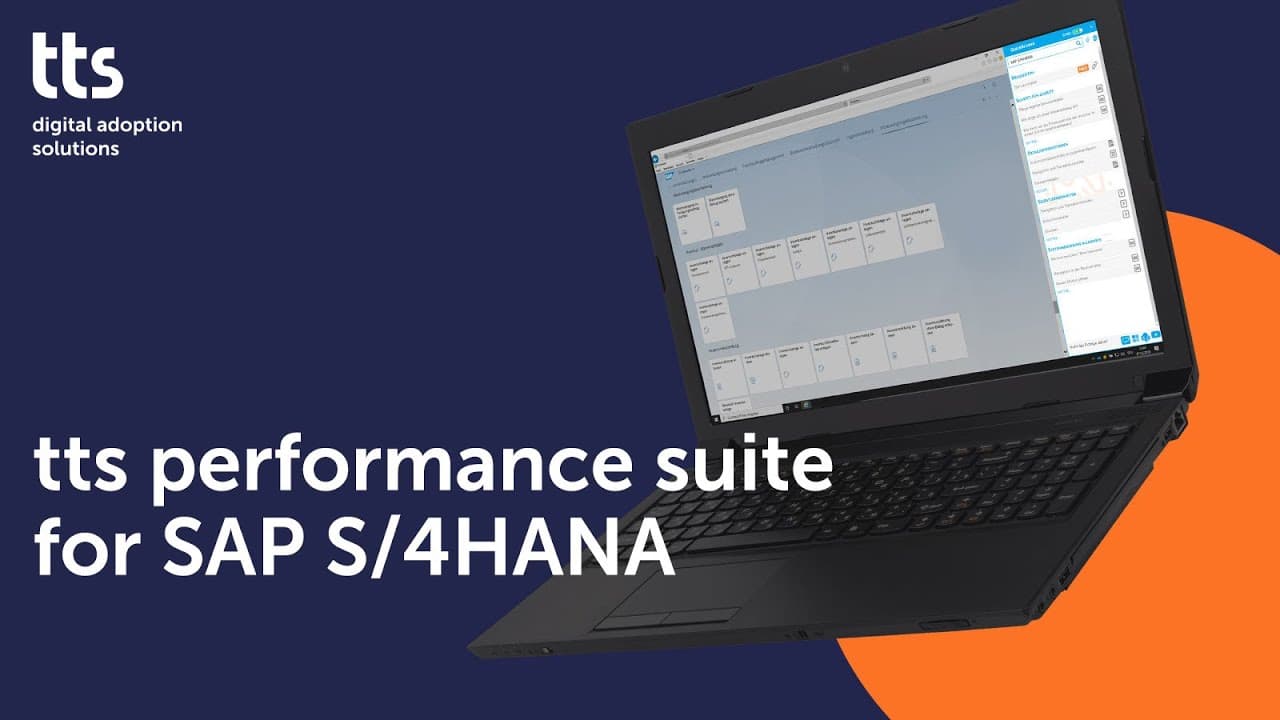
TTS suite aids SAP S/4HANA users with contextual support.
Transcript
Read and summarize the transcript of this video on Glasp Reader (beta).
Key Insights
- The TTS learning and support solution offers real-time assistance to SAP S/4HANA users, ensuring they can apply their skills effectively when needed.
- Ben, an account manager, uses the TTS Quick Access feature, also known as the 'orange', to get contextual help while creating a sales order in SAP S/4HANA.
- The Quick Access window provides relevant support content based on the active window, allowing users to choose the level of assistance they require.
- Users can access step-by-step instructions, detailed documentation, and interactive simulations to aid in task completion within SAP S/4HANA.
- The solution supports a variety of business applications beyond SAP S/4HANA, including Microsoft Outlook, PowerPoint, and Salesforce.
- TTS Quick Access allows users to contact help desks or subject matter experts and offers a full-text search function for comprehensive content retrieval.
- The suite helps users stay updated with software changes and new supporting documentation through notifications.
- The TTS suite enhances user experience by providing cross-application support, ensuring productivity across different business tools.
Install to Summarize YouTube Videos and Get Transcripts
Explore YouTube Video Summarizer or Get YouTube Transcript Extractor
Questions & Answers
Q: How does the TTS suite support SAP S/4HANA users?
The TTS suite provides real-time, contextual support to SAP S/4HANA users through its Quick Access feature. It adapts to the active window, offering step-by-step instructions, detailed documentation, and interactive simulations. This ensures users can complete tasks effectively by accessing the right information at the right time.
Q: What is the role of the Quick Access feature in the TTS suite?
The Quick Access feature, also known as the 'orange', plays a crucial role in the TTS suite by providing contextual help based on the active window. It allows users to access relevant support content, choose their level of assistance, and perform tasks with confidence by offering immediate guidance and information.
Q: Can the TTS suite be used with applications other than SAP S/4HANA?
Yes, the TTS suite supports a variety of business applications beyond SAP S/4HANA, including Microsoft Outlook, PowerPoint, and Salesforce. This cross-application support ensures users can maintain productivity and receive assistance across different tools, enhancing their overall work efficiency.
Q: How does the TTS suite keep users informed about software updates?
The TTS suite keeps users informed about software updates by providing notifications through the Quick Access feature. Users receive alerts about changes in SAP S/4HANA or new supporting documentation, ensuring they stay updated with the latest information and can adapt to changes promptly.
Q: What types of support content can users access through the TTS suite?
Users can access a variety of support content through the TTS suite, including step-by-step instructions, detailed documentation, interactive simulations, and e-learning modules. This range of content ensures users have the necessary resources to understand and complete tasks effectively within different business applications.
Q: How does the TTS suite facilitate communication with experts?
The TTS suite facilitates communication with experts by allowing users to contact help desks or subject matter experts directly through the Quick Access feature. This ensures users can seek additional guidance or clarification when needed, enhancing their ability to resolve issues and complete tasks efficiently.
Q: What is the benefit of the full-text search function in the TTS suite?
The full-text search function in the TTS suite allows users to search the entire content library for relevant information. This comprehensive search capability ensures users can find the support content they need, even if it is not immediately available in the Quick Access window, enhancing their ability to solve problems independently.
Q: How does the TTS suite support task execution for users like Ben?
For users like Ben, the TTS suite supports task execution by providing real-time, contextual assistance through the Quick Access feature. It offers step-by-step instructions, documentation, and simulations, allowing users to perform tasks with confidence and ensuring they can apply their skills effectively in real-world scenarios.
Summary & Key Takeaways
-
The TTS performance suite provides SAP S/4HANA users with contextual, on-demand support, ensuring they can effectively execute tasks by accessing relevant information and instructions. Users like Ben benefit from features such as Quick Access, which adapts to the active window to provide necessary guidance.
-
Users can choose their level of support, access detailed documentation, and even engage in interactive simulations to better understand tasks. The solution also enables users to contact experts and search a comprehensive content library, offering flexibility and comprehensive assistance.
-
Beyond SAP S/4HANA, the TTS suite supports other business applications like Microsoft Outlook and Salesforce, enhancing productivity through cross-application support. Users are kept informed of updates and new documentation, ensuring they remain adept with the latest software changes.
Read in Other Languages (beta)
Share This Summary 📚
Summarize YouTube Videos and Get Video Transcripts with 1-Click
Try YouTube Summary with ChatGPT & Claude or YouTube Transcript Generator