What Are the Best AI Tools for Video Creation in 2023?
TL;DR
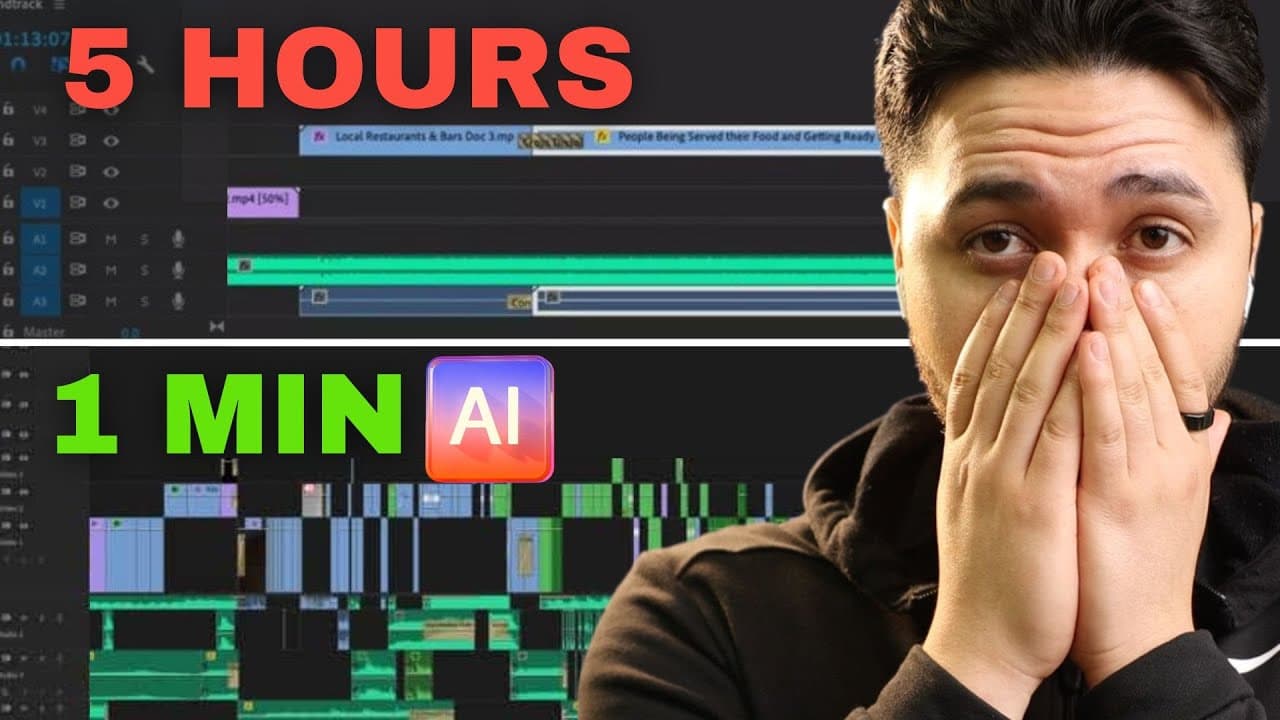
The top AI tools for video creation in 2023 include Clip Drop for advanced image editing, Haen for seamless video translation, and Glean for streamlined video editing. Additionally, tools like Adobe's audio enhancer improve sound quality, while 11 Labs provides voice transformation options. These tools significantly enhance the content creation process, helping creators save time and improve engagement.
Transcript
I found the best new AI tools of old time for creators like AI to create engaging Boll instead of boring generic ones AI that turns your voice into any character and even AI that could edit better than 99% of human editors so everything on this list is designed to actually save us massive amount of time help us get more views and more subscribers m... Read More
Key Insights
- 🎨 AI tools like Clip Drop empower creators to manage visuals easily, transforming their images and thumbnails without extensive graphic design knowledge.
- 👻 Video translation tools such as Haen provide significant global outreach potential, allowing creators to connect with audiences who speak different languages.
- 🎮 Automation in video editing, exemplified by Glean, enhances efficiency, enabling content creators to focus more on generating quality content rather than labor-intensive editing processes.
- 🍳 Voice transformation technologies like 11 Labs break creative boundaries, offering diverse vocal options that expand narrative possibilities for videos.
- 🫵 With Adobe's audio enhancer, even basic recording setups can achieve professional sound quality, crucial for maintaining viewer engagement.
- 👻 Platforms such as Opus Clips enhance content repurposing, allowing creators to efficiently generate multiple short clips from longer videos for better audience engagement.
- 💁 The innovation of AI tools for summarizing content enables creators to distill information from various media formats quickly, saving hours in the research and scriptwriting process.
Install to Summarize YouTube Videos and Get Transcripts
Explore YouTube Video Summarizer or Get YouTube Transcript Extractor
Questions & Answers
Q: What is Clip Drop, and how can it benefit content creators?
Clip Drop is an AI tool that allows users to effortlessly swap faces in images. By dragging and dropping images, users can replace existing faces with their own, benefiting content creators who want to design attention-grabbing thumbnails without mastering complex software like Photoshop. This tool is particularly useful for those looking to enhance their visual content rapidly and creatively.
Q: How does the Haen tool facilitate video translation?
Haen offers seamless video translation by allowing users to upload videos and select from over 29 languages for automatic translation. This function is vital for creators aiming to reach wider audiences globally, as it breaks language barriers and enhances accessibility. With its simple interface and quick processing, it significantly streamlines the process of producing multilingual content.
Q: What makes Glean different from traditional video editing tools?
Glean focuses on automating the editing process by transcribing audio and identifying good versus bad takes, helping creators save time and energy spent on monotonous editing tasks. Its non-destructive editing feature enables users to revert changes easily, making it a game-changing tool for content creators who wish to spend more time on creative aspects rather than technical editing tasks.
Q: Can you explain how the 11 Labs AI voice transformation tool works?
The 11 Labs tool enables users to record their voices and transform them into various preset character voices or even train the AI to mimic other specific voices. This innovation offers creators flexibility and creative expression, allowing them to enhance narration or create unique character dialogues without needing an acting background. It's particularly ideal for those uncomfortable with their voices on camera.
Summary & Key Takeaways
-
The content explores various AI tools designed to assist creators in editing videos, generating visuals, and improving audio quality, all aimed at saving time and boosting productivity.
-
Tools mentioned include Clip Drop for image manipulation, Haen for video translation, Glean for efficient editing, and Adobe's audio enhancer for sound quality improvements.
-
Additional insights cover AI tools for voice transformation, summarizing videos and texts, and creative song generation, emphasizing their utility for engaging content creation.
Read in Other Languages (beta)
Share This Summary 📚
Summarize YouTube Videos and Get Video Transcripts with 1-Click
Try YouTube Summary with ChatGPT & Claude or YouTube Transcript Generator