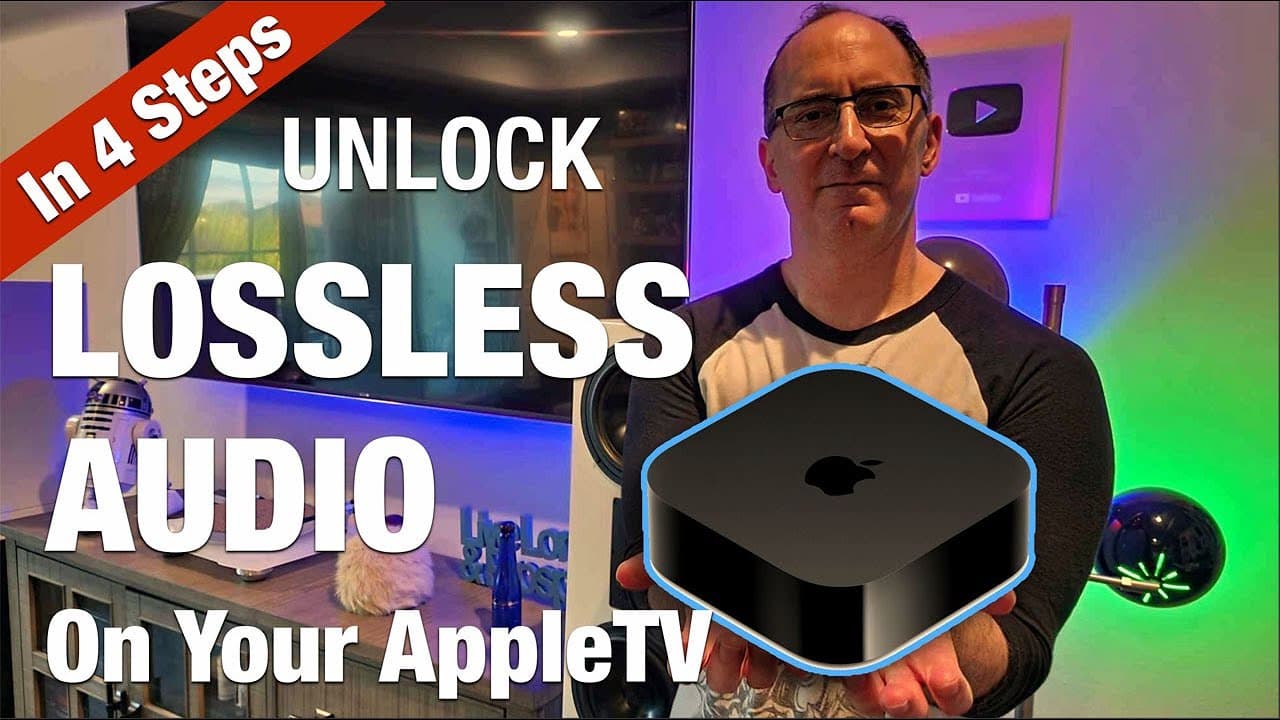
4 Steps to Getting Lossless Audio Music From AppleTV
TL;DR
Ensure lossless audio on AppleTV with four key steps.
Transcript
Read and summarize the transcript of this video on Glasp Reader (beta).
Key Insights
- Apple Music defaults to a lossy AAC codec, which is not bit-perfect. Switching to ALAC provides true lossless audio quality.
- To achieve lossless audio, an Ethernet connection is recommended over wireless for better sound and video quality.
- Updating the Apple TV firmware to the latest version is crucial for accessing the best audio settings.
- The process to switch to lossless audio involves navigating through multiple Apple TV settings, which is not intuitive.
- The maximum bit depth and sampling rate for Apple TV is 24-bit/48kHz, which is considered sufficient for high fidelity audio.
- Lossless audio settings apply only to Apple Music and not to spatial audio or other streaming services like Netflix or Hulu.
- A wired HDMI connection is necessary for lossless audio; Bluetooth connections will only provide lossy AAC codec quality.
- The video highlights a giveaway for a Klipsch subwoofer, emphasizing the importance of avoiding scams during the contest.
Install to Summarize YouTube Videos and Get Transcripts
Explore YouTube Video Summarizer or Get YouTube Transcript Extractor
Questions & Answers
Q: Why is it important to switch from AAC to ALAC on Apple TV?
Switching from AAC to ALAC on Apple TV is important because ALAC provides true lossless audio quality, which is bit-perfect. This means the audio is closer to the original recording, offering improved dynamic range and overall sound quality compared to the lossy AAC codec, which compresses the audio.
Q: What is the recommended internet connection for achieving lossless audio on Apple TV?
The recommended internet connection for achieving lossless audio on Apple TV is an Ethernet connection with at least 100 megabits per second. This ensures a stable and high-quality audio stream, as wireless connections may not provide the same level of consistency and quality needed for lossless audio.
Q: What are the key steps to access lossless audio settings on Apple TV?
To access lossless audio settings on Apple TV, first ensure your device is connected via Ethernet and updated to the latest firmware. Then, navigate through the settings menu: go to System, then Apps, select the Music app, and finally adjust the audio quality to 'lossless.' This process is not straightforward, requiring multiple steps.
Q: What is the maximum audio quality supported by Apple TV for music streaming?
Apple TV supports a maximum audio quality of 24-bit/48kHz for music streaming. This bit depth and sampling rate are considered sufficient for high fidelity audio, providing a clear and dynamic listening experience. It is important to note that this setting applies only to two-channel music streaming and not to spatial audio or video content.
Q: Does the lossless setting apply to all streaming services on Apple TV?
No, the lossless setting on Apple TV only applies to Apple Music. Other streaming services like Netflix, Hulu, and Disney Plus continue to use lossy codecs for audio streaming. Additionally, spatial audio on Apple Music also remains lossy, delivered over Dolby Atmos via Dolby Digital Plus.
Q: Can Bluetooth connections on Apple TV provide lossless audio quality?
Bluetooth connections on Apple TV cannot provide lossless audio quality. They are limited to the lossy AAC codec. For true lossless audio, a wired HDMI connection from Apple TV to an audio-video receiver (AVR) is necessary, as Bluetooth does not support the required bandwidth for lossless streaming.
Q: What are the common misconceptions about the 48kHz sampling rate on Apple TV?
A common misconception is that the 48kHz sampling rate is insufficient for high fidelity audio. However, 48kHz is a standard rate used in many professional audio applications and is adequate for most listening environments. It provides a balance between audio quality and file size, with many audio systems downsampling to this rate for processing.
Q: How can viewers avoid scams related to the Klipsch subwoofer giveaway?
To avoid scams related to the Klipsch subwoofer giveaway, viewers should only respond to official communications from Audioholics via email. They should be wary of any messages asking for payment or shipping fees, as legitimate contests do not require these. Verification of winners is done through official channels, not through comments or text messages.
Summary & Key Takeaways
-
The video explains how to ensure lossless audio on Apple TV by switching from the default AAC codec to ALAC, providing a step-by-step guide to make this change.
-
Using an Ethernet connection and updating the Apple TV firmware are essential steps for achieving optimal audio quality while streaming music.
-
The video includes a giveaway for a Klipsch subwoofer, cautioning viewers against potential scams and providing details on how to enter the contest.
Read in Other Languages (beta)
Share This Summary 📚
Summarize YouTube Videos and Get Video Transcripts with 1-Click
Try YouTube Summary with ChatGPT & Claude or YouTube Transcript Generator