Coding with Cursor: Session 1
TL;DR
AI tools like Cursor significantly streamline coding and design processes, enabling faster project completion.
Transcript
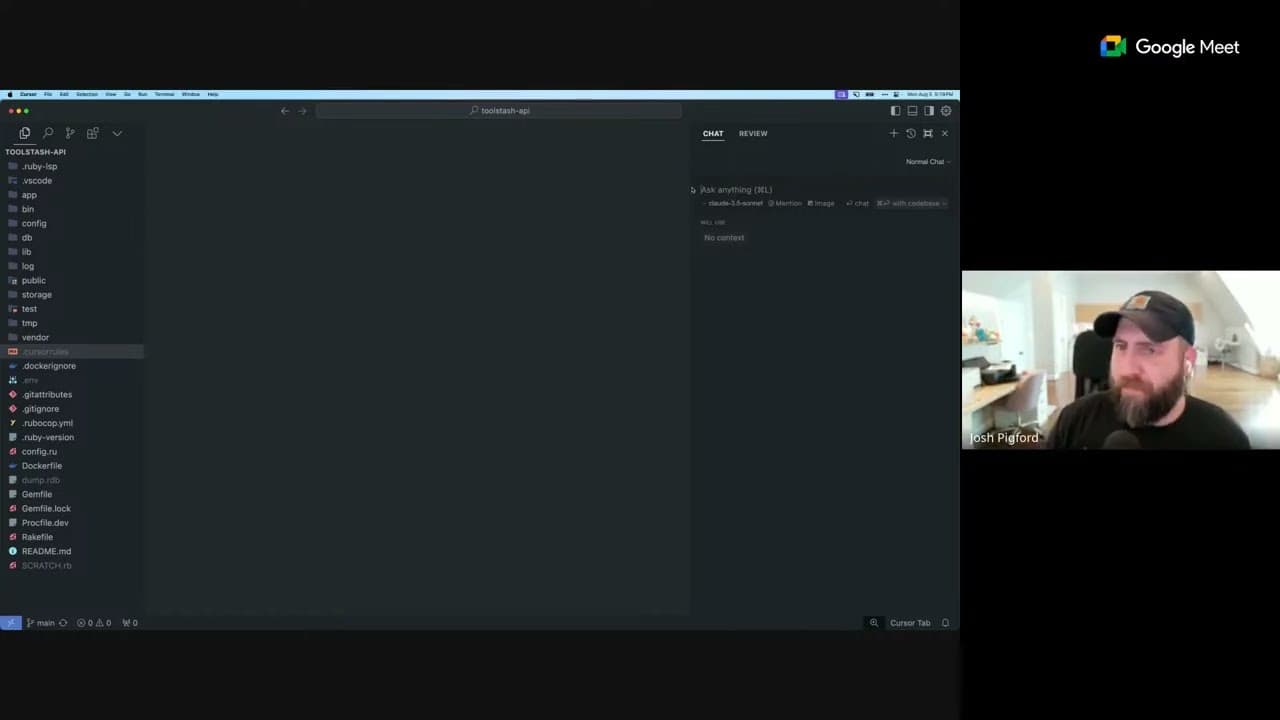
the sort of like it's a weird thing anyways to have this thing become an integral part of of coding but very quickly it became like my the only way that I develop anything. >> Sahil Lavingia: Got it. That's crazy. >> Josh Pigford: so long wouldn't >> Sahil Lavingia: And so what was this game? What was the functionality of the game? >> Josh Pigf... Read More
Key Insights
- 😤 AI tools like Cursor facilitate significant improvements in coding efficiency and collaboration within teams.
- 🐎 Streamlined workflows enabled by AI reduce dependence on traditional documentation and design processes, enhancing speed.
- 🕸️ The current landscape of web development is shifting toward integrated systems where design and coding are no longer siloed.
- 👻 Organizations utilizing AI tools can expect reduced project timelines, allowing for quicker releases and a faster feedback loop from users.
- 🎨 Embracing tools like Tailwind CSS can synergize with AI to streamline design implementations and ensure design consistency across projects.
- 😤 The evolution of development processes suggests that future firms may operate with leaner teams that leverage AI for productivity rather than relying on large-scale operations.
- 👨💻 The impact of automation and AI in coding presents both opportunities for increased efficiency and potential challenges in workforce dynamics.
Install to Summarize YouTube Videos and Get Transcripts
Explore YouTube Video Summarizer or Get YouTube Transcript Extractor
Questions & Answers
Q: How did Cursor change the coding experience for Josh Pigford?
Josh Pigford described how Cursor significantly reduced the complexity of coding by allowing him to implement changes efficiently, without having to refer to external documentation. He noted that it enabled him to write code in real-time while receiving contextual support from the AI, effectively streamlining his workflow and enhancing his productivity.
Q: Can AI tools like Cursor replace the need for traditional design systems?
While AI tools can enhance the design and coding process, they are not necessarily replacements for design systems. Instead, they can streamline workflows and reduce the time needed to implement design changes, allowing designers to focus on more critical aspects such as user experience, and thus enabling faster delivery of features.
Q: What challenges does a 13-year-old codebase like Gumroad's pose to new engineering tools?
A 13-year-old codebase can present challenges due to outdated practices and complexity in understanding legacy code. However, AI tools like Cursor can help navigate this complexity by providing real-time assistance and context, making it easier for developers to make necessary changes effectively.
Q: How can using Tailwind CSS improve productivity in web development?
Tailwind CSS promotes efficiency by providing a utility-first approach to styling, allowing developers to quickly apply styles directly in their markup without switching contexts. This integrated workflow reduces time spent on design handoffs and enables continuous iteration between coding and design.
Q: What is the significance of reducing time spent in development cycles with tools like Cursor?
Reducing development cycle time allows teams to be more agile, enabling rapid iterations, quicker feature releases, and improved responsiveness to user feedback. This ability to move faster can also lead to increased competitiveness in the market as companies can innovate more rapidly and effectively.
Q: How does AI help in addressing coding bugs and maintenance issues?
AI tools can analyze codebases for potential bugs and provide suggestions for fixes before the coding errors become embedded within applications. This proactive approach can save time and resources, as developers can quickly address issues rather than discovering them late in the development process.
Summary & Key Takeaways
-
Cursor and similar AI tools allow developers to execute coding tasks in a fraction of the time previously required, improving overall productivity.
-
The integration of AI reduces the back-and-forth between designers and developers, allowing projects to move from concept to execution more seamlessly.
-
These advancements foster a more collaborative and efficient work environment, enabling a smaller team to achieve results that would typically require larger teams.
Read in Other Languages (beta)
Share This Summary 📚
Summarize YouTube Videos and Get Video Transcripts with 1-Click
Try YouTube Summary with ChatGPT & Claude or YouTube Transcript Generator
Explore More Summaries from Sahil Lavingia 📚



Summarize YouTube Videos and Get Video Transcripts with 1-Click
Try YouTube Summary with ChatGPT & Claude or YouTube Transcript Generator