Getting started with balena - add your first device to balenaCloud 🚀
TL;DR
Learn to add and manage devices in balenaCloud.
Transcript
Read and summarize the transcript of this video on Glasp Reader (beta).
Key Insights
- balena is a platform designed for developing, deploying, and managing fleets of connected devices at scale, primarily using single-board computers like Raspberry Pi.
- The core components of balena include balenaCloud, a web-based control panel; balenaOS, a minimal OS for IoT devices; and balenaEngine, a container runtime tailored for IoT applications.
- balena supports multiple architectures such as ARM32, ARM64, and x86, allowing for diverse device management within a fleet.
- IoT fleet management involves ensuring devices run the latest software securely, with remote update capabilities to address vulnerabilities and performance issues.
- balena's workflow is similar to Git, using commands like 'balena push' to deploy applications from a local development environment to devices via the cloud.
- Public device URLs in balena allow users to access device-hosted web pages from anywhere, enhancing remote accessibility.
- Community and customer applications of balena include gateways, edge AI, digital signage, and robotics, showcasing its versatility.
- balena's minimal OS design reduces SD card wear, supporting longer device lifespans and reliability in IoT deployments.
Install to Summarize YouTube Videos and Get Transcripts
Explore YouTube Video Summarizer or Get YouTube Transcript Extractor
Questions & Answers
Q: What is balena and its primary purpose?
balena is a platform designed to develop, deploy, and manage fleets of connected devices at scale. It facilitates the management of single-board computers like Raspberry Pi by providing tools for remote updates, application deployment, and device monitoring. Its core components include balenaCloud, balenaOS, and balenaEngine, which together support a streamlined IoT device management experience.
Q: How does balena handle different device architectures?
balena supports multiple architectures such as ARM32, ARM64, and x86, enabling users to manage a diverse range of devices within a single fleet. The platform's builders automatically detect the architecture of each device and build the appropriate images, ensuring compatibility and efficient deployment across varied hardware setups.
Q: What are the main components of balena?
The main components of balena include balenaCloud, a web-based control panel for device management; balenaOS, a minimal operating system designed for IoT devices; and balenaEngine, a container runtime optimized for IoT applications. These components work together to facilitate the development, deployment, and management of IoT fleets.
Q: What is the 'balena push' workflow?
The 'balena push' workflow involves using the balena CLI to push application code from a local development environment to the balenaCloud. The code is then built by balena's cloud-based builders, which create the necessary images for the target devices. This workflow is similar to Git, offering a familiar and efficient process for deploying IoT applications.
Q: How does balena ensure secure device management?
balena ensures secure device management through features like remote updates, allowing users to patch vulnerabilities and update software without physical access to devices. The platform supports secure communication between devices and balenaCloud via VPN, providing a safe channel for data transmission and remote management tasks.
Q: What is the role of public device URLs in balena?
Public device URLs in balena allow users to access web pages hosted by their IoT devices from anywhere in the world. This feature enhances remote accessibility, enabling users to share device-hosted applications with others easily. It demonstrates balena's capability to provide global access to IoT device functionalities.
Q: How does balena support IoT fleet scalability?
balena supports IoT fleet scalability by offering tools for remote management, application deployment, and device monitoring. Users can add multiple devices to a fleet, manage them through a unified dashboard, and deploy updates efficiently. This scalability is crucial for deploying IoT solutions across diverse environments and locations.
Q: What are some common applications of balena?
Common applications of balena include building IoT gateways, edge AI solutions, digital signage, and robotics. The platform's flexibility and support for various architectures make it suitable for a wide range of IoT projects. Users can leverage balena's tools to manage and scale their applications, ensuring they meet diverse operational needs.
Summary & Key Takeaways
-
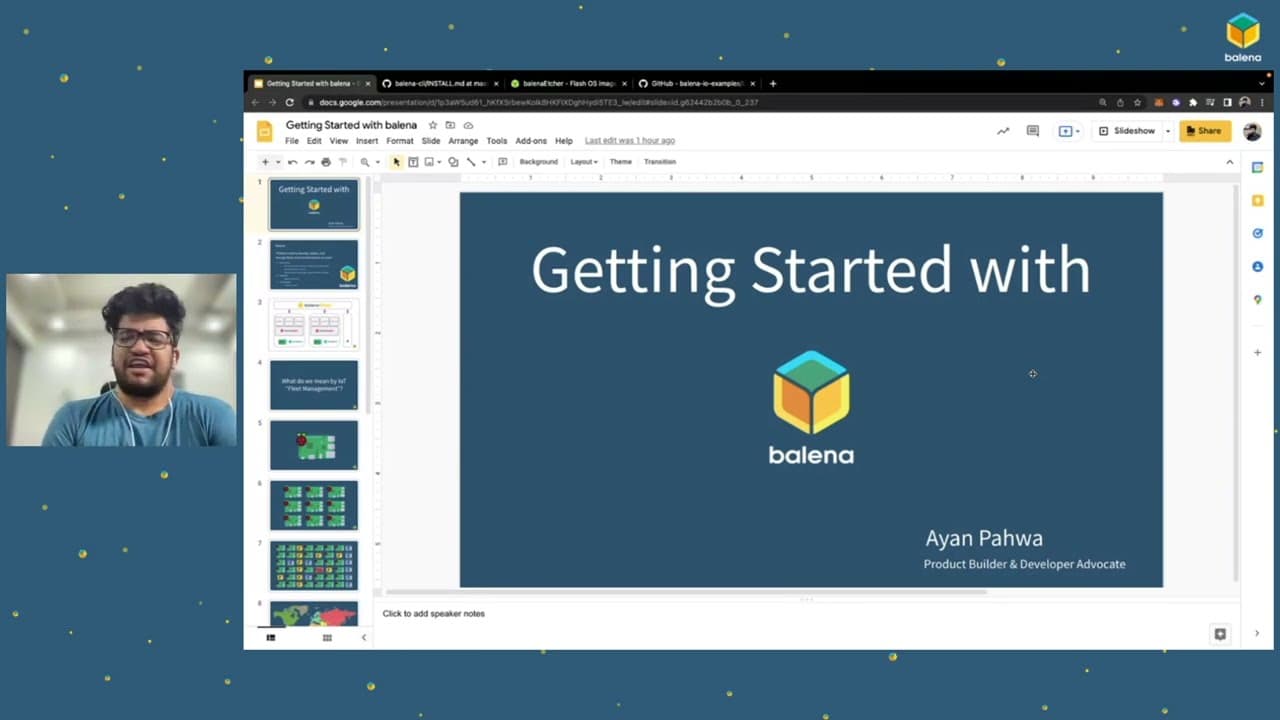
In this tutorial, Ayan demonstrates how to set up and manage an IoT device using balenaCloud. The process includes creating a fleet, flashing balenaOS onto a device, and deploying a release using the 'balena push' method. Once configured, devices can be managed remotely via the balenaCloud dashboard.
-
balena provides a platform for managing IoT devices, supporting various architectures and offering tools like balenaOS and balenaEngine for containerized application deployment. The tutorial covers the essentials of setting up a Raspberry Pi with balena, illustrating the ease of scaling and managing IoT fleets.
-
The video explains balena's components and workflow, emphasizing the platform's capability to handle heterogeneous fleets and remote management challenges. By following the tutorial, users learn to deploy a Node.js application on a Raspberry Pi, accessible via a public URL, demonstrating balena's flexibility and power.
Read in Other Languages (beta)
Share This Summary 📚
Summarize YouTube Videos and Get Video Transcripts with 1-Click
Try YouTube Summary with ChatGPT & Claude or YouTube Transcript Generator