Coding Challenge #64.4: Inverse Kinematics - Multiple
TL;DR
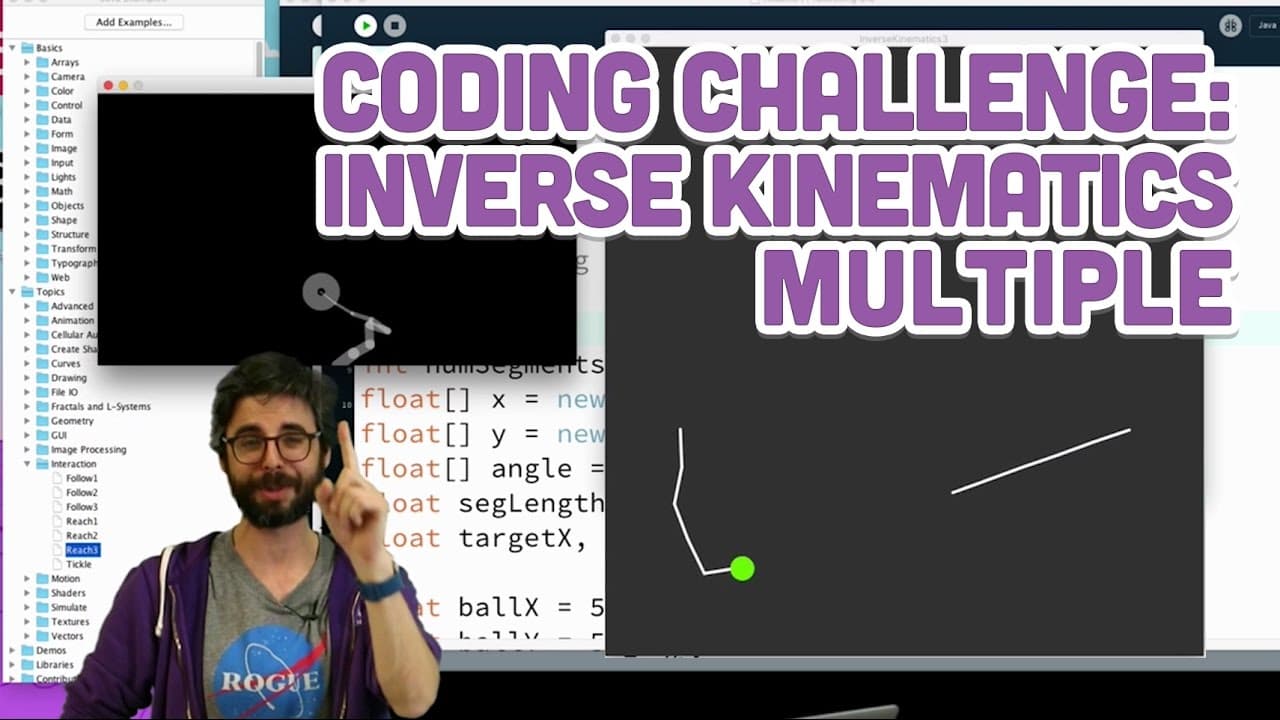
In this video, the presenter demonstrates how to create tentacle objects and robot arms using object-oriented programming in Processing.
Transcript
okay I'm back this is my friend the tentacle uh it's a quite a nice friendly tentacle I feel like you hopefully could make something where the tentacle is a bit more colorful maybe it has some cute eyes and it smiles and it reaches for an apple and then hands it to somebody else cuz somebody else could use an apple and then they're going to be happ... Read More
Key Insights
- 👻 Object-oriented programming allows for the creation of reusable and customizable objects, such as the tentacles.
- 👨💼 Trigonometry functions like cosine and sine can be used to position objects in circular patterns.
- ❓ The update and show functions are essential for manipulating and displaying the tentacle segments.
- 🍍 Interactivity can be added to a program by introducing elements like the apple particle.
- 👨💻 Refactoring code into objects can make it more organized and easier to understand and modify.
- 🪜 Constraints and additional functionalities can be added to make the program more interesting and realistic.
- 🦾 The presenter acknowledges the inspiration and resources from the Coding Math channel for creating the tentacle and arm examples.
Install to Summarize YouTube Videos and Get Transcripts
Explore YouTube Video Summarizer or Get YouTube Transcript Extractor
Questions & Answers
Q: How does the presenter create a tentacle object in Processing?
The presenter creates a tentacle class and defines its attributes, including an array for segments, a base, and a length. They move the code from the main program to the constructor of the tentacle class.
Q: How does the presenter make the tentacle follow the mouse cursor?
The presenter uses the mouseX and mouseY variables in the update function of the tentacle class. They calculate the difference between the current position and the mouse cursor position to determine the angle at which the segments should rotate.
Q: Can the tentacle segments be customized?
Yes, the presenter mentions that the length and color of the segments can be varied. These parameters can be passed when creating a tentacle object.
Q: How does the presenter position the tentacle objects around a circle?
The presenter uses a loop to calculate the positions of the tentacles around the circumference of a circle. They use trigonometry functions like cosine and sine to determine the x and y coordinates of each tentacle.
Q: What is the purpose of the particle representing an apple?
The apple particle serves as an interactive element for the tentacles. The tentacle segments try to grab the apple, giving the impression of a robot arm playing catch.
Summary & Key Takeaways
-
The presenter starts by explaining the concept of creating a tentacle object in order to make multiple tentacle instances. They organize the code into an object with an array for segments, a base, and a length.
-
The presenter then refactors the code and creates a single tentacle instance. They demonstrate how to use an update function to make the tentacle follow the mouse cursor and a show function to display the tentacle segments.
-
Next, the presenter shows how to create multiple tentacle instances and position them around the edges of a circle using a loop. The tentacles continue to follow the mouse cursor.
-
Finally, the presenter adds a particle representing an apple that moves around the screen. They modify the tentacle code to make the segments try to grab the apple, giving the impression of a robot arm playing catch.
Read in Other Languages (beta)
Share This Summary 📚
Summarize YouTube Videos and Get Video Transcripts with 1-Click
Try YouTube Summary with ChatGPT & Claude or YouTube Transcript Generator
Explore More Summaries from The Coding Train 📚






Summarize YouTube Videos and Get Video Transcripts with 1-Click
Try YouTube Summary with ChatGPT & Claude or YouTube Transcript Generator