A teacher’s guide to Kerboodle for AQA A Level Modern Languages
TL;DR
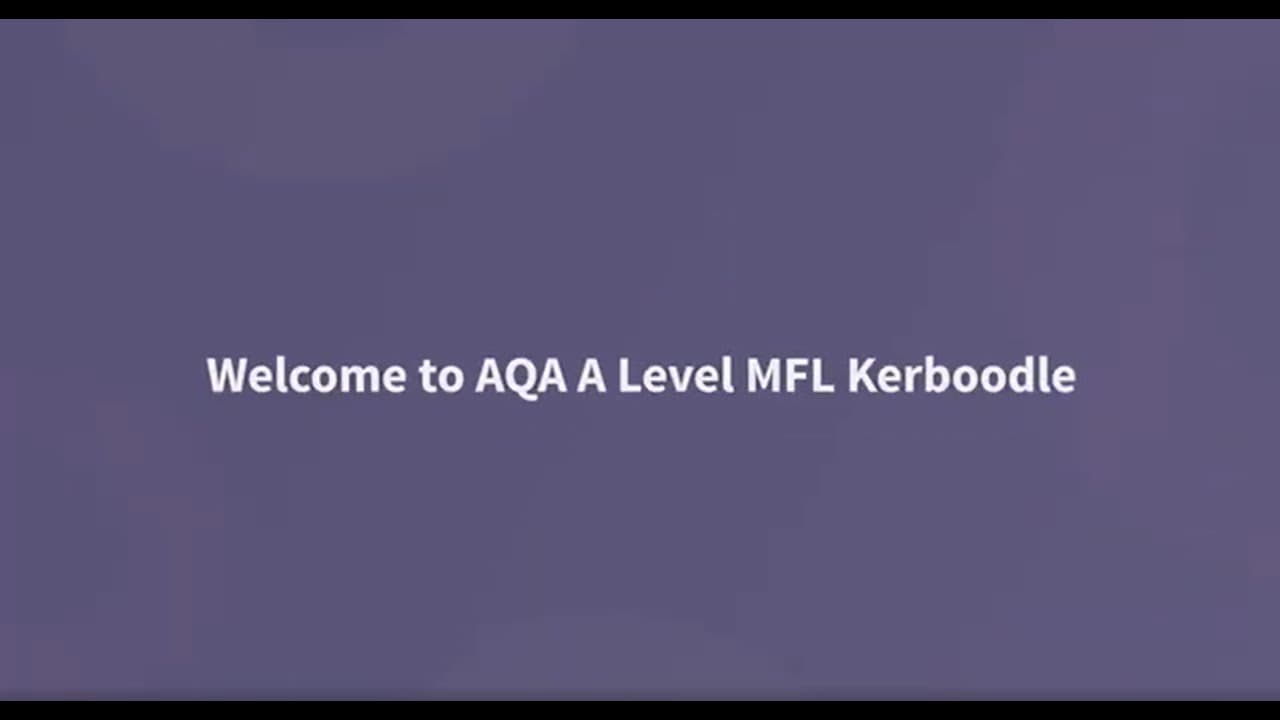
This video provides a comprehensive overview of the A-Level Modern Languages Kaboodle course, including resources, assessments, markbook reports, and user management tabs.
Transcript
let's take a quick tour of your a-level modern languages Kaboodle course in this video we'll use the French course but our German and Spanish courses work in exactly the same way your course includes resources assessment markbook reports and user management tabs both teachers and students can access your digital books from the course page whether y... Read More
Key Insights
- 🧑🎓 The A-Level Modern Languages Kaboodle course provides comprehensive resources and assessments for teachers and students.
- 📟 Digital books can be accessed from the course page, offering various learning materials such as audio transcripts, worksheets, and interactive activities.
- 🧡 The assessment tab offers a range of assessment options, including automark tests and record and playback activities.
- 🧑🎓 The markbook allows teachers to track student progress and enter marks for assignments, while the reports tab provides detailed insights into student performance.
Install to Summarize YouTube Videos and Get Transcripts
Explore YouTube Video Summarizer or Get YouTube Transcript Extractor
Questions & Answers
Q: How can teachers and students access digital books in the Kaboodle course?
Both teachers and students can access digital books from the course page. They can use it in class, for homework, or for planning. By clicking on the resources button, they can find resources related to the page they are on.
Q: What types of resources are included in the Kaboodle course?
The resources in the Kaboodle course include audio transcripts, worksheets, and interactive activities. They are stored in the resources tab and can be accessed by navigating through the search box, tree structure, or sorting and filtering options.
Q: What types of assessments are available in the Kaboodle course?
The assessment tab in the Kaboodle course offers a range of assessments, including automark test yourself activities. It also includes record and playback activities, which allow students to record their answers and submit them for marking. Written assessments with accompanying audio files and transcripts are also available.
Q: How can teachers track their students' progress and manage assignments?
Teachers can use the markbook to check how many students have completed their assignments and enter marks for any assignments that require manual marking. The data from completed assignments will come through to the reports tab, where teachers can explore individual student results and analyze which questions students struggled with.
Summary & Key Takeaways
-
The A-Level Modern Languages Kaboodle course offers resources, assessments, markbook reports, and user management tabs.
-
Teachers and students can access digital books from the course page, which include audio transcripts, worksheets, and interactive activities.
-
The assessment tab offers various assessment options, including automark tests, record and playback activities, and written assessments with audio files and transcripts.
Read in Other Languages (beta)
Share This Summary 📚
Summarize YouTube Videos and Get Video Transcripts with 1-Click
Try YouTube Summary with ChatGPT & Claude or YouTube Transcript Generator
Explore More Summaries from Oxford Education 📚

Summarize YouTube Videos and Get Video Transcripts with 1-Click
Try YouTube Summary with ChatGPT & Claude or YouTube Transcript Generator