Which AI Is Better: ChatGPT, Google Bard, or Bing?
TL;DR
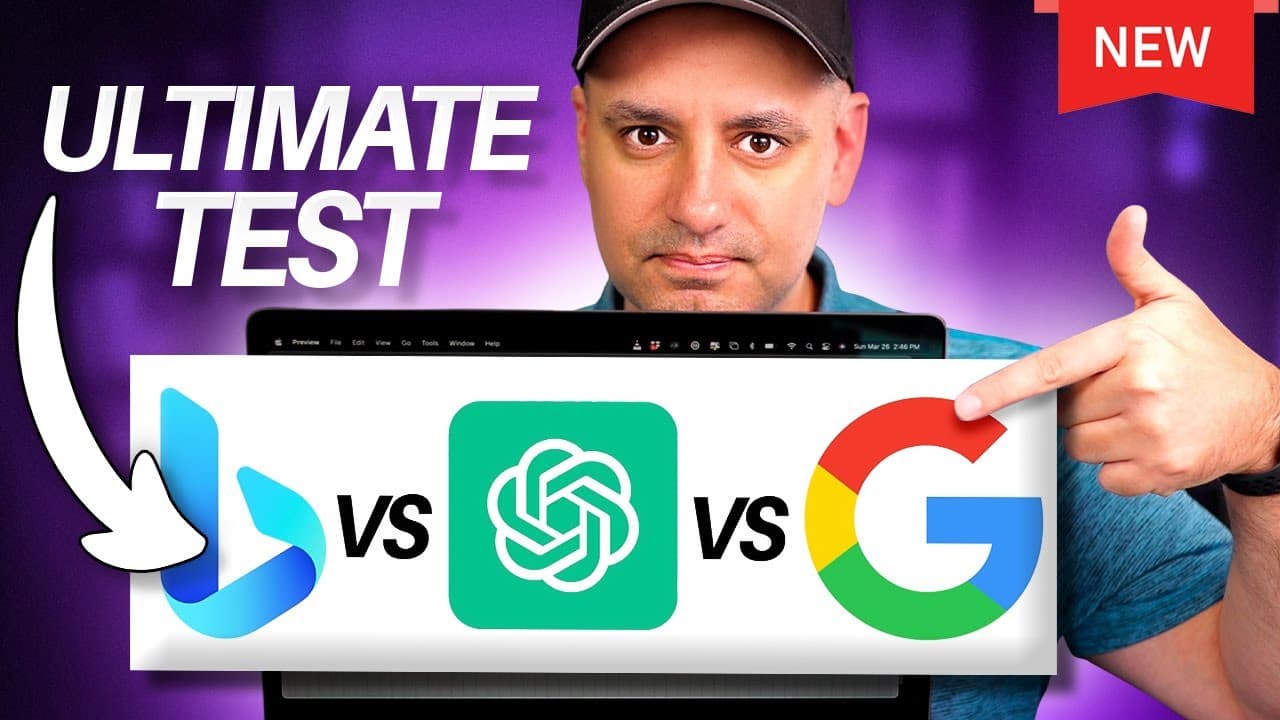
Google Bard is the top performer overall, excelling in ease of use and integration with existing Google accounts. It outperforms Microsoft Bing AI and ChatGPT in most categories, including helpfulness and accuracy. While ChatGPT4 shows higher creativity, it falls short in real-time data accuracy compared to Bard and Bing.
Transcript
I put chat GPT Google bard Ai and Microsoft Bing AI to the ultimate test against each other and I gave each one 10 different types of prompts to see who would come up on top and I used both versions of Chan GPT so you'll see the version that is free to everyone and you'll see gpt4 with web browsing in this test I'm going to assign a score from one ... Read More
Key Insights
- 😄 Google Bard excels in ease of use and setup due to its integration with existing Google accounts, providing quick access to features like web browsing, email, and document creation.
- 👨🔬 Microsoft Bing AI offers an app for iOS and Android, making it more versatile across different devices, but its search function may not be as useful compared to Google's search engine.
- 👻 Chat GPT, especially the paid version Chat GPT4, stands out with its plugin store, allowing access to additional databases and resources for enhanced search capabilities.
- 🎭 Bard performs well in generating detailed tables and summaries, making it useful for comparing different AI models and their specifications.
- 🧍 Bing AI, while comparable to Bard, stands out with its feature of suggesting follow-up prompts, providing assistance in continuing the conversation.
- 💁 Accuracy is a crucial factor in evaluating AI systems, and while all tested systems provide mostly accurate information, Bard and Bing AI showcased more consistent accuracy in responses.
- ✋ Chat GPT4 demonstrates higher creativity in generating prompts, making it suitable for creative writing tasks or prompts that require imaginative answers.
- 💨 Speed varies across the tested AI systems, with Bard being the fastest in providing code snippets, and Chat GPT4 and Bing AI relatively slower in generating responses.
Install to Summarize YouTube Videos and Get Transcripts
Explore YouTube Video Summarizer or Get YouTube Transcript Extractor
Questions & Answers
Q: Which AI system is the easiest to set up and use?
Google Bard is the easiest to set up and use due to its integration with existing Google accounts, requiring only a single click to access various features.
Q: Does Chat GPT4 have internet browsing capabilities?
Yes, Chat GPT4 offers internet browsing capabilities through a plugin store, allowing access to a wide range of databases and resources related to the prompt.
Q: Which AI system provides the most accurate and helpful answers?
Google Bard and Microsoft Bing AI both provide accurate and helpful answers, with Bard excelling in generating tables and summaries, and Bing crediting sources for web-based information.
Q: Are the AI systems tested capable of creative responses?
Chat GPT, particularly Chat GPT4, demonstrates higher creativity in generating prompts compared to Bard and Bing AI. Chat GPT4 provides more detailed and imaginative responses.
Summary & Key Takeaways
-
The content compares Google Bard, Microsoft Bing AI, and Chat GPT across different categories, including ease of use, features, helpfulness, accuracy, creativity, and speed.
-
Google Bard is praised for its easy setup and integration with existing Google accounts, while Bing requires additional steps for setup.
-
Chat GPT is evaluated based on different versions, including the free Chat GPT 3.5 and the paid Chat GPT4 with web browsing capabilities.
-
Each AI system is tested for helpfulness and accuracy through prompts related to comparisons, summarization, math problems, real-time data, creativity, and coding.
Read in Other Languages (beta)
Share This Summary 📚
Summarize YouTube Videos and Get Video Transcripts with 1-Click
Try YouTube Summary with ChatGPT & Claude or YouTube Transcript Generator
Explore More Summaries from Howfinity 📚






Summarize YouTube Videos and Get Video Transcripts with 1-Click
Try YouTube Summary with ChatGPT & Claude or YouTube Transcript Generator