What Were the Key Announcements at WWDC 2025?
TL;DR
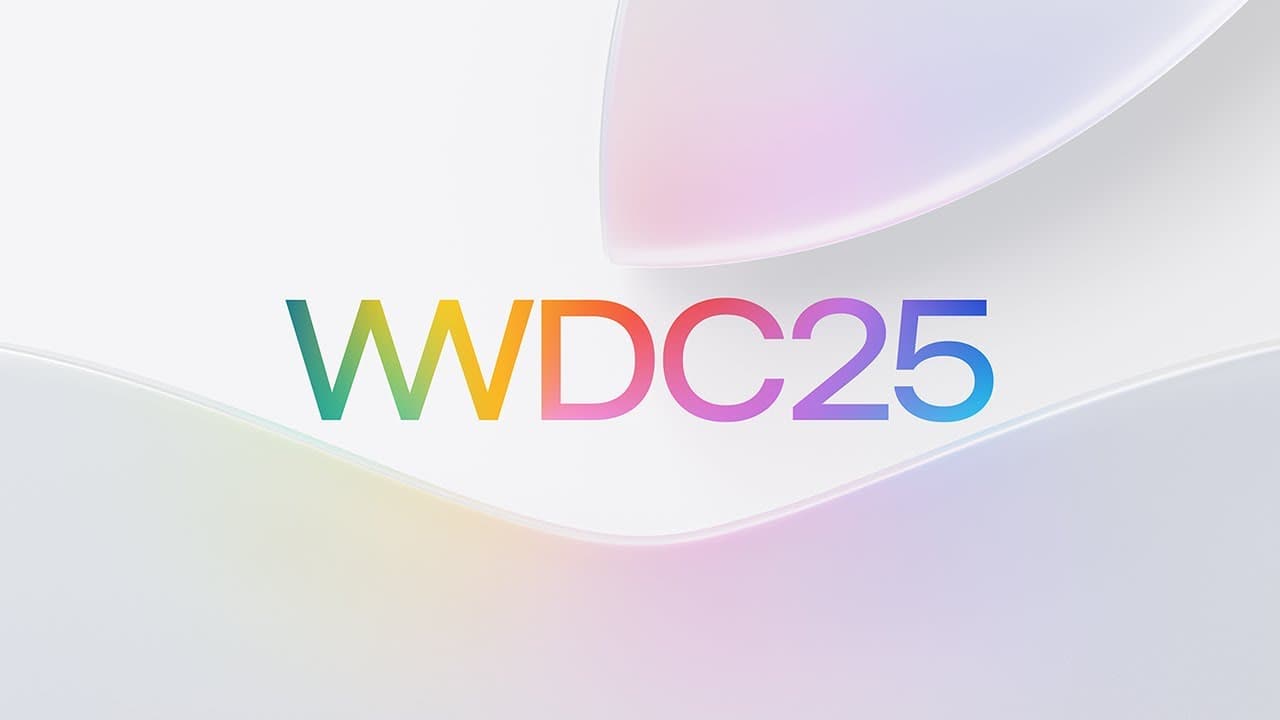
WWDC 2025 showcased major updates across Apple's platforms, including the introduction of the Liquid Glass design for a vibrant user interface. Key highlights include iOS 26's redesigned Lock Screen, enhanced Camera and Safari features, and WatchOS 26's Workout Buddy for personalized fitness encouragement. Developers receive powerful tools, such as the Foundation Models framework for leveraging on-device intelligence.
Transcript
Read and summarize the transcript of this video on Glasp Reader (beta).
Key Insights
- Apple has introduced a new design language called Liquid Glass, which provides a more vibrant and expressive user interface across all platforms.
- The Foundation Models framework allows developers to access on-device large language models, enhancing app intelligence while maintaining privacy.
- iOS 26 brings a revamped Lock Screen and Home Screen with Liquid Glass design, enhanced Camera features, and improved Safari browsing experience.
- WatchOS 26 introduces Workout Buddy, a feature that provides personalized workout encouragement using Apple Intelligence.
- tvOS 26 enhances the Apple TV experience with a new design, improved profiles, and expanded Apple Music Sing features.
- macOS Tahoe offers a new design, enhanced Spotlight search with system and app actions, and new Continuity features like Live Activities.
- visionOS 26 expands spatial experiences with new widgets, improved Personas, and support for spatial accessories.
- iPadOS 26 introduces a new windowing system, a menu bar, and enhancements for managing files, audio, and video.
Install to Summarize YouTube Videos and Get Transcripts
Explore YouTube Video Summarizer or Get YouTube Transcript Extractor
Questions & Answers
Q: What is the new design language introduced by Apple?
Apple introduced a new design language called Liquid Glass at WWDC 2025. This design provides a more vibrant and expressive user interface across all platforms, including iOS, macOS, watchOS, tvOS, and visionOS. Liquid Glass aims to enhance the visual appeal and interactivity of Apple's software ecosystem, making user experiences more delightful while maintaining familiarity.
Q: What new features are coming to iOS 26?
iOS 26 introduces a revamped Lock Screen and Home Screen with Liquid Glass design, enhanced Camera features, and an improved Safari browsing experience. The update also includes new communication tools, such as voicemail summaries and call screening, as well as enhanced functionality in Messages with features like Backgrounds and Polls. Additionally, iOS 26 integrates Apple Intelligence across the system for smarter interactions.
Q: How does watchOS 26 enhance the fitness experience?
watchOS 26 enhances the fitness experience with the introduction of Workout Buddy, a feature that provides personalized workout encouragement using Apple Intelligence. Workout Buddy analyzes a user's fitness history and offers real-time insights and motivation during workouts. The update also includes a redesigned Workout app layout and improved media features, making it easier to access music and playlists tailored to specific workouts.
Q: What improvements are made to tvOS 26?
tvOS 26 brings a new design with Liquid Glass, enhancing the visual appeal of the Apple TV interface. The update improves the Apple TV app experience with cinematic poster art and unobtrusive playback controls. It also introduces improved profiles, allowing users to quickly access their favorite content. Additionally, Apple Music Sing is enhanced, enabling users to use their iPhone as a mic and interact with on-screen effects.
Q: What new features does macOS Tahoe offer?
macOS Tahoe introduces a stunning new design with Liquid Glass, elevating the iconic elements of macOS. The update enhances Spotlight search with system and app actions, making it a powerful tool for browsing and taking actions on Mac. Continuity features are expanded with Live Activities and a new Phone app for Mac, offering seamless integration with iPhone. The update also includes productivity enhancements with Shortcuts and improved gaming experiences.
Q: How does visionOS 26 expand spatial experiences?
visionOS 26 expands spatial experiences with the introduction of widgets, which integrate seamlessly into the user's space and are customizable. The update also enhances Personas, making them more realistic and natural. Support for spatial accessories is introduced, enabling new input methods and creative workflows. visionOS 26 also brings improvements to spatial content, including native playback of immersive videos and the beginning of the spatial web.
Q: What are the key updates in iPadOS 26?
iPadOS 26 introduces a new windowing system, allowing users to resize apps into windows and arrange them easily. The update includes a menu bar for quick access to app features and enhanced file management with a supercharged Files app. iPadOS 26 also offers improved control over audio input for content creators and enables Background Tasks for continuous processing. These updates aim to enhance productivity and multitasking on iPad.
Q: What opportunities do the new updates provide for developers?
The new updates provide developers with opportunities to integrate advanced intelligence and design into their apps. The Foundation Models framework allows developers to access on-device large language models, enhancing app intelligence while maintaining privacy. Developers can also use App Intents to connect their apps' content and capabilities throughout the system. The new design with Liquid Glass enables developers to reimagine app aesthetics, making user interactions more intuitive and delightful.
Summary & Key Takeaways
-
Apple's WWDC 2025 keynote showcased a wide range of updates across its platforms, including iOS, iPadOS, macOS, watchOS, tvOS, and visionOS. The new Liquid Glass design language aims to make user experiences more vibrant and expressive. Developers are given new tools and frameworks to integrate advanced intelligence into their apps.
-
iOS 26 introduces a new Lock Screen and Home Screen design, revamped Camera and Safari features, and enhanced communication tools. WatchOS 26 debuts Workout Buddy, providing personalized fitness encouragement, while tvOS 26 enhances the Apple TV experience with improved profiles and Apple Music Sing capabilities.
-
macOS Tahoe offers a fresh design, improved Spotlight search, and new Continuity features. visionOS 26 expands spatial experiences with widgets and improved Personas, while iPadOS 26 introduces a new windowing system and enhancements for file management and creative workflows. Developers gain access to powerful new tools and frameworks.
Read in Other Languages (beta)
Share This Summary 📚
Summarize YouTube Videos and Get Video Transcripts with 1-Click
Try YouTube Summary with ChatGPT & Claude or YouTube Transcript Generator
Explore More Summaries from Apple 📚


Summarize YouTube Videos and Get Video Transcripts with 1-Click
Try YouTube Summary with ChatGPT & Claude or YouTube Transcript Generator