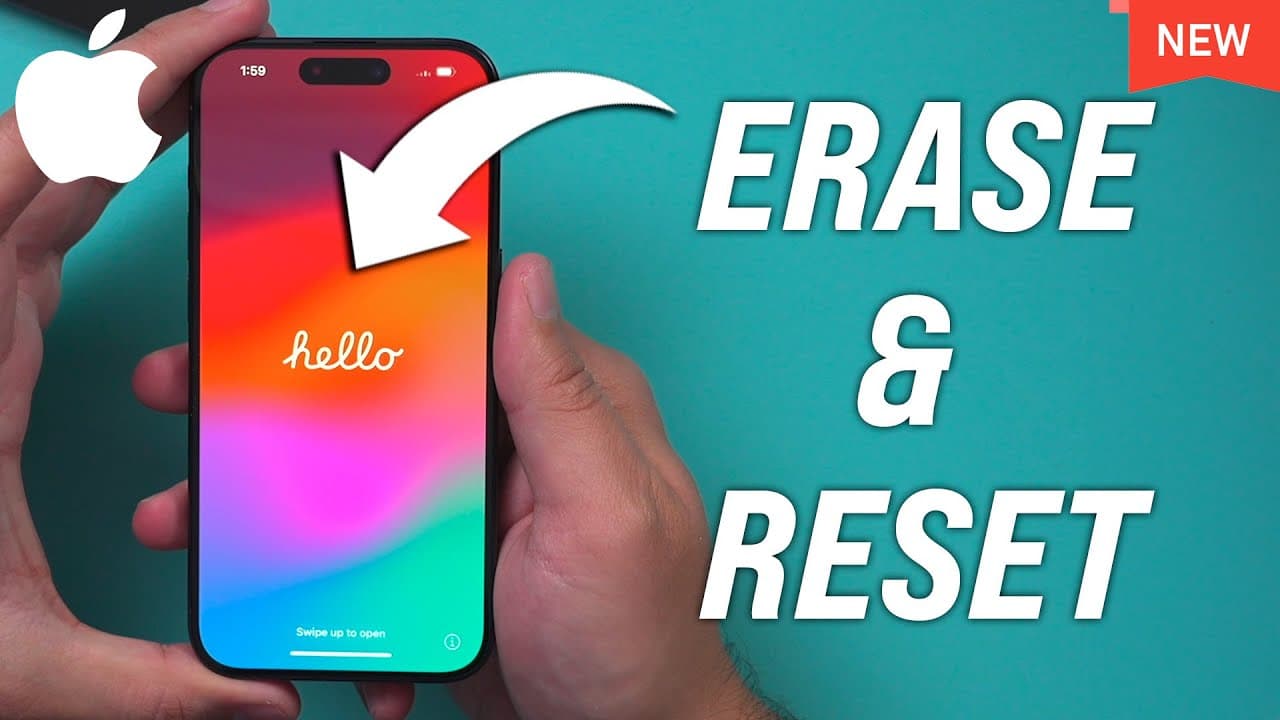
How to Factory Reset iPhone 14 or iPhone 14 Pro
TL;DR
Learn the step-by-step process to reset your iPhone to its original factory settings, ensuring data backup and sign-out of iCloud.
Transcript
let me show you the exact process of turning your iPhone into the factory settings so basically the exact same way that you got your iPhone when you open the box this is going to show you exactly how to do that and it's going to work for iPhone 14 all the different models and iPhone 15 too okay first go to the settings app I need to show you a coup... Read More
Key Insights
- 🧑🏭 It is crucial to create a backup of your iPhone's data using iCloud before resetting to factory settings.
- 😒 Signing out of iCloud allows for a smooth transition of ownership or device use by another individual.
- ❓ The step-by-step process involves navigating through the settings menu, selecting the option to erase all content and settings, and confirming the reset.
- 🏛️ iPhone 14 and iPhone 15 models no longer require physical SIM cards, as the SIM functionality is built-in.
- 💝 Resetting to factory settings is recommended when trading in or gifting your iPhone to ensure the removal of personal data.
- 🧑🏭 The reset process takes a few minutes, during which the iPhone restarts and returns to the factory default state.
- 🥶 It is essential to ensure that all necessary data and settings have been transferred to a new device before erasing the old iPhone.
Install to Summarize YouTube Videos and Get Transcripts
Explore YouTube Video Summarizer or Get YouTube Transcript Extractor
Questions & Answers
Q: Why is it important to back up your iPhone before resetting to factory settings?
Backing up your iPhone ensures that your data is saved and can be restored on a new device or in case of any issues with the reset process.
Q: How do I sign out of iCloud on my iPhone?
To sign out of iCloud, go to the settings menu, click on your profile picture, scroll down, and select the "Sign Out" option. You will need the respective Apple ID to complete this step.
Q: Can I transfer data from my old iPhone to a new one before resetting the old device?
Yes, you can transfer data between devices using iCloud. Make sure all necessary data has been transferred and set up on the new device before proceeding with resetting the old iPhone.
Q: What happens to the SIM card when resetting an iPhone 14 or iPhone 15?
iPhone 14 and iPhone 15 models do not have physical SIM cards. The SIM functionality is embedded within the device, so there is no need to do anything with the SIM card when resetting these models.
Summary & Key Takeaways
-
Back up your iPhone using iCloud to ensure you don't lose any data before resetting.
-
Sign out of iCloud to allow someone else to sign in or transfer ownership of the device.
-
Navigate to the settings menu, select the option to reset or erase all content and settings to restore the phone to factory defaults.
Read in Other Languages (beta)
Share This Summary 📚
Summarize YouTube Videos and Get Video Transcripts with 1-Click
Try YouTube Summary with ChatGPT & Claude or YouTube Transcript Generator
Explore More Summaries from Howfinity 📚






Summarize YouTube Videos and Get Video Transcripts with 1-Click
Try YouTube Summary with ChatGPT & Claude or YouTube Transcript Generator