How to Use YouTube's New Collaboration Tools
TL;DR
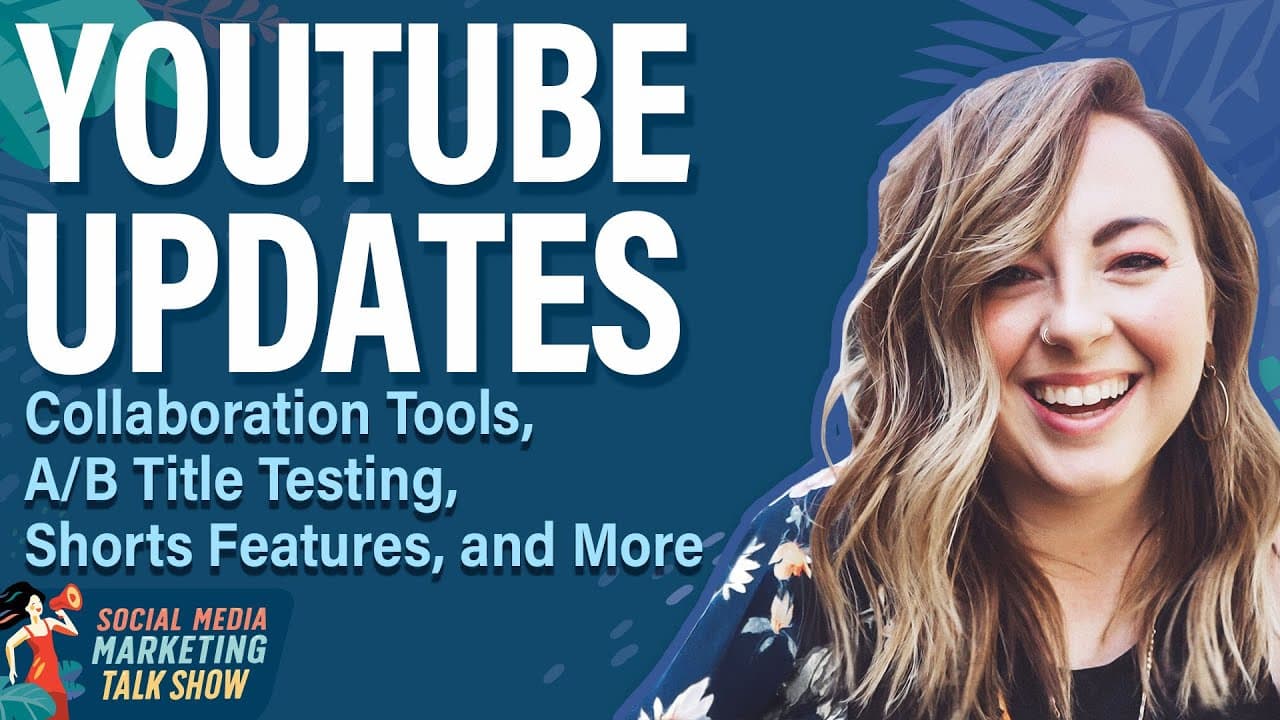
YouTube has introduced several new features to enhance user engagement and collaboration, including A/B title testing and a collaboration feature similar to Instagram's. These updates aim to improve content creators' ability to engage audiences and optimize their video performance. Additionally, YouTube is focusing on AI-driven analytics and content creation tools to further support creators.
Transcript
On today's show, we're gonna explore some big YouTube updates, including a new A-B testing feature that could have an instant impact on your views. Also, an Instagram feature that's being tested on YouTube that has people all kinds of excited, and by people, I mean me. And if you hate analytics, we've got some good news for you today around that. M... Read More
Key Insights
- YouTube's A/B title testing allows creators to test two different titles and measure view percentage from each, helping optimize video performance.
- A new collaboration feature lets creators co-publish videos, combining views and engagement, similar to Instagram's collaboration tool.
- YouTube is enhancing its analytics interface to be more user-friendly, offering sidebar cards and better search functionality.
- AI tools are being integrated into YouTube Studio to help analyze analytics, summarize comments, and suggest content ideas.
- YouTube's new AI-driven age verification model aims to better protect underage users by analyzing user behavior.
- Shorts now include AI updates, allowing photos to be turned into videos with animations and dynamic elements.
- The inspiration tab provides AI-powered video ideas and outlines, now available in the EU, UK, and Switzerland.
- YouTube is expanding its automatic dubbing feature to 11 new languages, enhancing accessibility for global audiences.
Install to Summarize YouTube Videos and Get Transcripts
Explore YouTube Video Summarizer or Get YouTube Transcript Extractor
Questions & Answers
Q: How does YouTube's A/B title testing work?
YouTube's A/B title testing allows creators to test two different titles for their videos. The platform measures which title drives more views, helping creators decide the most effective title. This feature is similar to A/B thumbnail testing and provides insights into audience preferences, enabling creators to optimize their video titles for better engagement and visibility.
Q: What is YouTube's new collaboration feature?
YouTube's new collaboration feature allows creators to co-publish videos, similar to Instagram's collaboration tool. This feature lets creators share content on both channels, combining views, engagement, and audience reach. It enhances community building by allowing creators to tap into each other's audiences, offering a more integrated and collaborative approach to content creation.
Q: How is YouTube improving its analytics interface?
YouTube is making its analytics interface more user-friendly by introducing sidebar cards and improved search functionality. This update aims to simplify the navigation of advanced analytics, making it easier for creators to access and interpret data. The new interface is designed to provide clearer insights, helping creators make informed decisions about their content strategies.
Q: What AI tools are being integrated into YouTube Studio?
YouTube Studio is integrating AI tools to assist creators in analyzing analytics, summarizing comments, and generating content ideas. The AI, known as Ask Studio, can provide summaries of channel stats and suggest video outlines based on past performance. This integration aims to streamline the content creation process, allowing creators to focus on producing engaging content.
Q: How will YouTube's AI-driven age verification work?
YouTube's AI-driven age verification model analyzes user behavior to estimate a user's age. This system aims to protect underage users by restricting access to age-inappropriate content. Users misclassified as underage can appeal the decision. This initiative reflects YouTube's commitment to creating a safer environment for younger audiences while maintaining transparency.
Q: What are the new AI updates for YouTube Shorts?
YouTube Shorts now includes AI updates that allow users to create videos from photos with added animations and dynamic elements. This feature utilizes Google's Vo-to model to enhance visual creativity, enabling creators to produce engaging short-form content. The updates also include AI-powered visuals and doodles, offering more creative options for marketers and content creators.
Q: What is the inspiration tab on YouTube?
The inspiration tab on YouTube provides AI-powered video ideas, outlines, and title suggestions tailored to a creator's audience. This tool helps creators brainstorm new content ideas based on viewer preferences and trends. Originally available in select regions, the inspiration tab has now expanded to the EU, UK, and Switzerland, offering more creators access to AI-driven content planning.
Q: How is YouTube expanding its automatic dubbing feature?
YouTube is expanding its automatic dubbing feature to include 11 new languages, making it available to 80 million channels. This feature allows creators to automatically dub their videos into multiple languages, enhancing accessibility and reach for global audiences. The expansion aims to support creators in reaching diverse audiences without the need for additional resources or language expertise.
Summary & Key Takeaways
-
YouTube has launched A/B title testing, allowing creators to test different titles to optimize video performance. This tool helps creators choose the most effective title based on engagement metrics.
-
A new collaboration feature enables creators to co-publish videos, merging audiences and engagement. This feature, inspired by Instagram, aims to enhance community building and audience reach.
-
YouTube is enhancing its analytics with AI tools, making them more accessible and actionable. These updates include AI-driven insights, content ideas, and improved user interface for better data interpretation.
Read in Other Languages (beta)
Share This Summary 📚
Summarize YouTube Videos and Get Video Transcripts with 1-Click
Try YouTube Summary with ChatGPT & Claude or YouTube Transcript Generator
Explore More Summaries from Social Media Examiner 📚



Summarize YouTube Videos and Get Video Transcripts with 1-Click
Try YouTube Summary with ChatGPT & Claude or YouTube Transcript Generator