How to run Deepseek Locally on Raspberry Pi 5
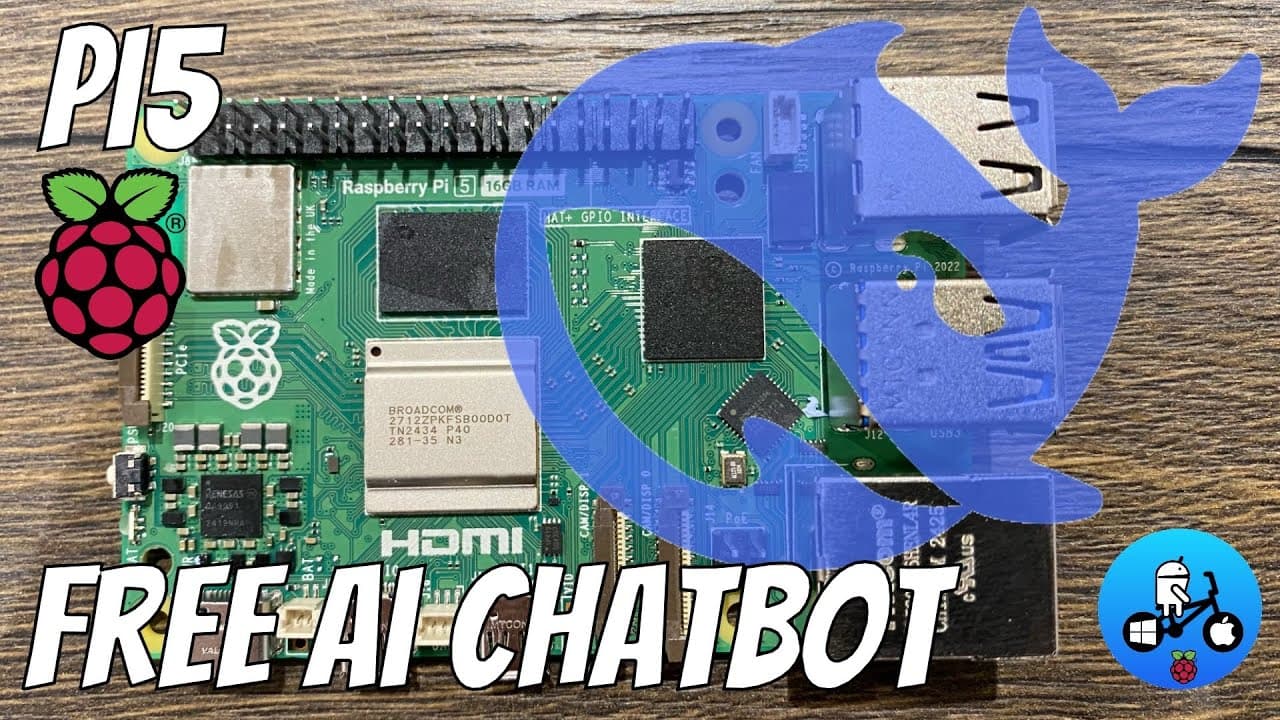
TL;DR
DeepSeek can run offline on Raspberry Pi 5 with ease.
Transcript
okay so I've been playing around with large language models on the Raspberry Pi 5 this is the 16 gig model and I'm using the official Raspberry Pi AI hat and uh I'll show you a bit about it but I'll also show how to install it CU it's actually super easy to install locally on your machine so you don't... Read More
Key Insights
- DeepSeek, a large language model, can be run offline on a Raspberry Pi 5, providing privacy and independence from internet connectivity.
- The AI Hat, while not necessary for DeepSeek, is designed for image applications and doesn't support large language models currently.
- DeepSeek uses the CPU for processing due to the lack of AMD or Nvidia GPU support, resulting in high CPU usage during operation.
- The 16GB Raspberry Pi 5 model efficiently handles the 4.7GB DeepSeek model, using only a portion of its RAM capacity.
- Offline operation of DeepSeek ensures data privacy, as no information is sent over the internet, unlike many AI applications.
- The system can handle various queries, including those about heavy metal music or technical questions about Python programming.
- The setup process for DeepSeek on Raspberry Pi is straightforward, involving downloading the model and running it with basic terminal commands.
- Despite running on a Raspberry Pi, DeepSeek provides comprehensive answers, although the processing speed is slower compared to more powerful systems.
Install to Summarize YouTube Videos and Get Transcripts
Explore YouTube Video Summarizer or Get YouTube Transcript Extractor
Questions & Answers
Q: How does DeepSeek operate on a Raspberry Pi 5?
DeepSeek operates on a Raspberry Pi 5 by running a large language model offline. It uses the CPU for processing since the AI Hat, designed for image applications, is not supported. This setup ensures data privacy as no internet connection is required, and the 16GB RAM efficiently handles the 4.7GB model.
Q: What are the benefits of running DeepSeek offline?
Running DeepSeek offline on a Raspberry Pi 5 offers significant privacy benefits, as no data is transmitted over the internet. This ensures that user queries and responses remain confidential. Additionally, it provides independence from internet connectivity, allowing for continuous operation even without an internet connection.
Q: What are the hardware requirements for running DeepSeek on a Raspberry Pi 5?
To run DeepSeek on a Raspberry Pi 5, a model with at least 16GB of RAM is recommended to efficiently handle the 4.7GB language model. The AI Hat is not necessary, as the processing is done via the CPU. The setup involves downloading the model and running it using terminal commands.
Q: How does DeepSeek handle different types of queries?
DeepSeek is capable of handling a wide range of queries, from questions about heavy metal music to technical inquiries about Python programming. It uses its 4.7GB dataset to provide comprehensive answers, although the response time may be slower compared to more powerful systems due to CPU processing.
Q: What is the installation process for DeepSeek on Raspberry Pi 5?
The installation process for DeepSeek on a Raspberry Pi 5 is straightforward. It involves downloading the DeepSeek model and running it using terminal commands. The process does not require an AI Hat, and the system operates offline, ensuring data privacy and independence from internet connectivity.
Q: Why is the AI Hat not used for DeepSeek on Raspberry Pi 5?
The AI Hat is not used for DeepSeek on Raspberry Pi 5 because it is designed for image applications and does not support large language models. Instead, DeepSeek relies on the CPU for processing, which results in high CPU usage but allows for offline operation and data privacy.
Q: What are the limitations of running DeepSeek on Raspberry Pi 5?
One limitation of running DeepSeek on a Raspberry Pi 5 is the slower processing speed compared to more powerful systems, as it relies on the CPU for processing. Additionally, while the 4.7GB model is manageable, larger models could exceed the system's RAM capacity, affecting performance.
Q: How does DeepSeek ensure data privacy on Raspberry Pi 5?
DeepSeek ensures data privacy on Raspberry Pi 5 by operating offline, meaning no data is transmitted over the internet. This setup keeps user queries and responses confidential, unlike many AI applications that require online connectivity and may store data on external servers.
Summary & Key Takeaways
-
DeepSeek is a large language model that can be run offline on a Raspberry Pi 5, ensuring data privacy. It uses the CPU for processing, as the AI Hat is not supported for this application. The setup is straightforward, requiring only basic terminal commands.
-
The Raspberry Pi 5 efficiently handles the 4.7GB DeepSeek model, utilizing only a portion of its 16GB RAM. This offline operation ensures privacy, as no data is transmitted over the internet, unlike many AI applications that require online connectivity.
-
DeepSeek can handle a variety of queries, from heavy metal music to Python programming questions, providing comprehensive answers. Although the processing speed is slower compared to more powerful systems, it remains a viable option for offline AI applications.
Read in Other Languages (beta)
Share This Summary 📚
Summarize YouTube Videos and Get Video Transcripts with 1-Click
Try YouTube Summary with ChatGPT & Claude or YouTube Transcript Generator