How to Setup Your Facebook Pixel and Add it to WordPress
TL;DR
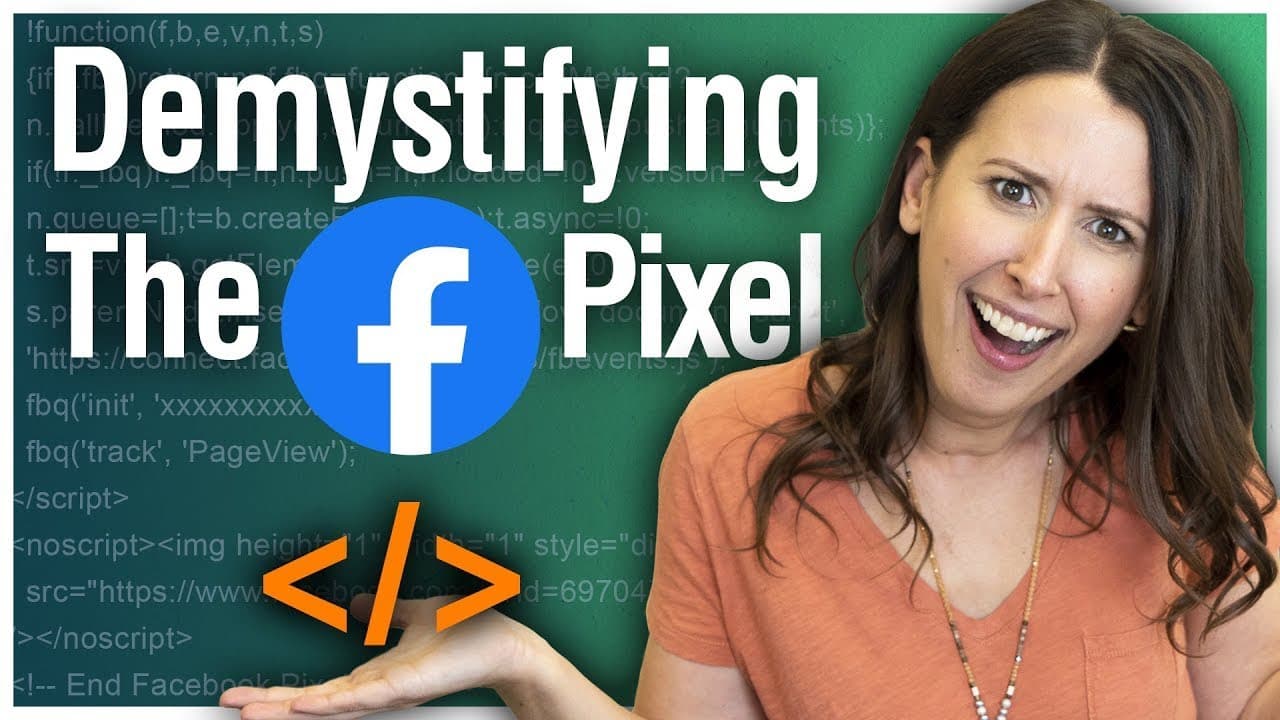
Learn how to install and verify Facebook Pixel on WordPress.
Transcript
- The pixel. You've heard it whispered in Facebook groups and you're asking yourself, "What the heck even is this?" How am I gonna put it on my website? I don't even know what to do! This video will show you how. (gentle jingle) One of the most common complaints we hear from new advertisers has to do with the Facebook pixel. It's this tiny little p... Read More
Key Insights
- The Facebook Pixel is a small piece of code installed on your website to track user actions and send data back to Facebook, aiding in ad targeting and performance measurement.
- Installing the Facebook Pixel allows marketers to measure ad results, improve ad copy, and retarget users effectively, enhancing overall advertising strategies.
- To create a Facebook Pixel, users must set up a Business Manager account, which provides a more intuitive and robust platform for managing ads and pixels.
- The process of installing the Facebook Pixel on a website involves copying the base code and pasting it into the website's header, with specific instructions for WordPress users.
- WordPress users can simplify the installation process by using the official Facebook Pixel plugin, which requires entering the pixel ID rather than the entire code.
- Verification of the pixel installation is crucial, and the Facebook Pixel Helper for Chrome is a recommended tool to ensure the pixel is working correctly.
- The Pixel Helper tool changes its icon color to indicate pixel presence and checks for green check marks to confirm successful event tracking.
- Additional resources and tools, such as troubleshooting guides and alternative installation methods, are available to support users in managing their Facebook Pixel.
Install to Summarize YouTube Videos and Get Transcripts
Explore YouTube Video Summarizer or Get YouTube Transcript Extractor
Questions & Answers
Q: What is the Facebook Pixel?
The Facebook Pixel is a small piece of code installed on a website that helps track user actions and sends this data back to Facebook. This information allows advertisers to measure ad performance, improve ad targeting, and retarget users based on their interactions with the website.
Q: Why is the Facebook Pixel important for advertisers?
The Facebook Pixel is crucial for advertisers because it enables them to measure the effectiveness of their ads by tracking user actions on their website. It helps in understanding which ads are driving results and allows for retargeting users who have interacted with the website, thereby optimizing ad performance and increasing ROI.
Q: How do you create a Facebook Pixel in Business Manager?
To create a Facebook Pixel, you must first set up a Business Manager account. This involves entering your business details and intended use of the account. Once the account is created, you can access the Events Manager to set up your pixel, which involves generating a base code to install on your website.
Q: What steps are involved in installing the Facebook Pixel on WordPress?
Installing the Facebook Pixel on WordPress involves using the official Facebook Pixel plugin. After installing and activating the plugin, you need to enter your pixel ID, which can be found in the pixel code. Once entered, save the changes to complete the installation process.
Q: How can you verify if the Facebook Pixel is installed correctly?
To verify the Facebook Pixel installation, use the Facebook Pixel Helper for Chrome. This tool checks for the presence of the pixel and indicates its status by changing its icon color. Green check marks beside pixel events confirm successful installation and tracking.
Q: What tool is recommended for checking Facebook Pixel installation?
The Facebook Pixel Helper for Chrome is the recommended tool for checking the installation of the Facebook Pixel. It helps confirm that the pixel is present and functioning correctly by displaying green check marks for pixel events, ensuring accurate data tracking.
Q: What are the benefits of using the Facebook Pixel for retargeting?
The Facebook Pixel allows for effective retargeting by identifying users who have visited your website and serving them relevant ads. This targeted approach increases the likelihood of conversions, as users are reminded of their interest in your products or services, making retargeting a powerful advertising strategy.
Q: Where can users find more resources on Facebook Pixel installation?
Users can find additional resources on Facebook Pixel installation through Amanda Bond's blog and YouTube channel. These platforms offer detailed guides, alternative installation methods, and troubleshooting tips to help users effectively manage and optimize their Facebook Pixel for better advertising results.
Summary & Key Takeaways
-
Amanda Bond explains the Facebook Pixel, detailing its importance for tracking user actions on websites and improving ad performance. She guides viewers through setting up a Business Manager account and installing the pixel on WordPress using a plugin.
-
The video provides a step-by-step tutorial for installing the Facebook Pixel on WordPress, emphasizing the use of the official Facebook plugin for ease. Bond also introduces the Pixel Helper tool to verify correct installation.
-
Viewers learn about the benefits of the Facebook Pixel, including measuring ad results and retargeting. Bond shares additional resources for troubleshooting and optimizing Facebook advertising strategies.
Read in Other Languages (beta)
Share This Summary 📚
Summarize YouTube Videos and Get Video Transcripts with 1-Click
Try YouTube Summary with ChatGPT & Claude or YouTube Transcript Generator
Explore More Summaries from Social Media Examiner 📚



Summarize YouTube Videos and Get Video Transcripts with 1-Click
Try YouTube Summary with ChatGPT & Claude or YouTube Transcript Generator