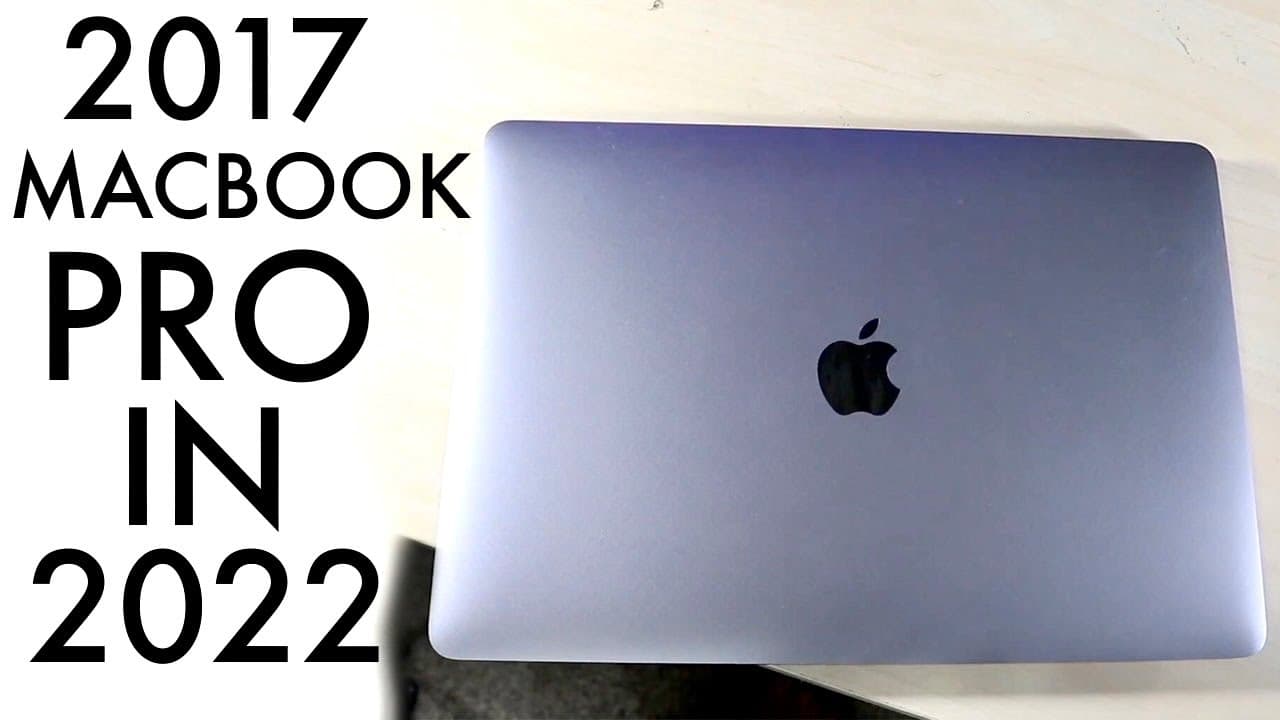
2017 Retina Macbook Pro In 2022! (Still Worth Buying?) (Review)
TL;DR
The 2017 MacBook Pro has significant issues and is not recommended for purchase.
Transcript
welcome back everyone let's go ahead and take a look at the 2017 macbook pro and see which specific macbook or to see if it's even worth it in the first place now what i will definitely tell you is i've owned macbooks like this and i've owned this one for quite a bit of time and personally i think these macbooks were such a huge hit and a such a hu... Read More
Key Insights
- 😀 The 2017 MacBook Pro faced major criticisms over design choices, particularly the butterfly keyboard, which often failed.
- 👤 Thermal throttling during demanding tasks is a significant concern, causing performance dips that frustrate users.
- 🐿️ Apple's shift to M1 chip models has largely overshadowed the value proposition of the 2017 MacBook Pro for potential buyers.
- 😘 Current market prices for the 2017 MacBook Pro are low, often below $500, which makes it an attractive but potentially risky buy.
- 💪 The design and display quality of the 2017 model remain strong, as many aspects are comparable to newer models.
- 👶 Upgrading to newer models with better technology is recommended over investing in the 2017 version.
- 😀 Users within the creative industry may face compatibility issues due to the lack of ports on the 2017 model.
Install to Summarize YouTube Videos and Get Transcripts
Explore YouTube Video Summarizer or Get YouTube Transcript Extractor
Questions & Answers
Q: What specific issues are associated with the 2017 MacBook Pro's keyboard?
The 2017 MacBook Pro features Apple’s butterfly keyboard, which has been widely criticized for its poor reliability. Users have reported keys failing regularly, resulting in frustrating typing experiences. Unlike traditional keyboards, the butterfly design has minimal key travel, making it feel less tactile. This issue persisted across multiple models, leaving many users dissatisfied with their purchase.
Q: How does the performance of the 2017 MacBook Pro compare to newer models?
The performance of the 2017 MacBook Pro is significantly outdated compared to newer models like the M1 MacBook Pro. Users often experience thermal throttling, where high temperatures lead to reduced performance. In contrast, M1 models feature superior processing power and efficiency, making them more suitable for demanding tasks and overall daily usage.
Q: Are there any valid reasons to consider purchasing a 2017 MacBook Pro?
While the 2017 MacBook Pro offers a visually appealing design and solid display performance, its persistent hardware issues, such as thermal throttling and keyboard failures, diminish its value. Given the options available in the used market, it is usually more prudent to invest in a more reliable model, such as an M1 MacBook, which will provide better performance and fewer problems.
Q: What are the differences in connectivity options between the 2017 MacBook Pro and newer models?
The 2017 MacBook Pro primarily features Thunderbolt 3 ports for connectivity, lacking more traditional ports like USB-A or SD card slots. In comparison, newer models have improved port options, enhancing compatibility with various devices and user preferences. The limited connection choices of the 2017 model can be a major drawback for professionals who require specific peripherals.
Summary & Key Takeaways
-
The 2017 MacBook Pro suffers from multiple hardware issues, including unreliable keyboards, thermal throttling, and limited connectivity options, which have tarnished its reputation.
-
Although the MacBook's exterior design remains appealing and its display quality is satisfactory, these factors are overshadowed by its performance problems compared to newer models.
-
Given the availability of more reliable and better-performing alternatives, such as the M1 MacBook, investing in the 2017 model is not advisable.
Read in Other Languages (beta)
Share This Summary 📚
Summarize YouTube Videos and Get Video Transcripts with 1-Click
Try YouTube Summary with ChatGPT & Claude or YouTube Transcript Generator
Explore More Summaries from Simple Alpaca 📚






Summarize YouTube Videos and Get Video Transcripts with 1-Click
Try YouTube Summary with ChatGPT & Claude or YouTube Transcript Generator