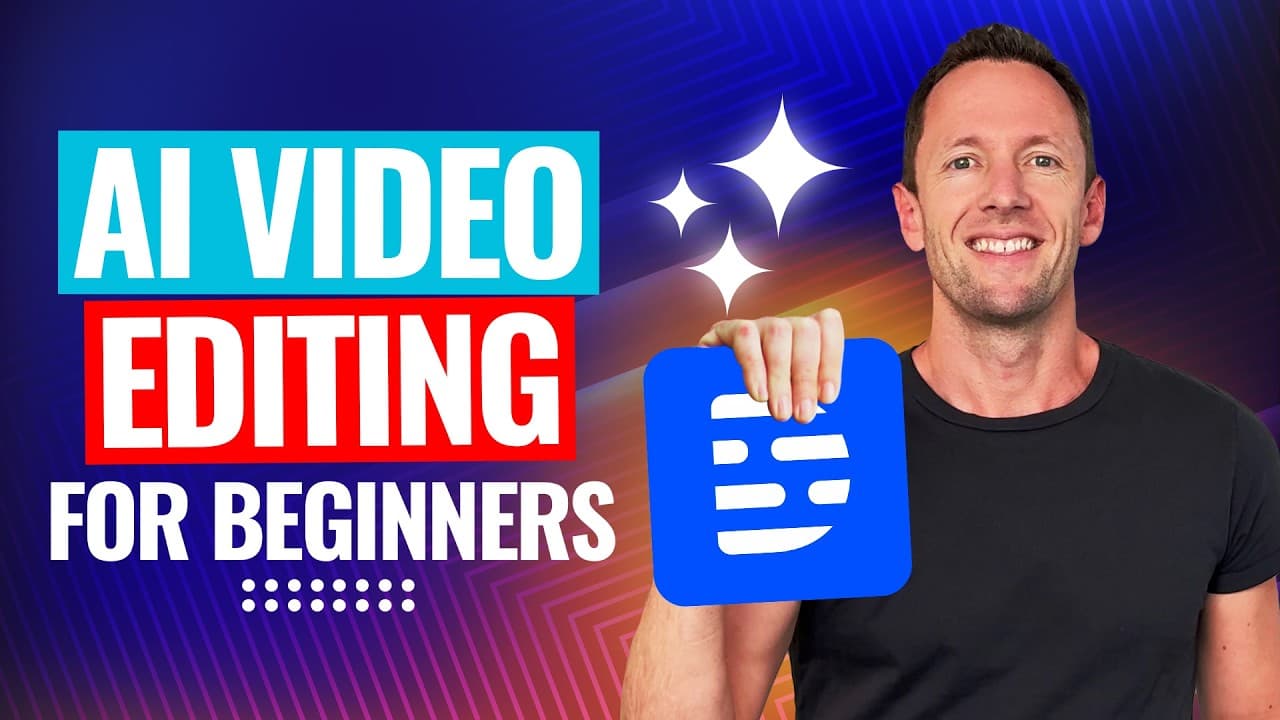
Complete AI Video Editing Tutorial for Beginners! (2025)
TL;DR
Learn to edit videos using AI with Dscript.
Transcript
Read and summarize the transcript of this video on Glasp Reader (beta).
Key Insights
- Dscript is a versatile AI video editing tool compatible with Mac, Windows, and Linux, accessible via web browser or downloadable app.
- The tool offers a variety of preset actions for video editing, podcast creation, and avatar creation, enhancing user productivity.
- AI functionalities in Dscript allow for automatic removal of pauses, filler words, and retakes, significantly reducing editing time.
- Custom prompts in Dscript's Underlord AI enable users to automate repetitive editing tasks, optimizing workflow efficiency.
- Dscript's scene feature allows for easy layout changes, zoom adjustments, and the addition of B-roll footage, enhancing video storytelling.
- The software provides options for adding animated titles, captions, and visual effects, including background blur and AI eye contact correction.
- Audio enhancements through AI Studio Sound improve voice clarity and remove background noise, ensuring high-quality audio output.
- Dscript supports easy export options, including local file saving, direct uploads to platforms like YouTube, and project reformatting for different aspect ratios.
Install to Summarize YouTube Videos and Get Transcripts
Explore YouTube Video Summarizer or Get YouTube Transcript Extractor
Questions & Answers
Q: How does Dscript handle different operating systems?
Dscript is designed to be highly versatile, supporting Mac, Windows, and Linux operating systems. It can be accessed through a web browser, making it convenient for users who prefer not to download the application. For those who prefer a local app, downloadable versions are available for Mac and Windows.
Q: What are some key AI functionalities in Dscript?
Dscript offers several AI functionalities that streamline the editing process. These include automatic removal of pauses, filler words, and retakes. Users can also utilize custom prompts in the Underlord AI to automate repetitive tasks, enhancing workflow efficiency and reducing editing time.
Q: How can users add B-roll footage in Dscript?
Adding B-roll footage in Dscript is straightforward. Users can import clips from their computer or use the stock library within Dscript. The tool allows for easy integration of B-roll into the timeline, with options to adjust clip length and position, enhancing the visual storytelling of the video.
Q: What options does Dscript provide for adding text elements?
Dscript provides multiple options for adding text elements, including titles, subtitles, and captions. Users can customize the text's appearance, position, and duration on screen. Animated text effects, such as blur and spin, can also be applied to enhance the visual appeal of the video.
Q: How does Dscript improve audio quality?
Dscript's AI Studio Sound feature significantly enhances audio quality by removing background noise and improving voice clarity. This tool is particularly useful for recovering audio from recordings with poor sound quality, ensuring that the final video has professional-grade audio output.
Q: What export options are available in Dscript?
Dscript offers various export options, including saving the project as a local file, generating a web link for easy sharing, and direct uploads to platforms like YouTube. Users can also export their projects to other editing tools like Da Vinci Resolve or Final Cut, providing flexibility in how they manage their content.
Q: Can Dscript reformat videos for different platforms?
Yes, Dscript can reformat videos for different platforms. Users can switch between landscape and portrait formats, making it easy to create content suitable for various social media platforms. The AI functionality can assist in automatically centering the speaker and adjusting the layout for different aspect ratios.
Q: What is the Underlord AI in Dscript?
The Underlord AI in Dscript is an advanced feature that allows users to create custom prompts for automating editing tasks. By specifying detailed instructions, users can streamline their workflow, automate repetitive tasks, and ensure consistent editing standards across their projects, saving time and effort in the editing process.
Summary & Key Takeaways
-
Dscript is a powerful AI video editing tool that simplifies the editing process with features like automatic pause removal, filler word deletion, and retake elimination. It supports multiple platforms and offers a web-based interface.
-
The software allows users to create custom prompts with its Underlord AI, enabling automation of repetitive tasks. This feature, along with scene management, facilitates efficient video editing and storytelling.
-
Dscript provides advanced audio and visual editing tools, including AI Studio Sound for audio enhancement and options for adding animated titles and captions. Users can easily export projects or reformat videos for different platforms.
Read in Other Languages (beta)
Share This Summary 📚
Summarize YouTube Videos and Get Video Transcripts with 1-Click
Try YouTube Summary with ChatGPT & Claude or YouTube Transcript Generator
Explore More Summaries from Justin Brown - Primal Video 📚

Summarize YouTube Videos and Get Video Transcripts with 1-Click
Try YouTube Summary with ChatGPT & Claude or YouTube Transcript Generator