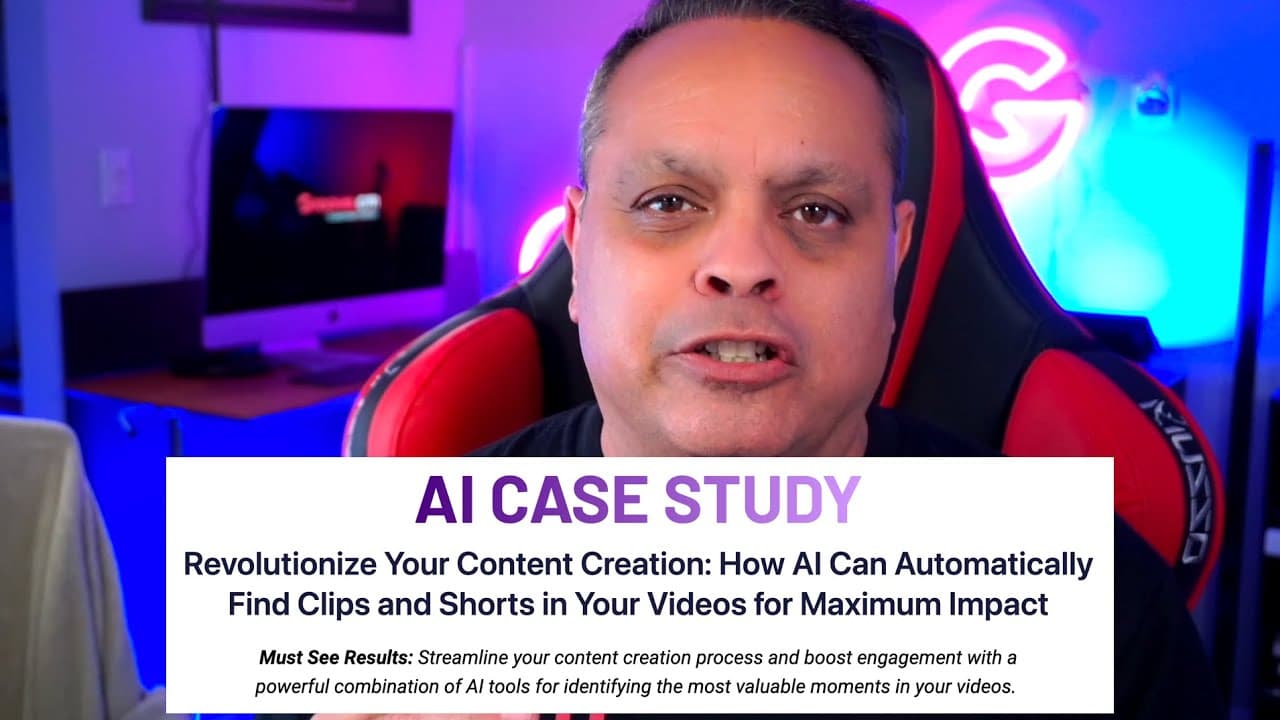
Groove.ai Case Study 4 How to Use AI to find shorts and clips in your videos
TL;DR
Learn how to use AI to automatically find and create clips and shorts from your long-form videos, boosting your YouTube channel's content.
Transcript
hey guys Michael same here I'm going to show you something that I did with AI that you can do so let's Jump Right In I'm going to take a look at my screen and walk you through it okay so here's your problem you have a lot of content you do podcasts you do long-form live streams you have videos that go anywhere as you can see from 45 minutes to some... Read More
Key Insights
- 🔍 The problem: Lack of short and clip content on YouTube channels due to the difficulty in finding valuable moments in long videos.
- 🤖 AI solution: An AI-powered tool that automatically analyzes videos, identifies start and stop timestamps, suggests titles, descriptions, keywords, and thumbnail designs for YouTube videos, and categorizes clips and shorts.
- 🔎 How it works: The workflow involves using a Chrome extension called "glasp" to transcribe and summarize the video, prompt the AI with specific instructions to find clips and shorts based on topics and length, and obtain the desired output.
- 🔧 The tool's capabilities: It can find educational and motivational clips, provide reasons for categorization, and suggest text and design elements for thumbnails.
- 🌟 Benefits: By utilizing AI to find and categorize clips and shorts, content creators can save time, create micro content, and potentially boost engagement on their YouTube channels.
- 🧩 Workflow steps: Download the Chrome extension, load the desired YouTube video, use pre-defined prompts to guide the AI in finding clips and shorts, and obtain a comprehensive output for video editing.
- ✂️ Importance of micro content: Channels like JRE Clips show that separate channels for clips can attract more views, while keeping shorts on the main channel is also a viable strategy.
- 🚀 Future plans: The AI workflow described will be integrated into groov.ai, with a lifetime deal available soon. Click the provided buttons for more information and stay tuned for future case studies on AI.
Install to Summarize YouTube Videos and Get Transcripts
Explore YouTube Video Summarizer or Get YouTube Transcript Extractor
Questions & Answers
Q: What problem does the speaker address in the video?
The speaker addresses the challenge of creating clips and shorts from long-form videos for YouTube channels, which can be time-consuming and require a skilled video editor.
Q: How does the AI technology help content creators?
The AI technology analyzes the video, identifies start and stop timestamps, generates titles, descriptions, keywords, and even suggests thumbnail designs, making it easier for content creators to create shorter videos without having to watch the entire original video.
Q: What prompts and steps are involved in the AI workflow?
The workflow involves prompting the AI to find clips and shorts based on specific criteria such as length, newsworthiness, educational content, and pop culture relevance. The prompts also remind the AI of the conversation analyzed and guide it in providing the necessary output.
Q: How can content creators benefit from using AI-generated clips and shorts?
Content creators can save time and effort by using AI-generated clips and shorts to create separate channels for clips or keep them on their main channel. These shorter videos can attract more views and engagement, similar to popular channels like "JRE Clips" from "The Joe Rogan Experience."
Q: What is the recommended Chrome extension used in this workflow?
The recommended Chrome extension is called "glass." It provides a transcription with timestamps and integrates with a chat GPT plugin for generating video summaries.
Q: What type of content can the AI technology identify as clips and shorts?
The AI technology can identify clips that offer valuable insights into marketing and problem-solving and provide actionable tips that viewers can implement in their own businesses. It can categorize the clips as educational and relevant to business growth.
Q: Is the AI workflow limited to a specific video length or genre?
The AI workflow can be applied to videos of any length and genre, allowing content creators from various fields to benefit from generating clips and shorts for their YouTube channels.
Q: What future plans does the speaker mention regarding the AI workflow?
The speaker mentions that the workflow will be incorporated into groov.ai, an upcoming platform. They offer a lifetime deal on the platform, which will be released later in the year.
Summary & Key Takeaways
-
The speaker introduces a workflow that uses AI to find and extract clips and shorts from long-form videos.
-
They demonstrate the process using a Chrome extension called "glass" and prompt-based AI technology.
-
By following the workflow, content creators can save time and effort in creating shorter videos for their YouTube channels.
Read in Other Languages (beta)
Share This Summary 📚
Summarize YouTube Videos and Get Video Transcripts with 1-Click
Try YouTube Summary with ChatGPT & Claude or YouTube Transcript Generator
Explore More Summaries from Groove․cm 📚

Summarize YouTube Videos and Get Video Transcripts with 1-Click
Try YouTube Summary with ChatGPT & Claude or YouTube Transcript Generator