Tech Support Scam installs RAT (when asked for refund)
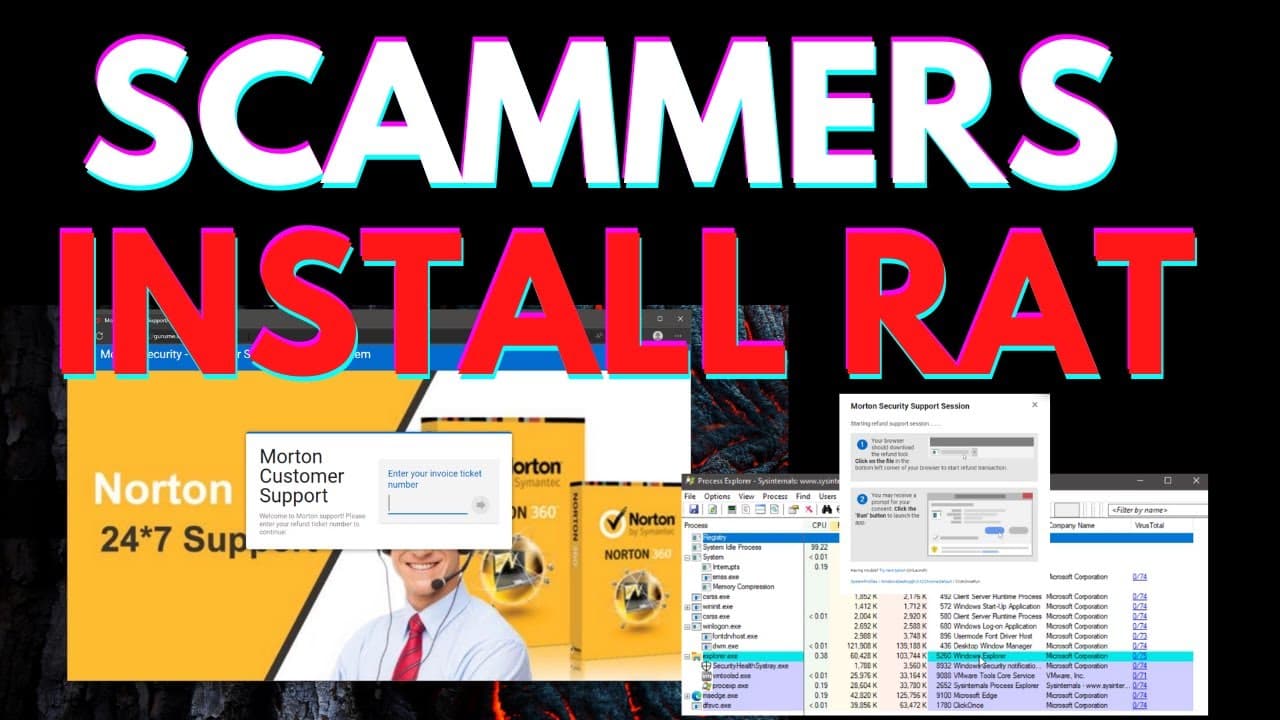
TL;DR
Tech support scams trick users into downloading malware that allows scammers to hack social media accounts and maintain permanent access to their systems.
Transcript
you all know about tech support scams somebody contacts you pretending they're from microsoft charges you a hundred dollars to remove non-existent viruses from your computer but what if the tech support scammer installs malware on your computer that allows them to hack your social media accounts and maintain access to your system sounds scary well ... Read More
Key Insights
- 🧑💻 Tech support scams often target vulnerable individuals, such as the elderly, who may be less familiar with technology and more susceptible to deception.
- ♿ Malicious remote access tools give scammers permanent access to victims' systems, allowing them to monitor activities and potentially steal personal information.
- 🍂 The simplicity and deceptive nature of these scams make it easy for unsuspecting individuals to fall victim.
- 📪 Background remote access capabilities on a user's computer can be a red flag for potential malware.
- 💀 It is crucial to spread awareness about tech support scams and educate friends and family about the dangers associated with them.
- 🤑 Scammers not only make money directly from victims but also profit by selling stolen login credentials on the dark web.
- 🧑💻 Guardio, a web extension, offers real-time protection against tech support scams and other online threats.
Install to Summarize YouTube Videos and Get Transcripts
Explore YouTube Video Summarizer or Get YouTube Transcript Extractor
Questions & Answers
Q: How do tech support scammers trick users into downloading malware?
Tech support scammers use fake websites and deceptive tactics, targeting vulnerable individuals, often the elderly, into believing they are receiving support from a reputable company. They trick users into downloading malicious files, disguising them as legitimate tech support tools.
Q: What happens after scammers gain access to a user's computer?
Once scammers have installed malware and gained access to a victim's computer, they can monitor all activities, steal personal information, and potentially control the computer remotely. They may also sell the stolen information on the dark web for profit.
Q: How can users protect themselves from tech support scams?
Users can protect themselves by being skeptical of unsolicited calls or messages claiming to provide tech support. They should only trust reputable companies and avoid downloading any files or granting remote access without verifying the legitimacy of the situation.
Q: What are the potential consequences of falling for a tech support scam?
Falling for a tech support scam can lead to financial loss, as scammers often demand payment for their fake services. Additionally, victims may have their personal information compromised, leading to identity theft or other cybercrimes.
Summary & Key Takeaways
-
Tech support scams use fake websites, like "Morton Security," to target vulnerable individuals, such as the elderly, and deceive them into downloading malicious remote access tools.
-
Scammers install malware on victims' computers, gaining permanent access to monitor all activities, even after money has been taken or refunds are requested.
-
A remote access tool, disguised as a legitimate process, gives scammers the ability to control the victim's computer undetected, potentially stealing personal information.
Read in Other Languages (beta)
Share This Summary 📚
Summarize YouTube Videos and Get Video Transcripts with 1-Click
Try YouTube Summary with ChatGPT & Claude or YouTube Transcript Generator
Explore More Summaries from The PC Security Channel 📚






Summarize YouTube Videos and Get Video Transcripts with 1-Click
Try YouTube Summary with ChatGPT & Claude or YouTube Transcript Generator