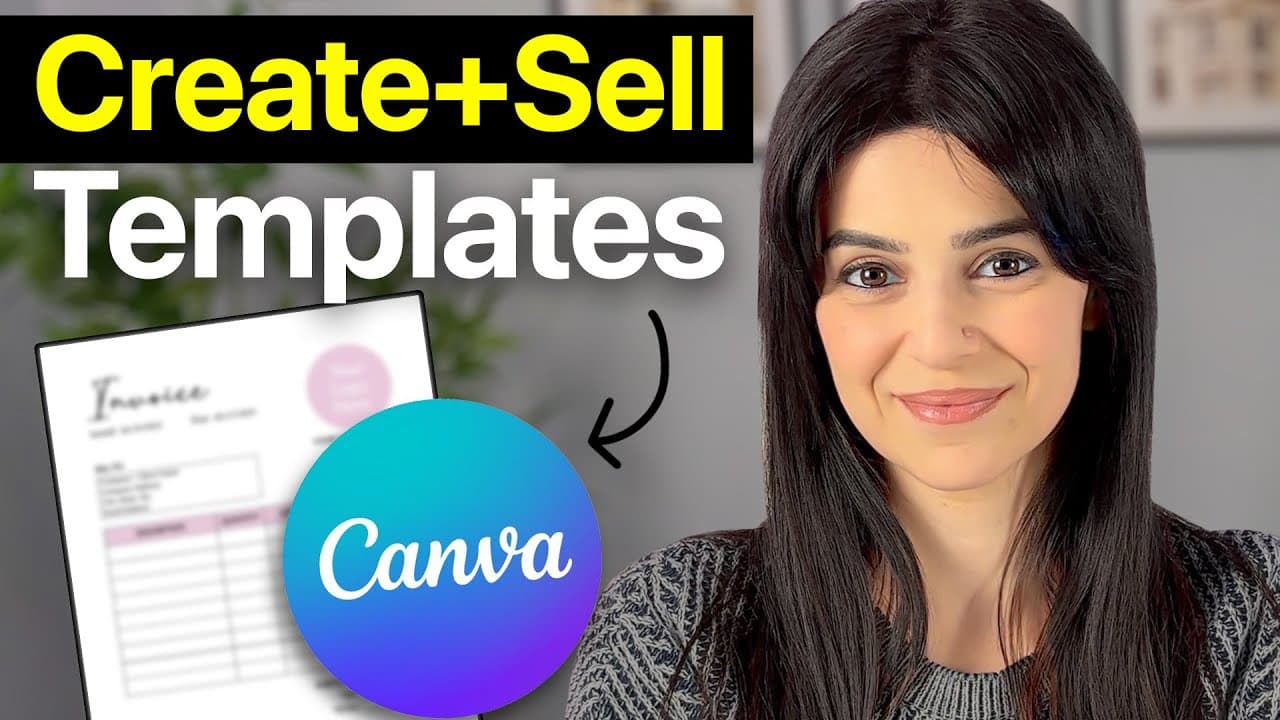
How to Sell Canva Templates Online (Step by Step)
TL;DR
Learn to design and sell Canva templates successfully.
Transcript
Read and summarize the transcript of this video on Glasp Reader (beta).
Key Insights
- Selling Canva templates can be a lucrative business, with many creators earning thousands monthly by offering diverse templates like social media graphics, ebooks, and business cards.
- Choosing less saturated markets, such as invoice templates, can provide quicker traffic and sales due to lower competition.
- A Canva Pro account is necessary for sharing templates, but a 30-day free trial is available for new users.
- Creating a well-designed template involves setting custom sizes, adding text, frames, and tables, and ensuring certain elements are locked for easier customization.
- After designing, templates are shared via a hyperlink embedded in a PDF, which customers receive post-purchase.
- Selling templates on personal websites can avoid high transaction fees seen on platforms like Etsy.
- Hostinger offers an AI website builder for creating a website quickly with no transaction fees, and additional discounts are available with promo codes.
- Customizing product listings with attractive mockups in Canva can enhance the appeal and professionalism of the templates sold.
Install to Summarize YouTube Videos and Get Transcripts
Explore YouTube Video Summarizer or Get YouTube Transcript Extractor
Questions & Answers
Q: What types of templates can be created and sold on Canva?
Canva allows users to create a wide range of templates, including social media graphics, ebooks, layouts, resumes, thank you cards, business cards, and more. The video emphasizes the potential of selling less saturated templates, such as invoice templates, to gain traffic and sales more efficiently.
Q: Why is a Canva Pro account necessary for selling templates?
A Canva Pro account is essential because it allows users to share template links, which is a crucial step in selling templates. Without the Pro account, users cannot generate the shareable links needed for customers to access and customize purchased templates. A 30-day free trial is available for those new to Canva Pro.
Q: How can sellers avoid high transaction fees on platforms like Etsy?
To avoid high transaction fees associated with platforms like Etsy, sellers are encouraged to create their own websites. Hostinger is recommended as a cost-effective option, offering an AI website builder with no transaction fees, making it an attractive choice for selling digital products like Canva templates.
Q: What is the process for sharing a Canva template with customers?
Once a Canva template is designed, it is shared by creating a template link, which is then embedded in a PDF file. This PDF is given to customers after purchase, allowing them to access and customize the template. The video guides on how to hyperlink the template link within the PDF for easy customer access.
Q: How does Hostinger's AI website builder benefit sellers?
Hostinger's AI website builder benefits sellers by providing a quick and easy way to create a professional website with minimal effort. It offers zero transaction fees, making it cost-effective for selling digital products. The platform is beginner-friendly and customizable, allowing sellers to tailor their websites to their needs.
Q: Why is creating mockups for product listings important?
Creating mockups for product listings is important because it enhances the visual appeal and professionalism of the products being sold. Attractive mockups can help capture potential customers' attention and convey the quality and usability of the templates, ultimately boosting sales and customer satisfaction.
Q: What are the steps involved in designing a Canva template?
Designing a Canva template involves setting a custom size, adding text, frames, and tables, and ensuring specific elements are locked to prevent accidental changes. The video guides through these steps, emphasizing the importance of organizing elements effectively to create a user-friendly and visually appealing template.
Q: How can sellers provide variations of their templates?
Sellers can provide variations of their templates by creating multiple versions with different colors or styles. This approach offers customers more options and can cater to diverse preferences, potentially increasing sales. The video suggests creating variations of an invoice template to showcase different color schemes and designs.
Summary & Key Takeaways
-
This tutorial provides a step-by-step guide on designing and selling Canva templates, focusing on creating an invoice template due to its low competition. It covers setting up a Canva account, designing the template, and sharing it with customers.
-
Users are advised to embed template links in a PDF for customer access and to consider selling on personal websites to avoid high transaction fees. Hostinger is recommended for its affordable, customizable, and beginner-friendly website-building features.
-
The video emphasizes the importance of creating mockups for product listings and setting up payment methods on the website. It also highlights the benefits of offering variations of templates to cater to different customer preferences.
Read in Other Languages (beta)
Share This Summary 📚
Summarize YouTube Videos and Get Video Transcripts with 1-Click
Try YouTube Summary with ChatGPT & Claude or YouTube Transcript Generator
Explore More Summaries from Sandra Di 📚
Summarize YouTube Videos and Get Video Transcripts with 1-Click
Try YouTube Summary with ChatGPT & Claude or YouTube Transcript Generator