Fujifilm X100VI Recipes/Simulations Guide | How to use FujiFilm Custom Settings
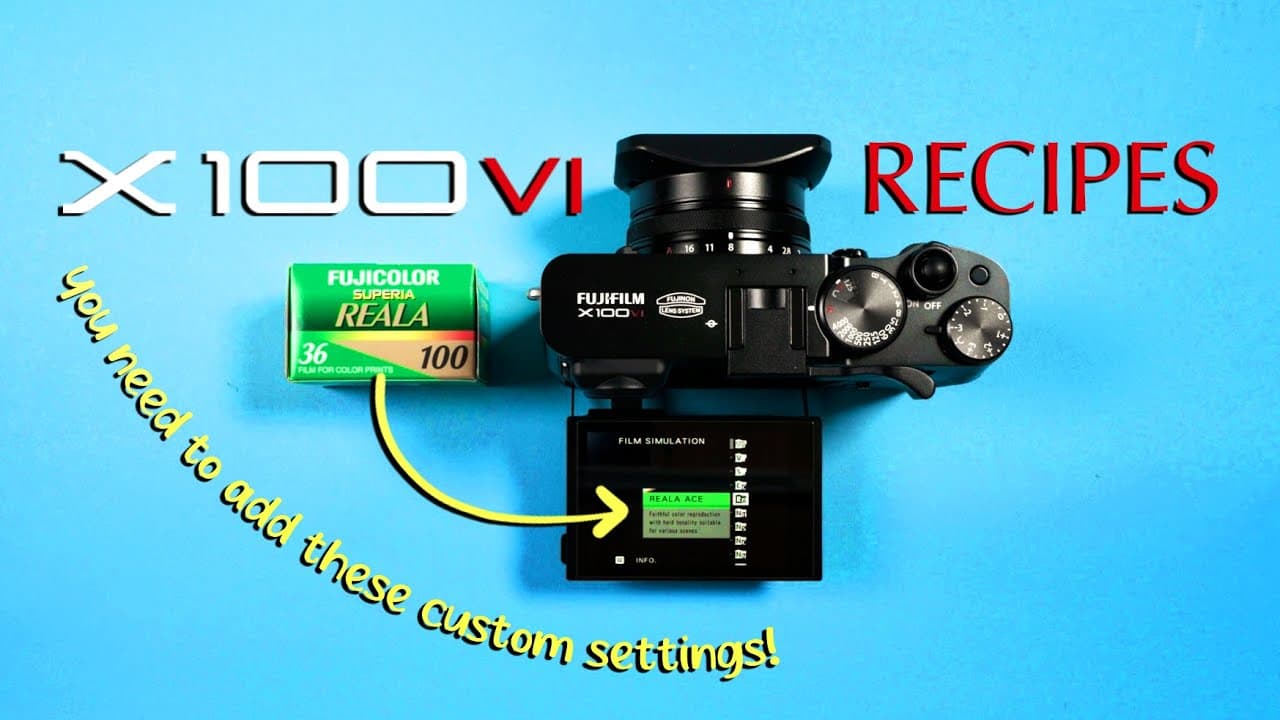
TL;DR
Learn to master Fujifilm X100VI custom settings and recipes.
Transcript
Read and summarize the transcript of this video on Glasp Reader (beta).
Key Insights
- The video provides a comprehensive guide on setting up custom settings, known as recipes, on the Fujifilm X100VI camera.
- Custom settings can be managed through the 'My Menu', 'Quick Menu', and function buttons, allowing for easy access and modifications.
- Users can create, edit, and delete custom recipes to suit their specific photography needs and preferences.
- The guide emphasizes the importance of having a base custom setting to reset the camera to default settings when needed.
- The video demonstrates how to input popular film simulation recipes like Kodak Gold 200 and Portra 400 into the camera.
- Viewers are encouraged to experiment with different settings and simulations to find the perfect recipe for their photography style.
- The video highlights the Fuji X Weekly community as a resource for finding new and creative Fujifilm recipes.
- It stresses the importance of exposure compensation adjustments when using different film simulations for optimal results.
Install to Summarize YouTube Videos and Get Transcripts
Explore YouTube Video Summarizer or Get YouTube Transcript Extractor
Questions & Answers
Q: How do you set up the 'My Menu' on the Fujifilm X100VI?
To set up the 'My Menu', navigate to the setup page, go into user settings, and select the photo my menu settings. Add items such as image quality, film simulation, and dynamic range, and rank them according to your preferences. This setup allows for easy access and management of custom settings.
Q: What is the purpose of the 'Quick Menu' on the Fujifilm X100VI?
The 'Quick Menu' provides rapid access to frequently used settings on the Fujifilm X100VI. By pressing the Q button, users can quickly adjust settings like image quality, white balance, and film simulation, making it convenient to change settings on the fly during a photoshoot.
Q: How can you input a custom recipe into the Fujifilm X100VI?
To input a custom recipe, first find a recipe online, then access the menu page and input the settings such as film simulation, dynamic range, and color adjustments. Save the custom setting to a designated slot, and use the function buttons to select and apply the recipe during shooting.
Q: Why is it important to have a base custom setting on the Fujifilm X100VI?
A base custom setting acts as a default configuration that can reset the camera to its original settings. This is useful when experimenting with new recipes or when a custom setting becomes too complex or unsatisfactory, allowing users to quickly revert to a known, neutral setup.
Q: What resources are recommended for finding Fujifilm recipes?
The video recommends the Fuji X Weekly community as an excellent resource for finding new and creative Fujifilm recipes. This community shares a variety of film simulations and custom settings, providing photographers with a wealth of options to explore and incorporate into their work.
Q: How do you adjust exposure compensation when using film simulations?
When using film simulations, it is often recommended to adjust exposure compensation to achieve the desired effect. For instance, the Kodak Gold 200 simulation suggests overexposing by 2/3 to one stop. Users should adjust the exposure compensation dial accordingly to match the simulation's requirements.
Q: Can you create your own custom recipe on the Fujifilm X100VI?
Yes, you can create your own custom recipe by starting with a base setting and adjusting parameters like film simulation, dynamic range, and color settings. Save these adjustments as a new custom setting, and test it in various shooting conditions to refine and perfect your personalized recipe.
Q: What steps should be taken if a custom recipe does not meet expectations?
If a custom recipe does not meet expectations, revert to the base setting to clear any unwanted adjustments. Re-evaluate the recipe's parameters, make necessary changes, and save the updated settings. Alternatively, delete the unsatisfactory recipe to free up space for new experiments and simulations.
Summary & Key Takeaways
-
This video tutorial explains how to set up and manage custom settings, or recipes, on the Fujifilm X100VI camera. It covers creating, editing, and deleting recipes, and provides step-by-step instructions on using the 'My Menu' and 'Quick Menu' for efficient workflow.
-
The guide includes practical examples of inputting well-known film simulation recipes like Kodak Gold 200 and Portra 400. It emphasizes the importance of having a base setting to revert to default settings and encourages experimentation with different recipes to suit individual preferences.
-
The video also highlights the Fuji X Weekly community as a valuable resource for discovering new recipes and film simulations. It advises on exposure compensation adjustments when using simulations to achieve desired photographic effects.
Read in Other Languages (beta)
Share This Summary 📚
Summarize YouTube Videos and Get Video Transcripts with 1-Click
Try YouTube Summary with ChatGPT & Claude or YouTube Transcript Generator