How to Use Multiband Compressor in Premiere Pro
TL;DR
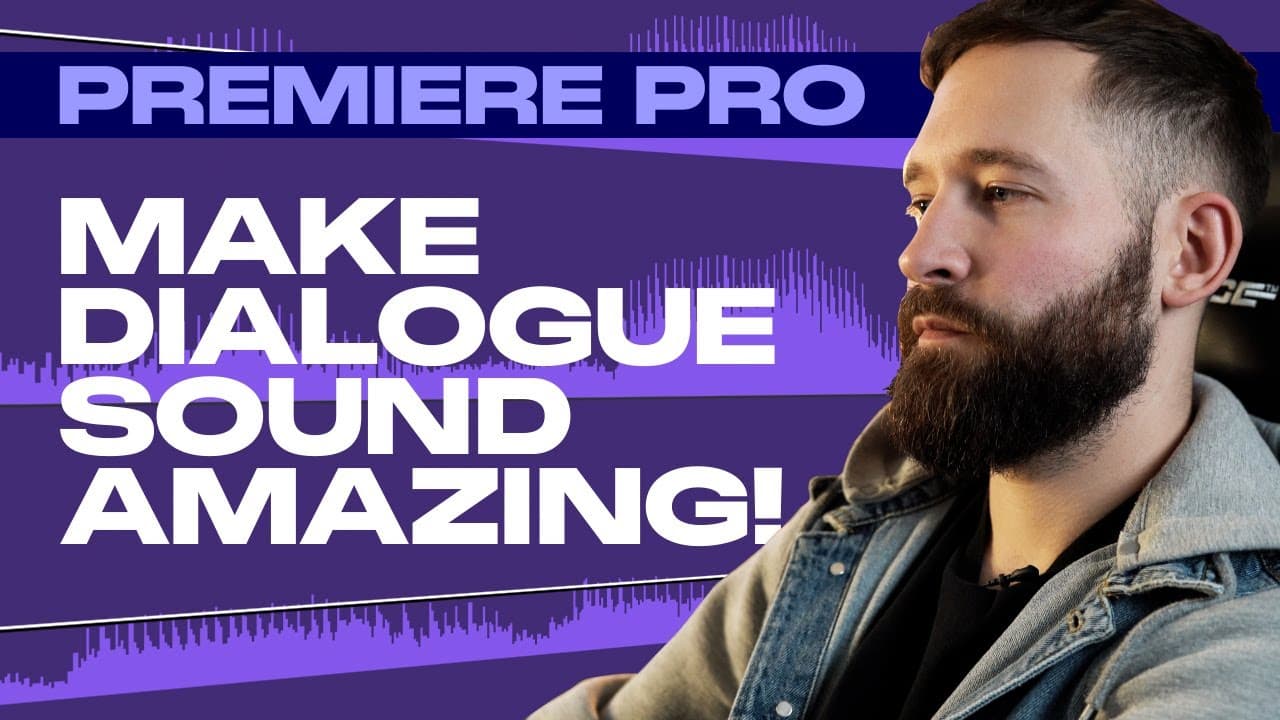
The multiband compressor in Premiere Pro is essential for achieving balanced audio levels in your videos. By carefully adjusting gain and threshold settings, you can enhance dialogue clarity and prevent distracting peaks, ensuring a more enjoyable viewer experience.
Transcript
people are always going to tolerate a poor quality video more than a video with bad audio quality and with Premiere Pro's multiband compressor you can make sure that your audio levels are perfect within minutes hi guys and welcome back to editor's life and today we're going to be taking a look at audio compression inside Premiere Pro now I don't kn... Read More
Key Insights
- 🫵 Balancing audio levels is important, as viewers are more likely to tolerate poor video quality than bad audio quality.
- 🎚️ The multiband compressor in Premiere Pro is a powerful tool for achieving balanced audio levels.
- 🎚️ Adjusting gain, threshold, and other settings in the multiband compressor can help achieve consistent audio levels in dialogue clips.
- 👂 Additionally, adding a multiband compressor to the master mix channel can ensure overall audio balance when incorporating music tracks or sound effects.
- 🙊 Achieving consistent audio levels enhances viewer engagement and prevents distracting audio peaks.
- 🎮 Audio quality is often overlooked but plays a significant role in the overall video-watching experience.
- 🎚️ Beginners often try basic techniques like raising the overall audio level, which doesn't address the underlying issue of inconsistent audio levels.
Install to Summarize YouTube Videos and Get Transcripts
Explore YouTube Video Summarizer or Get YouTube Transcript Extractor
Summary & Key Takeaways
-
Poor audio quality can lead to viewers disengaging from a video, making it crucial to prioritize audio levels.
-
The tutorial focuses on using the multiband compressor in Premiere Pro to achieve consistent audio levels throughout a dialogue clip.
-
By adjusting the gain, threshold, and other settings, the audio can be balanced and peaks can be avoided.
Read in Other Languages (beta)
Share This Summary 📚
Summarize YouTube Videos and Get Video Transcripts with 1-Click
Try YouTube Summary with ChatGPT & Claude or YouTube Transcript Generator
Summarize YouTube Videos and Get Video Transcripts with 1-Click
Try YouTube Summary with ChatGPT & Claude or YouTube Transcript Generator