How To Use Your iPhone 13 Pro / 13 Pro Max! (Complete Beginners Guide)
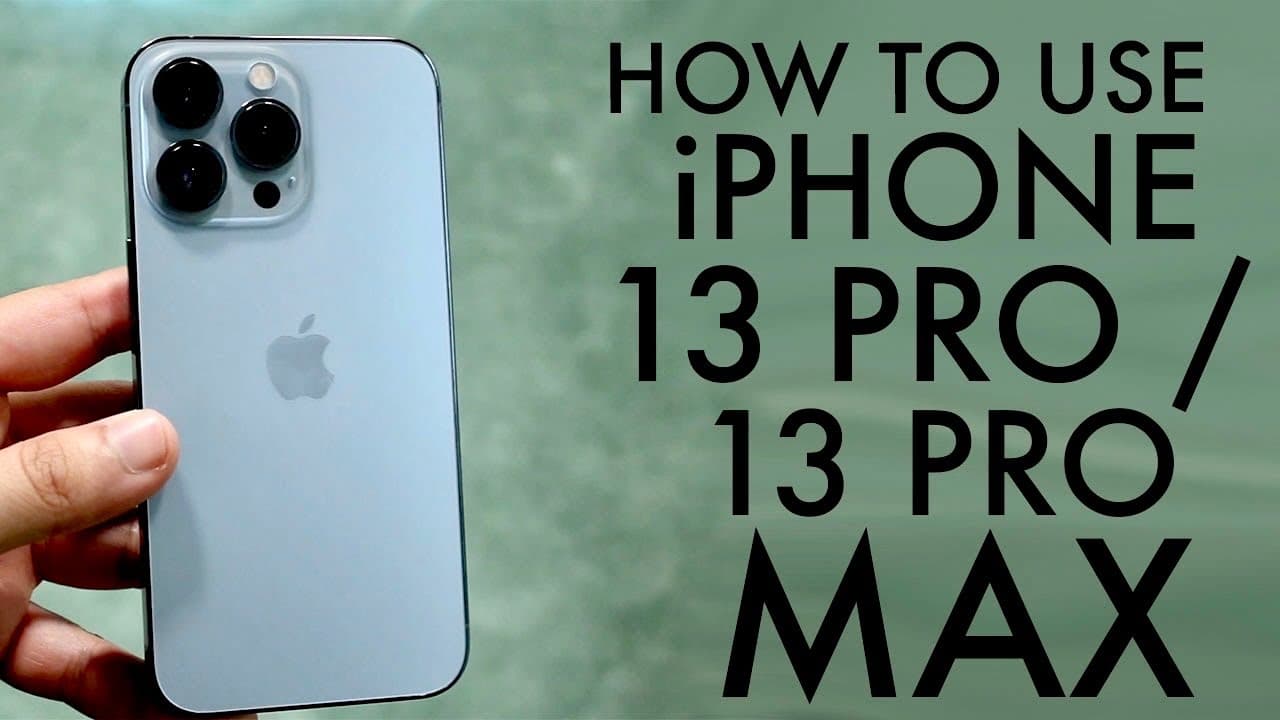
TL;DR
A comprehensive guide to using the iPhone 13 Pro features.
Transcript
welcome back everyone you may have just purchased an iphone 13 pro or iphone 13 pro max and i'll go ahead and show you a quick little tutorial quick little you know work around or you know tutorial on how to use this iphone now i split these up into two the 13s are kind of different than the 13 pros this year you know they're actually quite a bit d... Read More
Key Insights
- 🛟 The iPhone 13 Pro features a smaller notch and enhanced battery life, contributing to an improved overall aesthetic and functionality.
- 👻 Apple's introduction of ProMotion technology in the iPhone 13 Pro allows for a smoother scrolling experience and better responsiveness at 120Hz.
- 🤟 Users can easily transition between applications using swipe gestures, enhancing multitasking capabilities.
- 👍 The camera app offers advanced features such as cinematic mode and 4K video recording, allowing for professional-quality content capture.
- 🈸 Widgets can be customized and added to the home screen, providing quick access to commonly used apps and information from various applications.
- 😀 Spotlight Search can help users quickly locate apps, messages, or information across the device, emphasizing the efficiency of navigation on iPhones.
- 🏘️ The settings menu houses crucial functionalities, including software updates and iCloud backup options, which are vital for maintaining device performance.
Install to Summarize YouTube Videos and Get Transcripts
Explore YouTube Video Summarizer or Get YouTube Transcript Extractor
Summary & Key Takeaways
-
The tutorial covers the essential features and differences of the iPhone 13 Pro, including its design elements, camera capabilities, and user interface enhancements.
-
Key functionalities such as the control center, notification management, and the process of customizing apps and widgets on the home screen are highlighted for new users.
-
It also explains advanced features like ProMotion display, camera options including cinematic mode, and tools for taking screenshots and screen recordings for an enhanced user experience.
Read in Other Languages (beta)
Share This Summary 📚
Summarize YouTube Videos and Get Video Transcripts with 1-Click
Try YouTube Summary with ChatGPT & Claude or YouTube Transcript Generator
Explore More Summaries from Simple Alpaca 📚






Summarize YouTube Videos and Get Video Transcripts with 1-Click
Try YouTube Summary with ChatGPT & Claude or YouTube Transcript Generator