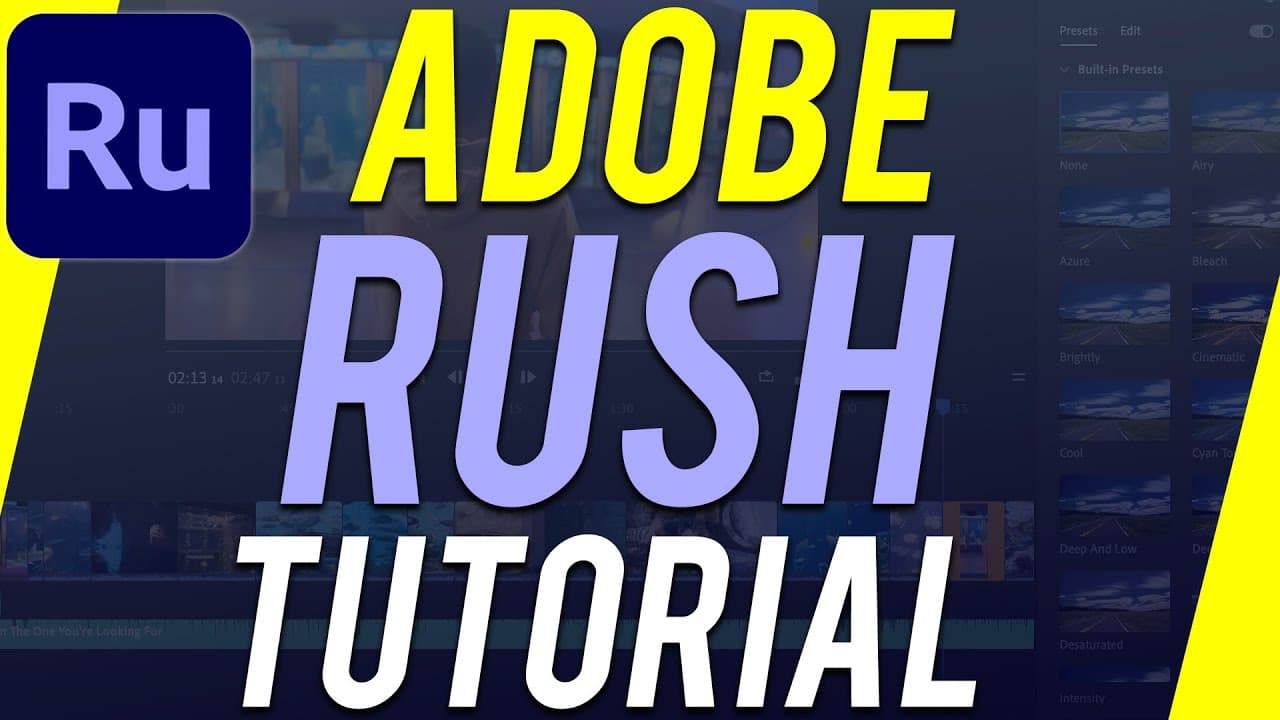
How to Use Adobe Premiere Rush - Complete Video Editing Tutorial
TL;DR
Learn how to use Adobe Premiere Rush, a free video editing software, to edit videos easily and seamlessly across different platforms.
Transcript
hey everyone in today's video i want to show you how to use a free video editor from adobe called adobe premiere rush now adobe has another video editing platform called adobe premiere pro that's the pro paid version of adobe premiere and that's the one i use every single day but adobe premiere rush is a great easy way to get started with editing b... Read More
Key Insights
- 👤 Adobe Premiere Rush is a user-friendly video editing software suitable for beginners.
- 👻 It allows for seamless syncing and editing between mobile and computer platforms.
- 📋 The software offers features like reordering clips, trimming and splitting clips, adding effects and transitions, and incorporating graphics and music.
- ❓ There is a paid version of Adobe Premiere Rush available with additional features and no limitations.
- 💳 Adobe Premiere Rush is part of the Adobe Creative Cloud subscription, which gives access to various Adobe applications.
- 🥳 The software supports different aspect ratios for different platforms like YouTube, Instagram, and TikTok.
- 📋 Users can easily trim the beginning and end of clips and split clips to remove or rearrange content.
Install to Summarize YouTube Videos and Get Transcripts
Explore YouTube Video Summarizer or Get YouTube Transcript Extractor
Summary & Key Takeaways
-
Adobe Premiere Rush is a free video editing software that is a great choice for beginners looking to get started with editing.
-
It offers seamless syncing between mobile and computer and allows for easy editing on both platforms.
-
The software has features like reordering clips, trimming and splitting clips, adding effects and transitions, and incorporating graphics and music.
Read in Other Languages (beta)
Share This Summary 📚
Summarize YouTube Videos and Get Video Transcripts with 1-Click
Try YouTube Summary with ChatGPT & Claude or YouTube Transcript Generator
Explore More Summaries from Howfinity 📚
Summarize YouTube Videos and Get Video Transcripts with 1-Click
Try YouTube Summary with ChatGPT & Claude or YouTube Transcript Generator