Frame By Frame Animation in Adobe Animate
TL;DR
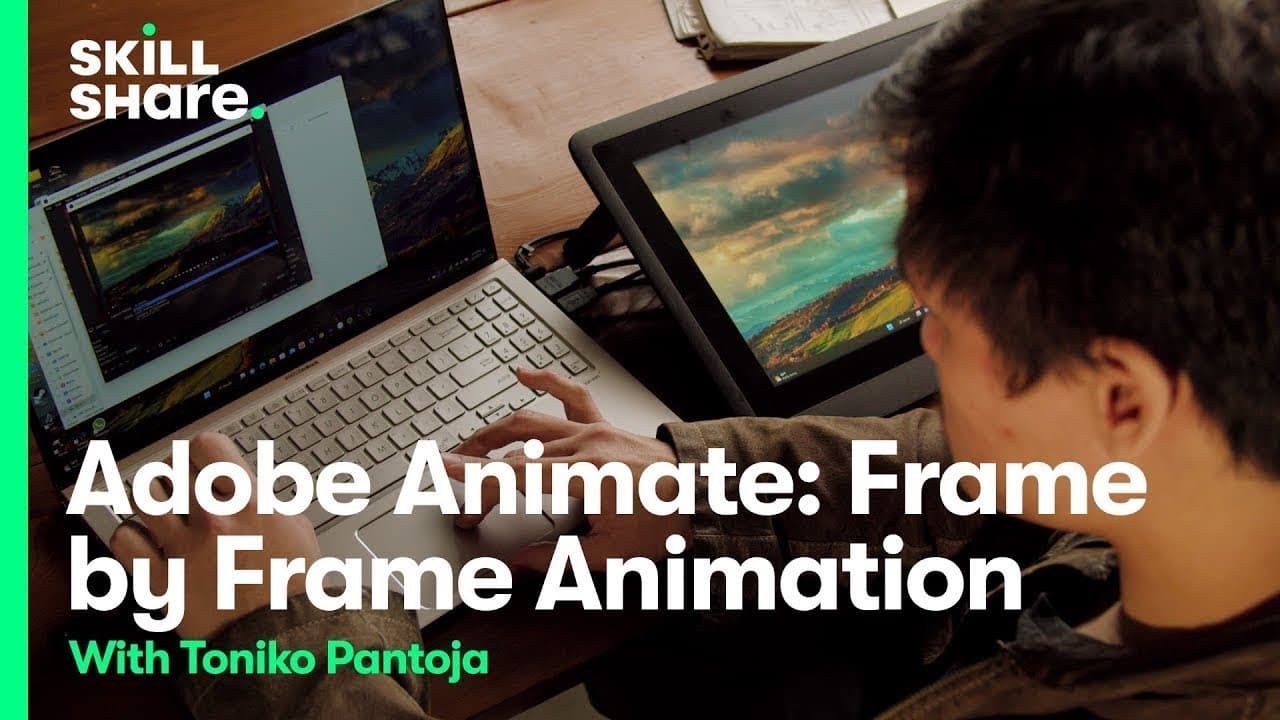
Tarika Pantoa demonstrates frame-by-frame animation basics using Adobe Animate with a focus on key poses and connective drawings.
Transcript
hi YouTube my name is tarika pantoa I am an artist within the animation industry my animation classes with skillshare just launched and today I'm sharing an exclusive sneak peek with you in this lesson I'm going to show you some simple animation basics ready to get started listen we're going to talk about frame by frame or hand-drawn animation the ... Read More
Key Insights
- 🖼️ Adobe Animate is a software commonly used for frame-by-frame animation.
- 🫥 Perspective lines can be helpful in creating depth and realism in animations.
- 🖐️ Experimentation and fun play a significant role in the animation creation process.
- 🤩 Key poses are crucial for defining the main positions of characters or objects in animations.
- 🤩 Connective drawings, also known as breakdowns, help in creating smooth transitions between key poses.
- 🏋️ Adjusting timing and frames can impact the motion and weight of animated characters.
- 🧑🎨 Onion skinning is a useful tool for artists to see previous and next frames while animating.
Install to Summarize YouTube Videos and Get Transcripts
Explore YouTube Video Summarizer or Get YouTube Transcript Extractor
Summary & Key Takeaways
-
Tarika Pantoa introduces frame-by-frame animation basics using Adobe Animate.
-
She demonstrates creating key poses and connective drawings for smooth animation.
-
Focus on experimentation and fun while learning animation techniques.
Read in Other Languages (beta)
Share This Summary 📚
Summarize YouTube Videos and Get Video Transcripts with 1-Click
Try YouTube Summary with ChatGPT & Claude or YouTube Transcript Generator
Explore More Summaries from Skillshare 📚






Summarize YouTube Videos and Get Video Transcripts with 1-Click
Try YouTube Summary with ChatGPT & Claude or YouTube Transcript Generator