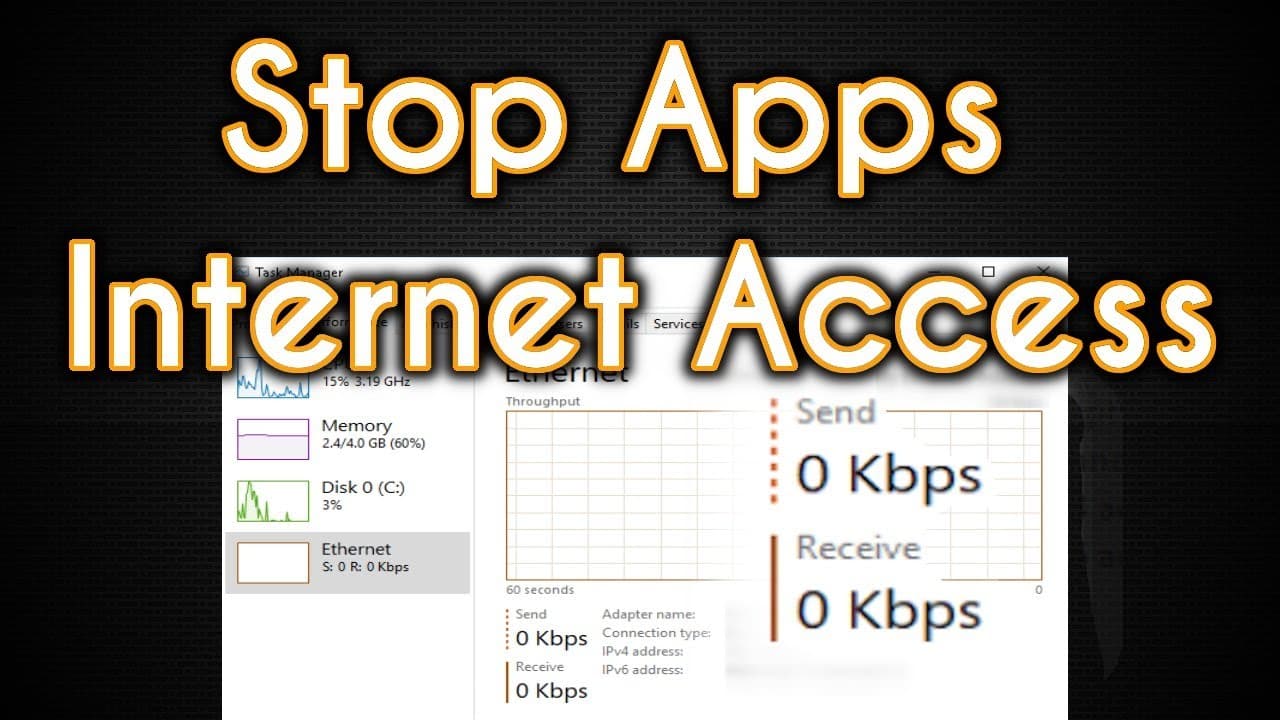
How to Block Internet Access in Windows 10
TL;DR
Block unwanted internet access on Windows 10 using Simple Wall, a free and open-source firewall tool. Designed for intermediate to advanced users, it enables you to monitor and control apps' internet activity, providing the ability to allow or block specific traffic. With built-in protections against telemetry and spyware, it's an essential tool for enhancing your system's privacy and security.
Transcript
firewall in Windows is it any good well today let's not worry about Windows Firewall because we all know it's a big piling heap of hot garbage so today let's configure a third-party firewall now no I'm not asking you to go some weird shady website or use some commercial tool like zone alarm or some junk this is actually a free and open source softw... Read More
Key Insights
- 🔥 Simple Wall is a free and open-source firewall software for Windows 10 that gives users control over their system's internet activity and blocks unwanted communication with the internet.
- 👀 It allows users to enable or disable specific apps or services from accessing the internet, giving them full control over what software can communicate with the outside world.
- 🌐 Simple Wall monitors network activity in real-time and prompts users to allow or block internet access for new apps that don't have a pre-set profile.
- 📊 Users can also specify which services and protocols should have network access, making it a powerful tool for managing Windows updates and network activity.
- 🚫 Simple Wall comes with a built-in block list of telemetry and spyware servers and allows users to customize their own rules for which traffic to allow or block.
- 💪 While it is an intermediate to advanced tool that requires some understanding of Windows services, it can be extremely beneficial for enhancing performance, blocking spyware, and preventing the download of malicious software.
- 💻 Simple Wall is an essential tool for users who want to take back control of their system and be aware of and manage the internet activity happening in the background of their PC.
- 💰 Simple Wall is free and open-source, but users can donate to support the project and show appreciation to its developer, Henry EADS.
Install to Summarize YouTube Videos and Get Transcripts
Explore YouTube Video Summarizer or Get YouTube Transcript Extractor
Summary & Key Takeaways
-
Simple Wall is a free and open-source firewall software for Windows 10 that offers advanced capabilities.
-
It allows users to monitor and control their system's internet communication, blocking unwanted traffic.
-
Simple Wall is best suited for intermediate to advanced users who have a good understanding of Windows services and protocols.
Read in Other Languages (beta)
Share This Summary 📚
Summarize YouTube Videos and Get Video Transcripts with 1-Click
Try YouTube Summary with ChatGPT & Claude or YouTube Transcript Generator
Explore More Summaries from Chris Titus Tech 📚




Summarize YouTube Videos and Get Video Transcripts with 1-Click
Try YouTube Summary with ChatGPT & Claude or YouTube Transcript Generator