Products
Features
YouTube Video Summarizer
Summarize YouTube videos
Web & PDF Highlighter
Highlight web pages & PDFs
Chat with PDF
Ask any PDF questions with AI
Ask AI Clone
Chat with your highlights & memories
Audio Transcriber
Transcribe audio files to text
Glasp Reader
Read and highlight articles
Kindle Highlight Export
Export your Kindle highlights
Idea Hatch
Hatch ideas from your highlights
Integrations
Obsidian Plugin
Notion Integration
Pocket Integration
Instapaper Integration
Medium Integration
Readwise Integration
Snipd Integration
Hypothesis Integration
Apps & Extensions
Chrome Extension
Safari Extension
Edge Add-ons
Firefox Add-ons
iOS App
Android App
Discover
Discover
Ideas
Discover new ideas and insights
Articles
Curated articles and insights
Books
Book recommendations by great minds
Posts
Essays and notes from readers
Quotes
Inspiring quotes collection
Videos
Curated videos and summaries
Explore Glasp
Glasp Newsletter
Weekly insights and updates
Glasp Talk
Interview series with great minds
Glasp Blog
Latest news and articles
Glasp Use Cases
Learn how others use Glasp
Build & Support
Glasp API
Access Glasp's API for developers
MCP Connector
Connect Glasp to Claude & ChatGPT
Community
Glasp Reddit Community
Students
Student discount and benefits
FAQs
Frequently Asked Questions
AboutPricing
DashboardLog inSign up

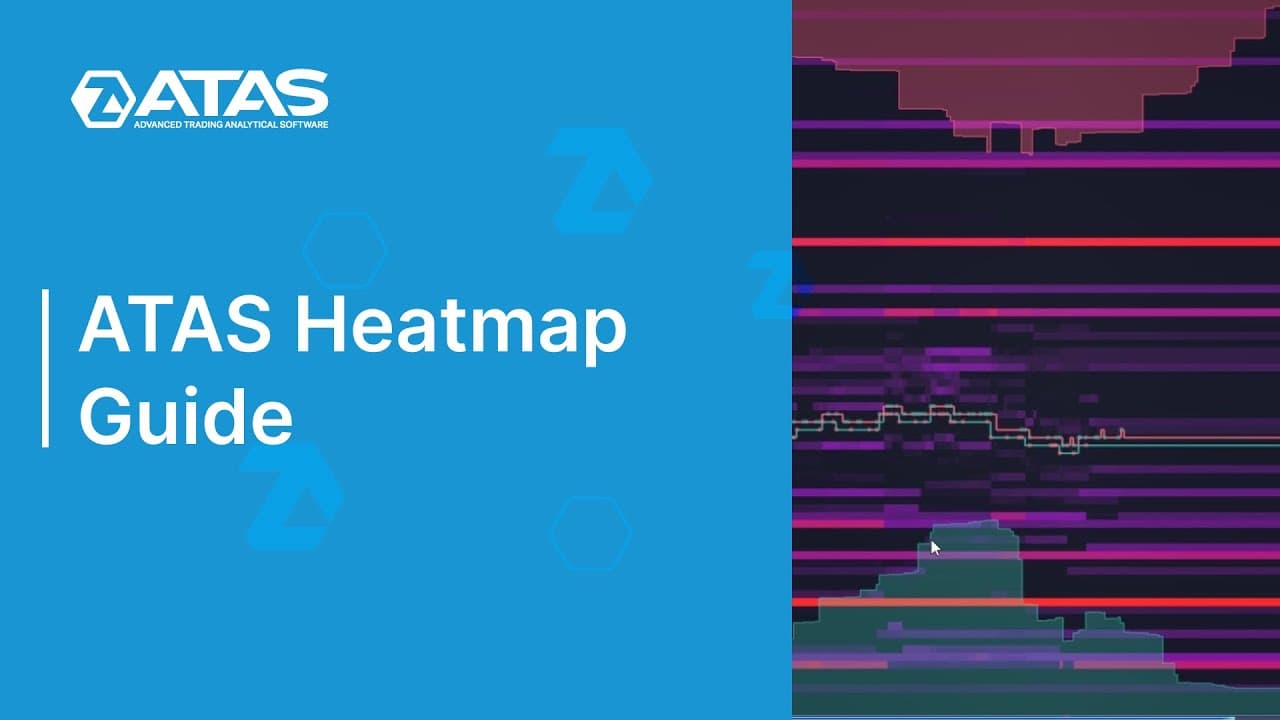
How to Use the ATAS Heatmap for Trading
8.1K views
•
June 20, 2023
by
ATAS Trading Platform
YouTube video player
How to Use the ATAS Heatmap for Trading

TL;DR

To use the ATAS heatmap, activate it by adding the Dom levels indicator or using Dom Trader. You can customize various settings, such as color transitions and volume filters, to enhance its functionality. The heatmap effectively visualizes trading activity, helping traders analyze price movements and order book interactions.

Transcript

foreign [Applause] of the heat map feature in the Addis platform users had questions about how to activate it where to find it and how to customize it this video aims to answer frequently asked questions and highlight the benefits of using the heat map for those who haven't tried it yet the heat map also referred to as the liquidity map is a tool t... Read More

Key Insights

  • 🥵 The heat map feature in the Addis platform visualizes trading activity within the order book.
  • 🥵 Users can customize the heat map by adjusting various parameters, including color transition, cutoff, contrast, smoothing, log scale, custom proportion, and filters.
  • 🇩🇲 The heat map can be activated using the Dom levels indicator or the Dom Trader option.
  • 🥵 The Dom levels heat map is suitable for analyzing historical data, while the scalping Dom heat map is better for recent data and order flow visualization.
  • 🪈 The heat map in Addis helps traders analyze price and order interaction in the order book.
  • 🥵 The heat map flickers due to the platform's principle of relativity when displaying the heat map.
  • 🥵 Filters can be applied to the heat map to display only desired volume levels within the order book.

Install to Summarize YouTube Videos and Get Transcripts

Explore YouTube Video Summarizer or Get YouTube Transcript Extractor

Summary & Key Takeaways

  • The heat map, also known as the liquidity map, visualizes trading activity of major market participants within the order book.

  • To activate the heat map, add the Dom levels indicator to the chart or use the Dom Trader option.

  • Customize the heat map by adjusting color transition, cutoff parameter, contrast, smoothing, log scale, custom proportion, and filters.


Read in Other Languages (beta)

English

Share This Summary 📚

Summarize YouTube Videos and Get Video Transcripts with 1-Click

Download browser extensions on:

Try YouTube Summary with ChatGPT & Claude or YouTube Transcript Generator

Explore More Summaries from ATAS Trading Platform 📚

Live Trading Session with ATAS Expert thumbnail
Live Trading Session with ATAS Expert
ATAS - Platform for volume analysis for traders
SMC & Order Flow Trading Strategy thumbnail
SMC & Order Flow Trading Strategy
ATAS - Platform for volume analysis for traders
2 Proven NQ Strategies: Trend Following & Range Absorption thumbnail
2 Proven NQ Strategies: Trend Following & Range Absorption
ATAS - Platform for volume analysis for traders
4 Day Trading Strategies Using Footprint | RAIN Footprint Trading Strategy thumbnail
4 Day Trading Strategies Using Footprint | RAIN Footprint Trading Strategy
ATAS - Platform for volume analysis for traders
Step 5. Finding Entry Points Using Order Flow thumbnail
Step 5. Finding Entry Points Using Order Flow
ATAS - Platform for volume analysis for traders

Summarize YouTube Videos and Get Video Transcripts with 1-Click

Download browser extensions on:

Try YouTube Summary with ChatGPT & Claude or YouTube Transcript Generator

Apps & Extensions

  • Chrome Extension
  • Safari Extension
  • Edge Add-ons
  • Firefox Add-ons
  • iOS App
  • Android App

Key Features

  • YouTube Video Summarizer
  • Web & PDF Summarizer
  • Web & PDF Highlighter
  • Chat with PDF
  • Ask AI Clone
  • Audio Transcriber
  • Glasp Reader
  • Kindle Highlight Export
  • Idea Hatch

Integrations

  • Obsidian Plugin
  • Notion Integration
  • Pocket Integration
  • Instapaper Integration
  • Medium Integration
  • Readwise Integration
  • Snipd Integration
  • Hypothesis Integration

More Features

  • APIs
  • MCP Connector
  • Blog & Post
  • Embed Links
  • Image Highlight
  • Personality Test
  • Quote Shots

Company

  • About us
  • Blog
  • Community
  • FAQs
  • Job Board
  • Newsletter
  • Pricing
Terms

•

Privacy

•

Guidelines

© 2026 Glasp Inc. All rights reserved.