What Are the Most Useful Samsung Apps You Should Try?
TL;DR
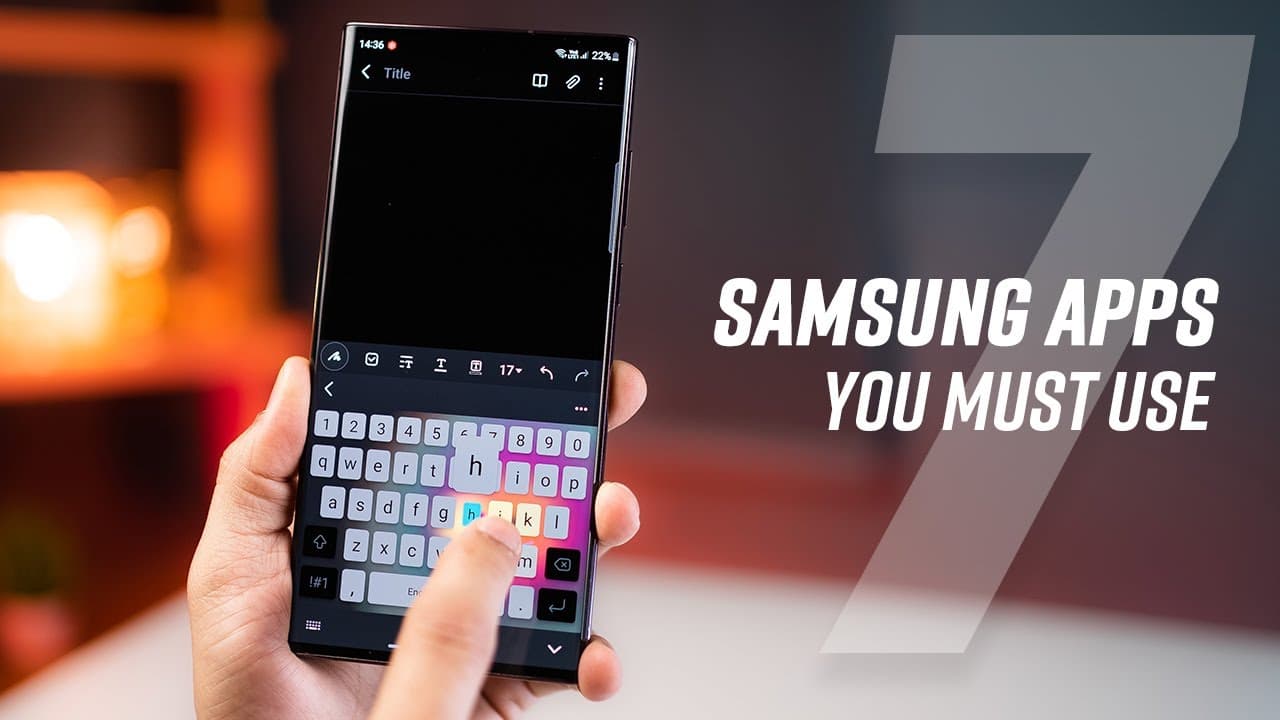
Samsung offers several underutilized apps that can enhance productivity, including Samsung Reminders for task organization, Samsung Good Lock for customization, Link to Windows for PC integration, Secure Folder for privacy, Samsung Pay for convenient payments, Galaxy Members for support and discounts, and Samsung SmartThings for managing and locating devices.
Transcript
there are many built-in apps on your Galaxy smartphone that are extremely useful and make you super productive but you're not using them as much so the first step is called Samsung reminders it's right here and it's actually more of a task organizer you can list down your tasks and then as soon as you add a date or a Time alert that makes it a remi... Read More
Key Insights
- 😀 Samsung smartphones come with built-in apps that offer useful features for boosting productivity.
- 🎗️ Samsung Reminders provides task organization, including location-based reminders and subtask organization.
- 😀 Samsung Good Lock allows customization of gestures, app layouts, keyboard settings, and clock faces.
- 🍿 Link to Windows enables remote control of Samsung phones from Windows PCs, offering convenience and efficiency.
- 😀 Secure Folder provides a private space with PIN or biometric protection for storing sensitive data and apps.
- 👤 Samsung Pay simplifies payments and offers rewards for frequent users.
- 💁 Galaxy Members offers support, tips, tricks, contests, and discounts for Samsung smartphone users.
- 😚 Samsung SmartThings helps in locating lost devices and managing smart home devices.
Install to Summarize YouTube Videos and Get Transcripts
Explore YouTube Video Summarizer or Get YouTube Transcript Extractor
Summary & Key Takeaways
-
Samsung Reminders: A task organizer with location-based reminders and subtask organization.
-
Samsung Good Lock: An underrated customization tool for Samsung smartphones, offering customizable gestures, app layouts, and keyboard settings.
-
Link to Windows: A companion app that allows users to control their Samsung phone from their Windows PC, including screen mirroring, file transfer, and phone call management.
-
Secure Folder: A private space to store photos, videos, files, and apps with added PIN or biometric protection.
-
Samsung Pay: Connects bank accounts, cards, and wallets for contactless payments and bill payments, with the option to redeem points for gift cards.
-
Galaxy Members: An app for tips, tricks, support, contests, and discounts on Samsung products and accessories.
-
Samsung SmartThings: Helps users locate lost or misplaced devices and manage smart home devices with automation capabilities.
Read in Other Languages (beta)
Share This Summary 📚
Summarize YouTube Videos and Get Video Transcripts with 1-Click
Try YouTube Summary with ChatGPT & Claude or YouTube Transcript Generator
Explore More Summaries from mobiscrub 📚

Summarize YouTube Videos and Get Video Transcripts with 1-Click
Try YouTube Summary with ChatGPT & Claude or YouTube Transcript Generator