Getting Started with Git: A Beginner's Guide
TL;DR
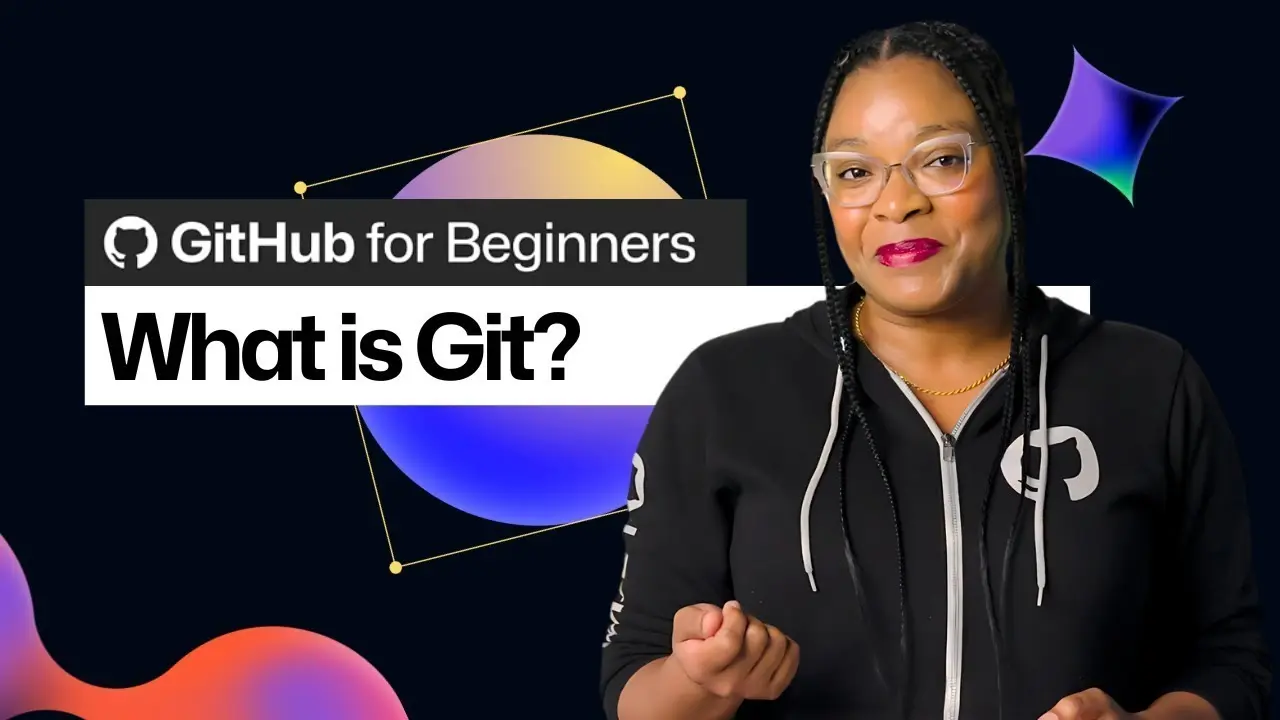
Master the basics of Git, the essential version control system used in software development. This tutorial covers installation, configuration, and crucial commands to help you manage your projects effectively. By the end, you'll be confident in using Git for both personal and collaborative work.
Transcript
If you don’t know the first thing about Git or version control or the basic concepts you need to be successful with Git, then this video is for you. Today I’m going to teach you everything you need to know to get started with Git. If you’re an absolute beginner, this video will help you feel more confident installing, configuring, and understanding... Read More
Key Insights
- Git is a widely used version control system that helps track changes to files over time, essential for managing different versions of projects efficiently.
- Version control systems like Git eliminate the need for multiple file versions, allowing users to maintain a single file with a comprehensive history of changes.
- Key Git concepts include the working directory, staging area, local repository, remote repository, branches, pull requests, and merging, each serving distinct roles in version control.
- Installing Git involves different steps for macOS and Windows, ensuring users have the latest version and necessary tools like Homebrew for macOS.
- Configuring Git requires setting up user identity through commands like 'git config --global user.name' and 'git config --global user.email' to track contributions.
- Basic Git commands include 'git init' to initialize a repository, 'git add' to stage changes, 'git commit' to save changes, and 'git status' to view the state of the working directory and staging area.
- GitHub is a platform that complements Git, providing cloud-based code storage and collaboration features, distinct from Git's version control capabilities.
- Continuous practice with Git commands like 'git status', 'git add', and 'git commit' is crucial for mastering the tool and enhancing coding efficiency.
Install to Summarize YouTube Videos and Get Transcripts
Explore YouTube Video Summarizer or Get YouTube Transcript Extractor
Questions & Answers
Q: What is Git and why is it important?
Git is a version control system that tracks changes to files over time, allowing developers to manage different versions of their projects efficiently. It is important because it helps maintain a comprehensive history of changes, facilitates collaboration, and prevents data loss by keeping track of every modification made to the code.
Q: How does version control benefit developers?
Version control benefits developers by enabling them to manage changes to their codebase systematically. It allows for easy tracking of modifications, reverting to previous versions when necessary, and collaborating with others without conflicts. This results in more organized and efficient project management, especially in team settings.
Q: What are the basic components of Git?
The basic components of Git include the working directory, where files are modified; the staging area, where changes are prepared for commit; the local repository, which stores the project history on the user's computer; and the remote repository, which is hosted online for collaboration. Branches, pull requests, and merging are also key concepts in Git.
Q: How do you install Git on macOS?
To install Git on macOS, users should download the latest version, even though macOS comes with a pre-installed version. This involves using Homebrew, a package manager for macOS. Users need to install Homebrew, then use the terminal to run 'brew install git', ensuring they have the most up-to-date version of Git.
Q: What is the process for installing Git on Windows?
Installing Git on Windows involves downloading the latest version from the official Git website. Users need to follow the on-screen wizard prompts, accepting default settings and paths, and resetting the default branch name to 'main'. Once installed, users can open the terminal and run 'git' to verify the installation.
Q: How do you configure Git after installation?
After installing Git, configuration involves setting up the user's identity with commands like 'git config --global user.name' and 'git config --global user.email'. These commands ensure that all changes made are attributed to the correct user, which is important for tracking contributions and maintaining a clear project history.
Q: What is the difference between Git and GitHub?
Git is a version control system used to track changes in files and manage project history, while GitHub is a cloud-based platform that facilitates collaboration by hosting Git repositories online. GitHub provides additional features like pull requests, issue tracking, and code review, enhancing the collaborative capabilities of Git.
Q: What are some essential Git commands for beginners?
Essential Git commands for beginners include 'git init' to initialize a repository, 'git add' to stage changes, 'git commit' to save changes with a message, and 'git status' to check the state of the working directory and staging area. These commands form the foundation of using Git effectively in any project.
Summary & Key Takeaways
-
This video provides a comprehensive introduction to Git, focusing on its role as a version control system. It covers fundamental concepts, installation procedures for different operating systems, and basic commands, aiming to equip beginners with the necessary skills to start using Git effectively.
-
The tutorial emphasizes the importance of version control in software development, explaining key Git concepts such as the working directory, staging area, and branches. It demonstrates how to install and configure Git on macOS and Windows, ensuring viewers can follow along regardless of their operating system.
-
By the end of the video, viewers will understand the differences between Git and GitHub, the importance of version control, and how to execute basic Git commands. The tutorial encourages practice to build confidence in using Git for personal and collaborative projects.
Read in Other Languages (beta)
Share This Summary 📚
Summarize YouTube Videos and Get Video Transcripts with 1-Click
Try YouTube Summary with ChatGPT & Claude or YouTube Transcript Generator
Explore More Summaries from GitHub 📚




Summarize YouTube Videos and Get Video Transcripts with 1-Click
Try YouTube Summary with ChatGPT & Claude or YouTube Transcript Generator