How I Organize My Notes, Homework, and School Files - College Info Geek
TL;DR
Learn how to organize your files effectively in college with tips on cloud storage, folder hierarchy, and note-taking.
Transcript
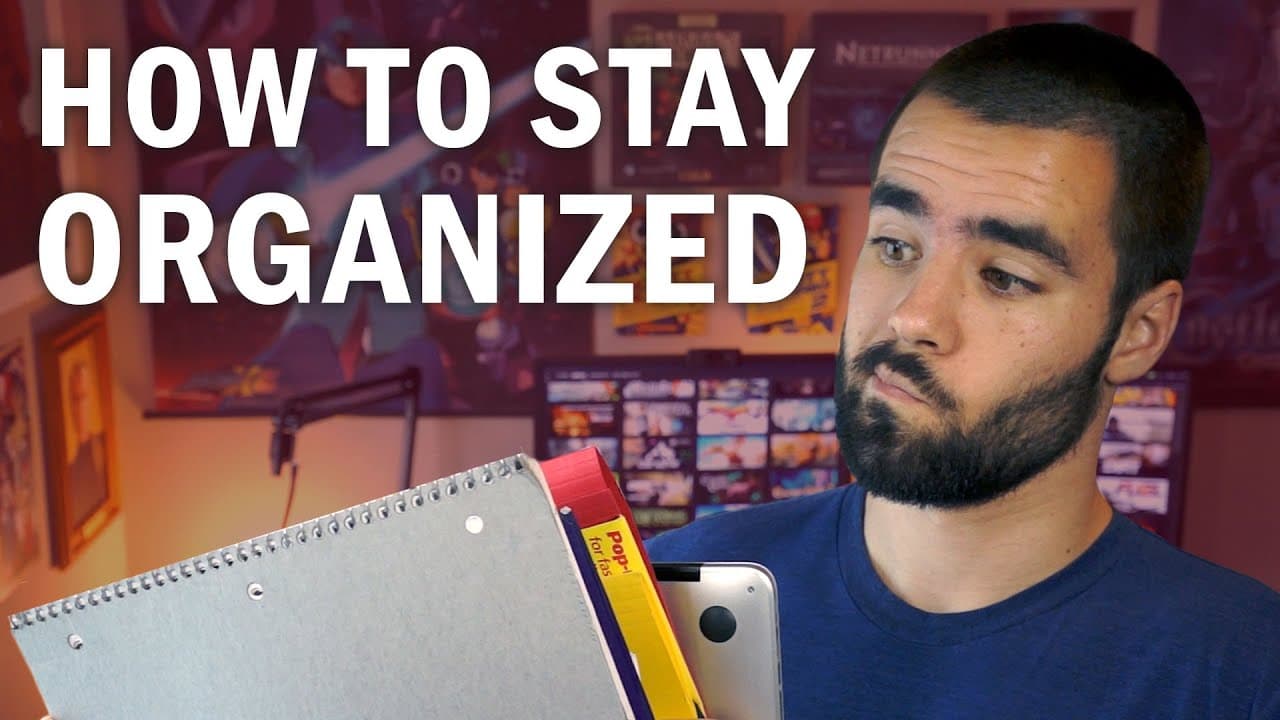
There comes a time in the life of every student when inevitably, they'll lose some very important school file and then they'll have to make an excuse to their teacher. "My flashdrive got lost," or "My dog ate my homework. "Please do not consider the fact that "dogs are not allowed in the dorms." That kinda thing. But this is the rule, and yo... Read More
Key Insights
- 😶🌫️ Cloud storage systems like Dropbox and Google Drive provide convenient access to files and offer version history for undoing mistakes.
- 📁 Creating a clear hierarchy of folders within cloud storage helps students quickly find the files they need for school.
- 📔 Evernote can serve as an effective tool for organizing and taking notes, with notebook stacks and tags for easy filtering.
- 🎵 Maintaining the organization of files and notes requires ongoing effort and discipline.
- 📔 A minimalist approach to physical note-taking, using a refillable notebook and subject-specific folders, can help reduce clutter.
- 📁 Having a file box for storing physical notes and folders can further enhance organization and retrieval.
- 🧑🎓 Being organized with files and notes can reduce stress and improve efficiency for students.
Install to Summarize YouTube Videos and Get Transcripts
Explore YouTube Video Summarizer or Get YouTube Transcript Extractor
Summary & Key Takeaways
-
Use cloud storage systems like Dropbox or Google Drive to ensure access to your files even if you forget your computer.
-
Create a clear hierarchy of folders within your cloud storage to easily find files based on school, year, and class.
-
Take notes using Evernote, utilizing notebook stacks and tags for easy filtering and organization.
Read in Other Languages (beta)
Share This Summary 📚
Summarize YouTube Videos and Get Video Transcripts with 1-Click
Try YouTube Summary with ChatGPT & Claude or YouTube Transcript Generator
Explore More Summaries from Thomas Frank 📚



Summarize YouTube Videos and Get Video Transcripts with 1-Click
Try YouTube Summary with ChatGPT & Claude or YouTube Transcript Generator