How to Track your Stock Portfolio using GOOGLE SHEETS? [FREE TEMPLATE] | Trade Brains
TL;DR
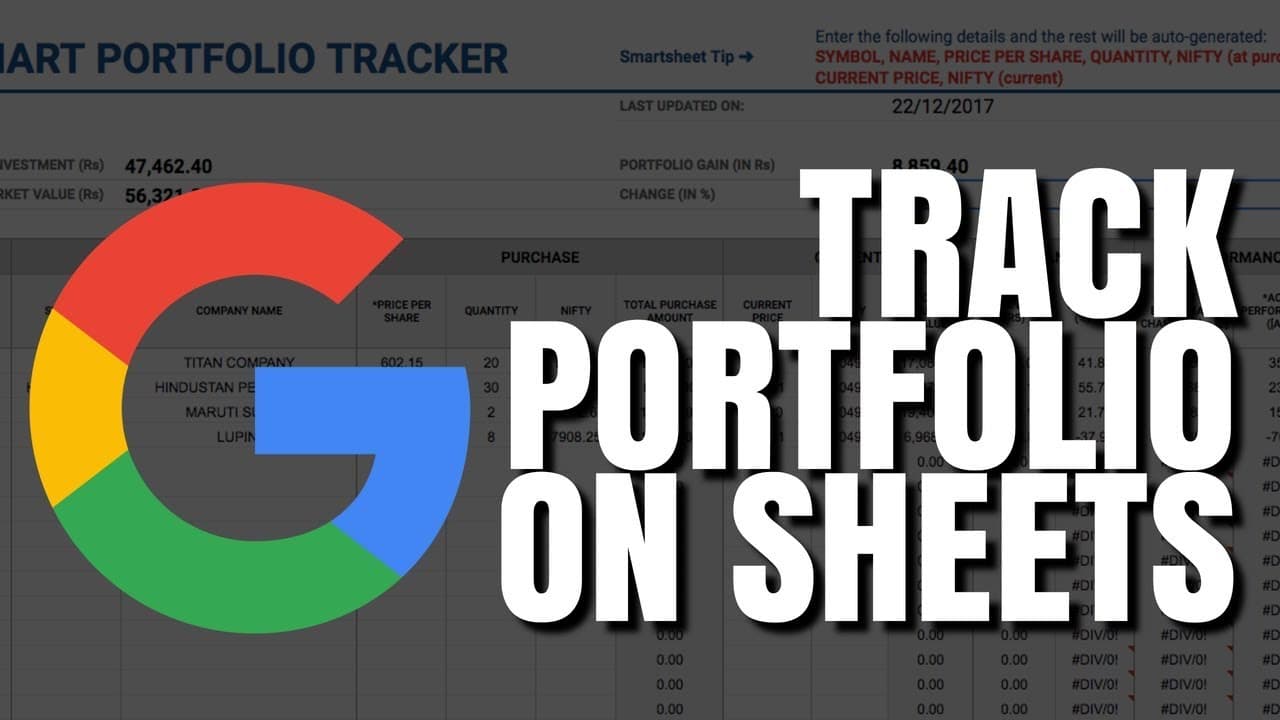
Learn how to create and track your stock portfolio using Google Sheets, step-by-step.
Transcript
hello guys this is Cretaceous on trade brains and in this video we are going to discuss how you can create and track your portfolio using Google sheets first of all if you're new to this channel please subscribe we publish new videos on investing every week so let's get started now creating a tracking your portfolio using Google sheets is very simp... Read More
Key Insights
- ❓ Creating a stock portfolio in Google Sheets is simple and requires only a Google account.
- 😘 Utilize Google Finance functions to track stock symbols, current prices, 52-week highs and lows, and other data.
- 😘 Customize your portfolio layout by adding columns for different attributes like 52-week high and low.
- ❓ Monitor overall portfolio performance with total investment, market value, profit percentage, and dividend tracking.
- 💁 Conditional formatting in Google Sheets can visually represent stock performance by color-coding positive and negative changes.
- ⌛ Real-time portfolio tracking allows for dynamic updates during trading hours for accurate performance monitoring.
- ❓ Google Sheets provides a secure and customizable platform for retail investors to manage their stock portfolios efficiently.
Install to Summarize YouTube Videos and Get Transcripts
Explore YouTube Video Summarizer or Get YouTube Transcript Extractor
Questions & Answers
Q: How do you find stock symbols in Google Sheets for tracking?
To find stock symbols, search for the company name followed by "share price" on Google, copy the symbol, and use the Google Finance function in Sheets.
Q: What data can you track in your portfolio besides stock price?
Besides stock price, you can track 52-week high, 52-week low, total investment, current market value, profit percentage, and dividend income.
Q: Can you customize the portfolio in Google Sheets?
Yes, you can customize the portfolio by adding columns for additional attributes like 52-week high, 52-week low, and other data using Google Finance functions.
Q: How can you visually identify portfolio performance in Google Sheets?
You can use conditional formatting in Google Sheets to color-code your portfolio based on positive (green) or negative (red) changes, making it easy to visualize performance.
Summary & Key Takeaways
-
Easily create a stock portfolio in Google Sheets by finding stock symbols and using Google Finance functions.
-
Track your portfolio's current price, 52-week high, 52-week low, investment, market value, profit percentage, and dividends.
-
Customize your portfolio with additional columns for attributes like 52-week high and low.
Read in Other Languages (beta)
Share This Summary 📚
Summarize YouTube Videos and Get Video Transcripts with 1-Click
Try YouTube Summary with ChatGPT & Claude or YouTube Transcript Generator
Explore More Summaries from Trade Brains 📚






Summarize YouTube Videos and Get Video Transcripts with 1-Click
Try YouTube Summary with ChatGPT & Claude or YouTube Transcript Generator