How to Use Poppy AI for Effortless Content Creation
TL;DR
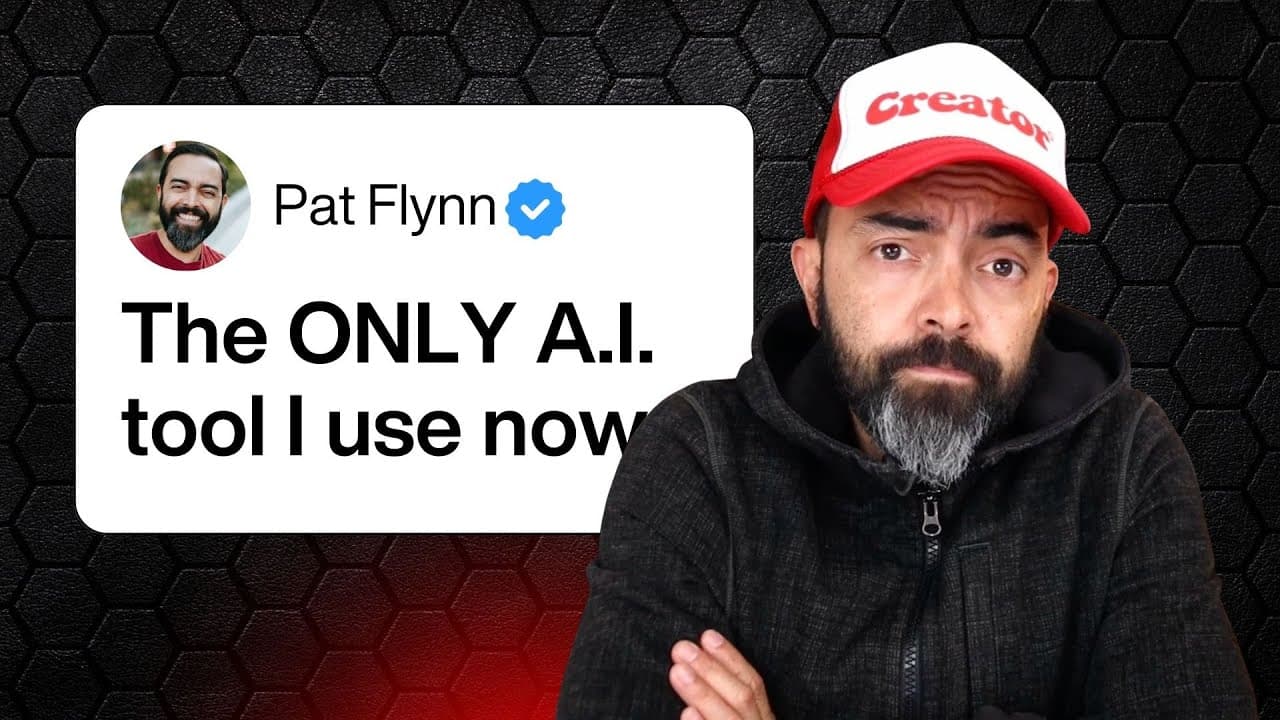
Poppy AI allows users to easily train AI to replicate their unique voice by inputting past work, creating personalized content across various formats like newsletters, podcasts, and YouTube videos. With its intuitive visual interface, users can drag and drop links to streamline the content creation process, including generating detailed outlines and scripts, thereby saving significant time.
Transcript
If you've ever used Chat GBT to create content, you've probably run into the same issue I have. It sounds okay, but it never really sounds like you. Yeah, this sounds nothing like me. But what if I could tell you that you could visually teach AI how to sound like you? Your tone, the structure, and even your sense of humor, all by just dropping in y... Read More
Key Insights
- Poppy AI enables users to visually train AI to replicate their unique voice by inputting past work, creating content that sounds more personal and authentic.
- The tool allows for easy integration of various content formats, such as newsletters, podcasts, and YouTube videos, by simply dragging and dropping links into the workspace.
- Poppy AI supports content repurposing by analyzing existing materials, like podcast episodes or book manuscripts, to generate new content formats efficiently.
- Users can enhance their content strategy by including social media clips and other resources to train the AI, making it adaptable to different platforms and audiences.
- The platform offers a seamless way to organize and manipulate content inputs, allowing users to group and connect data points visually for better workflow management.
- Poppy AI's integration with audio inputs provides an easy way to dictate content ideas, making the content creation process more intuitive and efficient.
- The tool's capability to generate detailed outlines and scripts for podcasts and videos helps streamline the production process, saving creators significant time and effort.
- Poppy AI encourages creativity by helping users focus on crafting engaging hooks and calls to action, essential components for capturing and retaining audience attention.
Install to Summarize YouTube Videos and Get Transcripts
Explore YouTube Video Summarizer or Get YouTube Transcript Extractor
Questions & Answers
Q: How does Poppy AI help content creators maintain their unique voice?
Poppy AI allows content creators to input their past work, such as newsletters, podcasts, and book manuscripts, into its system. By analyzing these inputs, the AI learns the creator's tone, structure, and humor, ensuring that the generated content closely matches the creator's unique voice and style.
Q: What types of content can be created using Poppy AI?
Poppy AI supports the creation of various content types, including newsletters, podcasts, and YouTube videos. By integrating different content formats into a single platform, it allows creators to repurpose and adapt their existing materials into new formats, enhancing their content strategy and reach.
Q: How does Poppy AI streamline the content creation process?
Poppy AI streamlines the content creation process by providing a visual interface where users can organize and connect different data points. It allows for easy integration of various content formats and supports audio inputs for dictating ideas, making the workflow more intuitive and efficient.
Q: Can Poppy AI be used for content repurposing?
Yes, Poppy AI is designed to facilitate content repurposing. By analyzing existing materials, such as podcast episodes or book manuscripts, it generates new content formats efficiently. This capability allows creators to maximize the use of their existing content across different platforms and audiences.
Q: What role does audio input play in Poppy AI's functionality?
Audio input in Poppy AI allows users to dictate content ideas directly into the system, streamlining the brainstorming and planning phases of content creation. This feature makes the process more intuitive and accessible, especially for creators who prefer speaking over typing.
Q: How does Poppy AI enhance content engagement?
Poppy AI enhances content engagement by helping creators focus on crafting compelling hooks and calls to action. These elements are crucial for capturing and retaining audience attention, and the tool provides guidance on incorporating them effectively into various content formats.
Q: What are the organizational features of Poppy AI?
Poppy AI offers organizational features that allow users to group and connect data points visually. This capability helps manage workflows efficiently, enabling creators to easily manipulate and repurpose content inputs for different projects and platforms.
Q: How does Poppy AI support content creators in saving time?
Poppy AI saves content creators time by automating the generation of detailed outlines and scripts for podcasts and videos. By analyzing existing materials and providing structured outputs, the tool reduces the effort needed for planning and production, allowing creators to focus on refining their content.
Summary & Key Takeaways
-
Poppy AI transforms content creation by allowing users to train AI with their past work, ensuring outputs match their personal voice. This innovative tool streamlines workflows by integrating various content forms, such as newsletters, podcasts, and videos, into a single platform.
-
The platform's visual interface simplifies the process of feeding data into the AI, enabling users to easily organize, connect, and repurpose content. By incorporating social media clips and other resources, Poppy AI adapts to different platforms, enhancing content strategy.
-
Poppy AI's audio input feature allows users to dictate ideas directly, while its ability to generate detailed outlines and scripts for various content types saves time. The tool emphasizes crafting engaging hooks and calls to action to maintain audience interest.
Read in Other Languages (beta)
Share This Summary 📚
Summarize YouTube Videos and Get Video Transcripts with 1-Click
Try YouTube Summary with ChatGPT & Claude or YouTube Transcript Generator
Explore More Summaries from Pat Flynn 📚



Summarize YouTube Videos and Get Video Transcripts with 1-Click
Try YouTube Summary with ChatGPT & Claude or YouTube Transcript Generator