Highlight Web Pages with Glasp | Social Web Highlighter
TL;DR
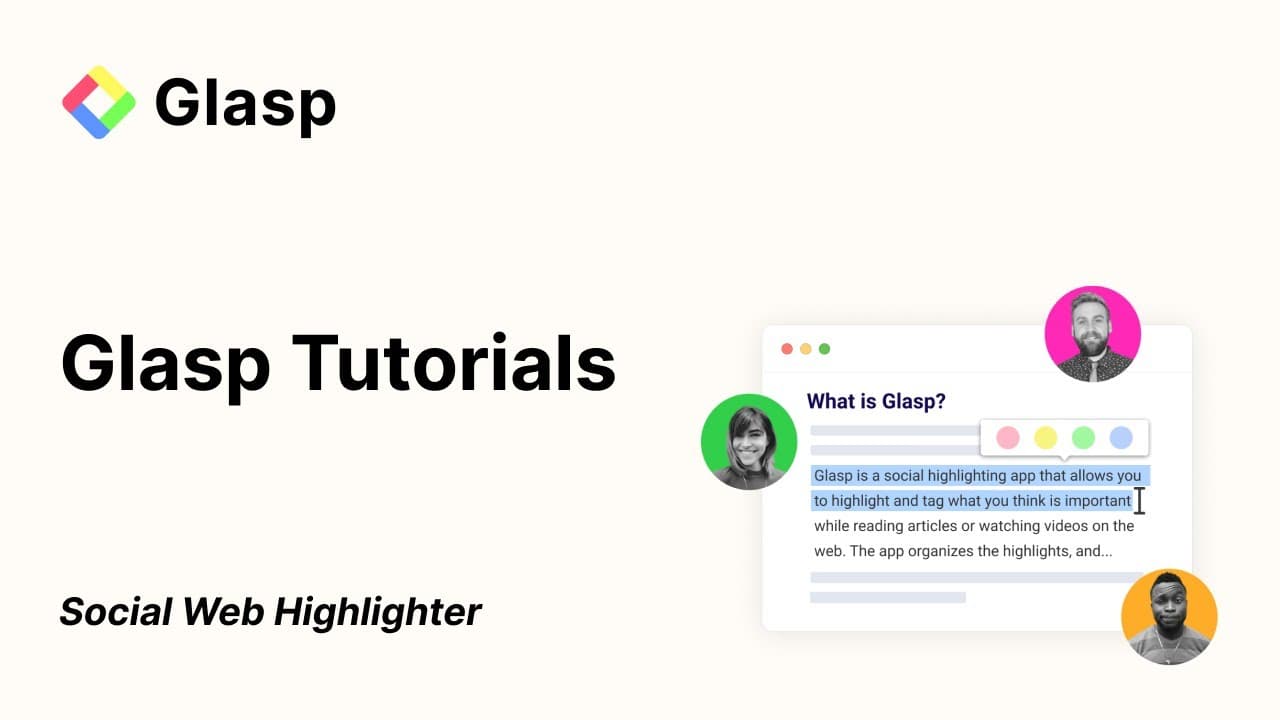
Grasp is a browser extension that allows users to easily highlight and take notes on web content, save and organize their highlights and notes, share them with others, and discover popular highlights and comments from the community.
Transcript
okay uh let me show quickly show you how to use browser extension and once you installed the browser extension and sign up you are ready to highlight the web so this is my article and whenever you come across any interesting quotes source ideas just select the text and you will see a pop-up looks like kindle highlighter then choose any colors you w... Read More
Key Insights
- 👻 Grasp allows users to highlight web content and save their highlights and notes, making it easier to organize and review information later.
- 💬 The browser extension offers a variety of features, such as tagging, commenting, and sharing highlights, enhancing the overall note-taking experience.
- 💬 Users can explore popular highlights and comments from the community, providing an opportunity for collaborative learning and knowledge-sharing.
- 👨🔬 Grasp also provides a search feature for users to easily find specific highlights and notes from their past.
- 👻 The extension supports various file formats for exporting data, allowing users to freely access and download their highlights and notes.
- 💬 The community page in Grasp showcases top highlights and comments, creating a platform for users to discover new insights and engage with others.
- 👨🔬 Users can filter and search for specific topics or people they are interested in, making it easier to explore content related to their areas of focus.
Install to Summarize YouTube Videos and Get Transcripts
Explore YouTube Video Summarizer or Get YouTube Transcript Extractor
Questions & Answers
Q: How does Grasp work as a browser extension for highlighting web content?
Grasp provides a browser extension that allows users to select and highlight text on web articles. The highlighted text is saved and can be accessed in the sidebar of the browser extension.
Q: Can users save their highlights and notes to their preferred note-taking app?
Yes, once users finish reading and highlighting an article, they can copy their highlights and notes to their favorite note-taking app, such as Notion. This allows for easy organization and retrieval of information.
Q: Is it possible to share highlights with others?
Yes, users can share their highlights with others by generating a beautiful image of the highlighted text. They can customize the image's colors and share it on social media platforms like Twitter and Facebook.
Q: Can users view highlights made by others on the same content?
Grasp allows users to see highlights made by others on the same content. By clicking on a highlight made by another user, it takes you to the corresponding highlighted place in the article.
Key Insights:
- Grasp allows users to highlight web content and save their highlights and notes, making it easier to organize and review information later.
- The browser extension offers a variety of features, such as tagging, commenting, and sharing highlights, enhancing the overall note-taking experience.
- Users can explore popular highlights and comments from the community, providing an opportunity for collaborative learning and knowledge-sharing.
- Grasp also provides a search feature for users to easily find specific highlights and notes from their past.
- The extension supports various file formats for exporting data, allowing users to freely access and download their highlights and notes.
- The community page in Grasp showcases top highlights and comments, creating a platform for users to discover new insights and engage with others.
- Users can filter and search for specific topics or people they are interested in, making it easier to explore content related to their areas of focus.
- Grasp's browser extension provides a user profile, giving users insights into their personal contribution to the platform and their highlighted content.
Summary & Key Takeaways
-
Grasp is a browser extension that enables users to highlight and save interesting quotes, source ideas, and other content they come across while browsing the web.
-
Users can choose from a variety of colors to highlight text and can easily access all their highlights and notes on the sidebar.
-
Grasp allows users to leave comments, tag their highlights, and save their highlights and notes to their favorite note-taking app.
Read in Other Languages (beta)
Share This Summary 📚
Summarize YouTube Videos and Get Video Transcripts with 1-Click
Try YouTube Summary with ChatGPT & Claude or YouTube Transcript Generator
Explore More Summaries from Glasp 📚


Summarize YouTube Videos and Get Video Transcripts with 1-Click
Try YouTube Summary with ChatGPT & Claude or YouTube Transcript Generator