How to Use a Phone as a Webcam for Zoom or Live Streaming
TL;DR
Learn how to use your Android or iPhone as a high-quality webcam for video conferences and live streams using the Camo app.
Transcript
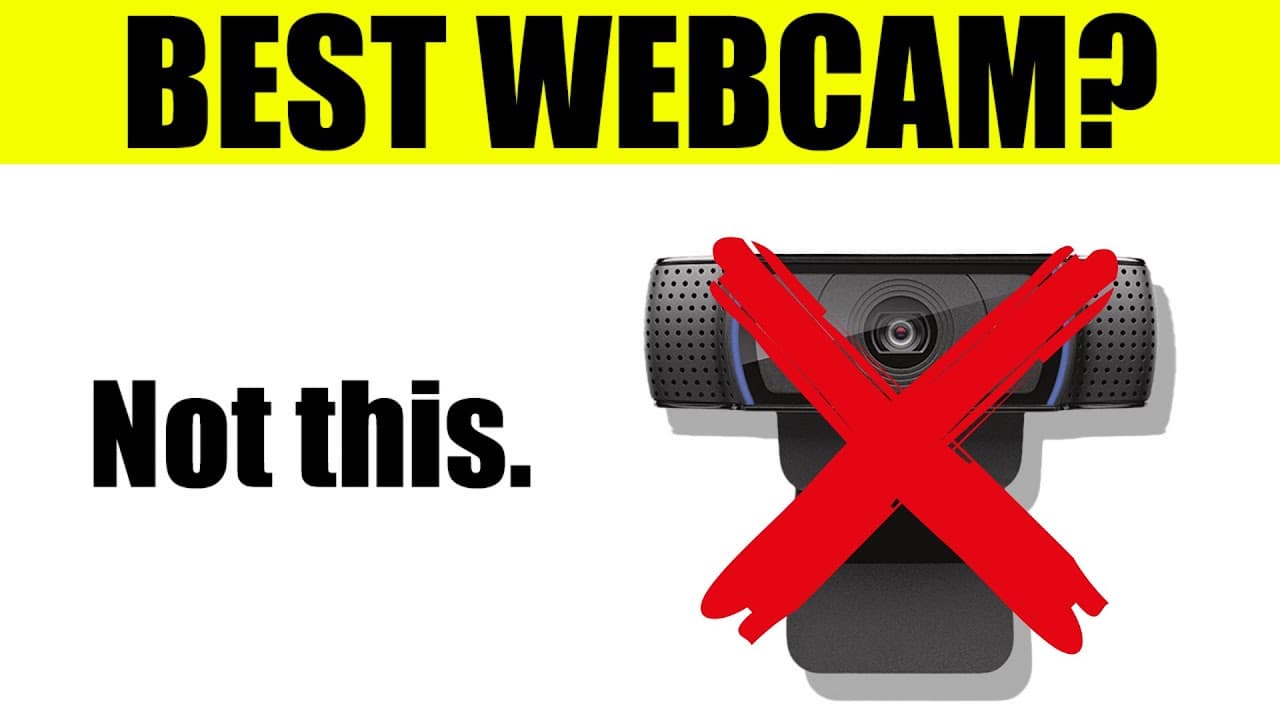
so you want to know how to use your phone as a webcam well obviously you need a phone and an android or iphone would do well you need a cord to connect directly from your phone to your computer and you also need to watch the rest of this video so i can show you how to do it easy and in the most reliable way as more and more people work from home at... Read More
Key Insights
- ✋ Using your phone as a webcam offers high-quality video and cost-effectiveness.
- 😀 The Camo app is a reliable and user-friendly option for utilizing your phone as a webcam.
- 😀 Customizable settings within the Camo app allow for enhanced webcam functionality and versatility.
- 😒 Mounts or adapters can help position your phone for optimal webcam use.
- 😀 The Camo app integrates with various video conferencing platforms.
- 🫵 The ability to switch between different lenses offers dynamic views for different purposes.
- 🎮 Camo's quick focus feature makes it ideal for showcasing specific details during video presentations.
Install to Summarize YouTube Videos and Get Transcripts
Explore YouTube Video Summarizer or Get YouTube Transcript Extractor
Questions & Answers
Q: Can I use any Android or iPhone as a webcam?
Yes, as long as you have a compatible cord to connect your phone to your computer, you can use any Android or iPhone as a webcam.
Q: Is the Camo app reliable for professional use?
Yes, the Camo app has been tested and proven to be reliable for professional use, including live streaming and video conferences.
Q: Are there any additional accessories needed for using your phone as a webcam?
It is recommended to use a mount or adapter to position your phone at the desired level and angle for optimal viewing during video calls or live streams. Various options are available in the market.
Q: Can other video conferencing platforms, apart from Zoom, be used with the Camo app?
Yes, the Camo app integrates with over 40 different applications, including popular video conferencing platforms like Skype. It offers seamless compatibility with most conference tools.
Q: Can I customize the webcam settings using the Camo app?
Yes, the Camo app provides several customization options, such as switching between different lenses, adjusting resolution, fine-tuning exposure and white balance, adding overlays, and even recording video or capturing images.
Summary & Key Takeaways
-
Using your phone as a webcam is a cost-effective and convenient option for better video quality during remote work and online meetings.
-
The Camo app is recommended for its reliability and user-friendly interface, allowing you to connect your phone to your computer and use it as a webcam seamlessly.
-
Various settings within the Camo app, such as different lenses, resolution adjustments, and image transformations, provide flexibility and customization for your webcam setup.
Read in Other Languages (beta)
Share This Summary 📚
Summarize YouTube Videos and Get Video Transcripts with 1-Click
Try YouTube Summary with ChatGPT & Claude or YouTube Transcript Generator
Explore More Summaries from Pat Flynn 📚



Summarize YouTube Videos and Get Video Transcripts with 1-Click
Try YouTube Summary with ChatGPT & Claude or YouTube Transcript Generator