Products
Features
YouTube Video Summarizer
Summarize YouTube videos
Web & PDF Highlighter
Highlight web pages & PDFs
Chat with PDF
Ask any PDF questions with AI
Ask AI Clone
Chat with your highlights & memories
Audio Transcriber
Transcribe audio files to text
Glasp Reader
Read and highlight articles
Kindle Highlight Export
Export your Kindle highlights
Idea Hatch
Hatch ideas from your highlights
Integrations
Obsidian Plugin
Notion Integration
Pocket Integration
Instapaper Integration
Medium Integration
Readwise Integration
Snipd Integration
Hypothesis Integration
Apps & Extensions
Chrome Extension
Safari Extension
Edge Add-ons
Firefox Add-ons
iOS App
Android App
Discover
Discover
Ideas
Discover new ideas and insights
Articles
Curated articles and insights
Books
Book recommendations by great minds
Posts
Essays and notes from readers
Quotes
Inspiring quotes collection
Videos
Curated videos and summaries
Explore Glasp
Glasp Newsletter
Weekly insights and updates
Glasp Talk
Interview series with great minds
Glasp Blog
Latest news and articles
Glasp Use Cases
Learn how others use Glasp
Build & Support
Glasp API
Access Glasp's API for developers
MCP Connector
Connect Glasp to Claude & ChatGPT
Community
Glasp Reddit Community
Students
Student discount and benefits
FAQs
Frequently Asked Questions
AboutPricing
DashboardLog inSign up

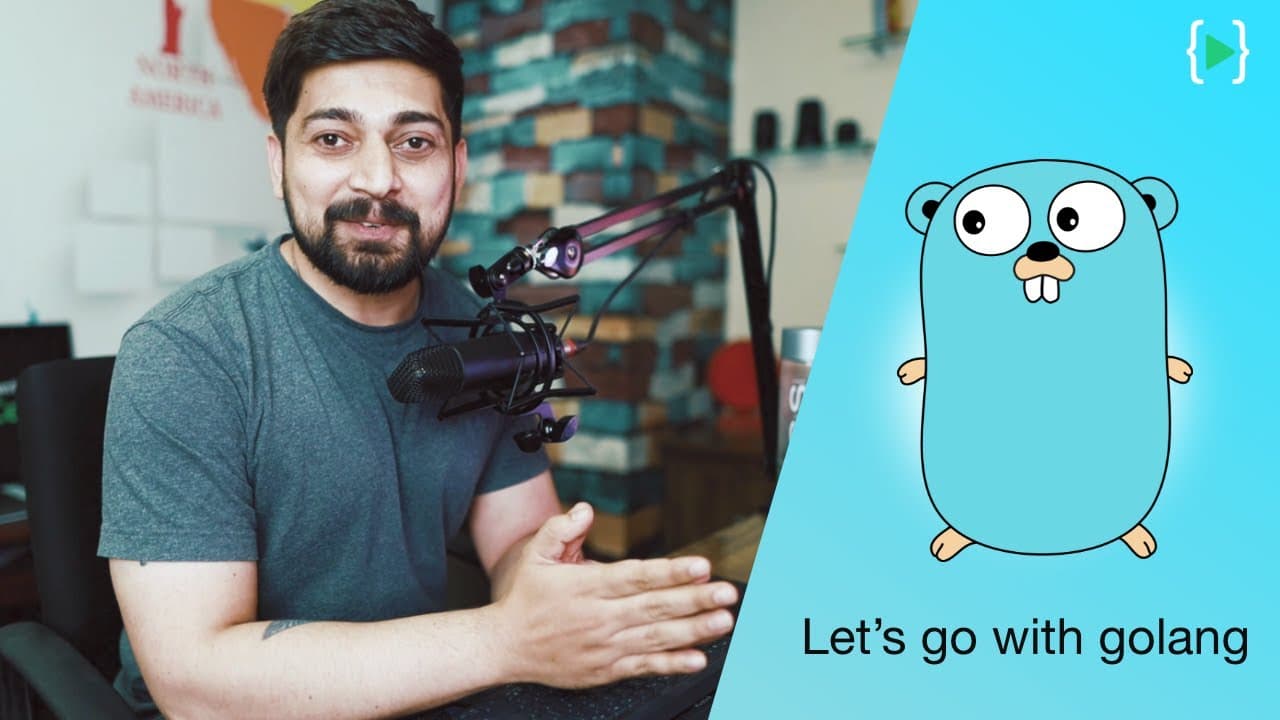
Making a connection to database in golang
28.0K views
•
October 22, 2021
by
Hitesh Choudhary
YouTube video player
Making a connection to database in golang

TL;DR

This tutorial discusses how to create and manage database connections in a Golang application.

Transcript

okay so welcome back hitachi here welcoming you in another golang tutorial now let's go ahead and close this model because that's all we want to do in the model if you have more values and pointers and references go ahead feel free to define them up here i am not interested in any of that as of now i've shown you the basic method of it moving furth... Read More

Key Insights

  • 👨‍💻 Structuring a Golang application with separate files for different components improves code organization and reusability.
  • 🚙 Configuring a connection string for a MongoDB database involves specifying the database location and port number.
  • 😒 The use of context in Golang helps manage requests and connections to external resources, such as databases.

Install to Summarize YouTube Videos and Get Transcripts

Explore YouTube Video Summarizer or Get YouTube Transcript Extractor

Questions & Answers

Q: What are the benefits of separating database connections, helpers, and controllers into separate files?

Separating these components allows for better organization and modularity in the application. It makes it easier to manage and maintain the codebase, and also allows for reusability of components.

Q: How is the connection string for a MongoDB database configured?

The connection string should include the database location (e.g., localhost) and the port number. It is recommended to replace the password in the connection string with a value from an environment variable file for security purposes.

Q: What is the purpose of the context in Golang?

The context is used to manage requests and connections to external resources, such as databases. It helps with handling deadlines, cancellations, and scoped values across different parts of the application.

Q: Why is the "to-do" context used in the code?

The "to-do" context is used when there is uncertainty about which context to use. It is a fallback option that provides an empty context and is commonly used when making requests to databases or other external resources.

Summary & Key Takeaways

  • The tutorial explains how to structure a Golang application with separate files for database connections, database helpers, and controllers.

  • It demonstrates how to create a connection string for a MongoDB database and configure it with variables.

  • The tutorial introduces the concept of a context, which is used to manage connections and requests to external resources in Golang.


Read in Other Languages (beta)

English

Share This Summary 📚

Summarize YouTube Videos and Get Video Transcripts with 1-Click

Download browser extensions on:

Try YouTube Summary with ChatGPT & Claude or YouTube Transcript Generator

Explore More Summaries from Hitesh Choudhary 📚

creating a video player in java at 4 in morning thumbnail
creating a video player in java at 4 in morning
Hitesh Choudhary
God Father of AI warns about AI risks thumbnail
God Father of AI warns about AI risks
Hitesh Choudhary
WildCard Character Regular expressions thumbnail
WildCard Character Regular expressions
Hitesh Choudhary
Capacitor by Ionic - Successor of Cordova and phonegap thumbnail
Capacitor by Ionic - Successor of Cordova and phonegap
Hitesh Choudhary
AWS Architect for real world | LearnCodeOnline thumbnail
AWS Architect for real world | LearnCodeOnline
Hitesh Choudhary
Sunday Live 3 September, 2017 thumbnail
Sunday Live 3 September, 2017
Hitesh Choudhary

Summarize YouTube Videos and Get Video Transcripts with 1-Click

Download browser extensions on:

Try YouTube Summary with ChatGPT & Claude or YouTube Transcript Generator

Apps & Extensions

  • Chrome Extension
  • Safari Extension
  • Edge Add-ons
  • Firefox Add-ons
  • iOS App
  • Android App

Key Features

  • YouTube Video Summarizer
  • Web & PDF Summarizer
  • Web & PDF Highlighter
  • Chat with PDF
  • Ask AI Clone
  • Audio Transcriber
  • Glasp Reader
  • Kindle Highlight Export
  • Idea Hatch

Integrations

  • Obsidian Plugin
  • Notion Integration
  • Pocket Integration
  • Instapaper Integration
  • Medium Integration
  • Readwise Integration
  • Snipd Integration
  • Hypothesis Integration

More Features

  • APIs
  • MCP Connector
  • Blog & Post
  • Embed Links
  • Image Highlight
  • Personality Test
  • Quote Shots

Company

  • About us
  • Blog
  • Community
  • FAQs
  • Job Board
  • Newsletter
  • Pricing
Terms

•

Privacy

•

Guidelines

© 2026 Glasp Inc. All rights reserved.




