Writers app design in #adobeXD
TL;DR
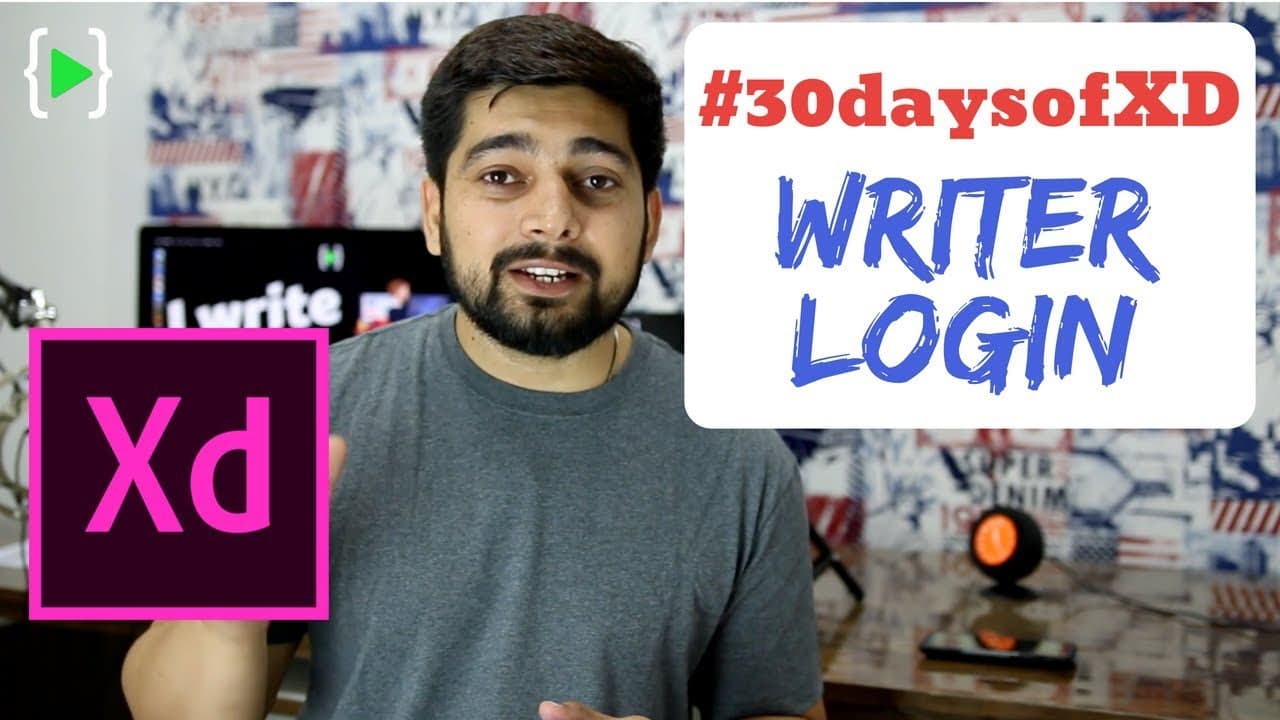
The video showcases the process of designing a clean and elegant login screen for a writing app, using Adobe XD and free icons from Flat Icon.
Transcript
hey there everyone this year and this is day three of our 30 days of XD challenge so in case you are not aware of it I have taken the 30 days of XD challenge and every single day I'll try to design something so that I can get friendly on XD so into that we are onto 3rd day and this is what we are gonna design today so I designed this I liked it and... Read More
Key Insights
- 🥳 The 30 Days of XD Challenge is a personal project aimed at improving skills in using Adobe XD for design.
- 😀 Designing a simple login screen for a writing app involves considering the target audience and using appropriate colors and icons.
- 😒 Websites like Flat Icon provide a wide variety of free icons for designers to explore and use in their projects.
- 👀 Attention to detail, such as using shadows and gradients, can elevate the overall look and feel of a design.
- 🌱 The video emphasizes the importance of giving credit to authors when using icons from paid plan websites.
- 😀 Personalizing the design, such as selecting fonts and colors that align with the app's purpose, is essential for creating a unique and visually appealing login screen.
- 🎨 The video encourages viewers to practice and replicate designs from resources like Flat Icon to improve their design skills.
Install to Summarize YouTube Videos and Get Transcripts
Explore YouTube Video Summarizer or Get YouTube Transcript Extractor
Questions & Answers
Q: What is the purpose of the video?
The purpose of the video is to demonstrate the process of designing a simple login screen for a writing app using Adobe XD.
Q: Where can I find free icons for my designs?
The designer recommends exploring websites like Flat Icon, which offer a wide range of free icons. However, if using icons from a paid plan, make sure to give credit to the author.
Q: What are the key design elements used in the login screen?
The designer uses a linear gradient background, shadows, rounded buttons, and carefully selected fonts and colors to create a clean and elegant design.
Q: What is the recommended software for creating the login screen?
The video demonstrates the design process using Adobe XD, which is a popular software for creating user interfaces.
Summary & Key Takeaways
-
The video demonstrates how to create a login screen for a writing app using Adobe XD.
-
The designer explores various websites, including Flat Icon, for free icons to use in the design.
-
The designer uses a linear gradient for the background, adds shadows, and selects fonts and colors to create a clean and elegant look.
Read in Other Languages (beta)
Share This Summary 📚
Summarize YouTube Videos and Get Video Transcripts with 1-Click
Try YouTube Summary with ChatGPT & Claude or YouTube Transcript Generator
Explore More Summaries from Hitesh Choudhary 📚






Summarize YouTube Videos and Get Video Transcripts with 1-Click
Try YouTube Summary with ChatGPT & Claude or YouTube Transcript Generator