Designing a firecamp login screen with gradient
TL;DR
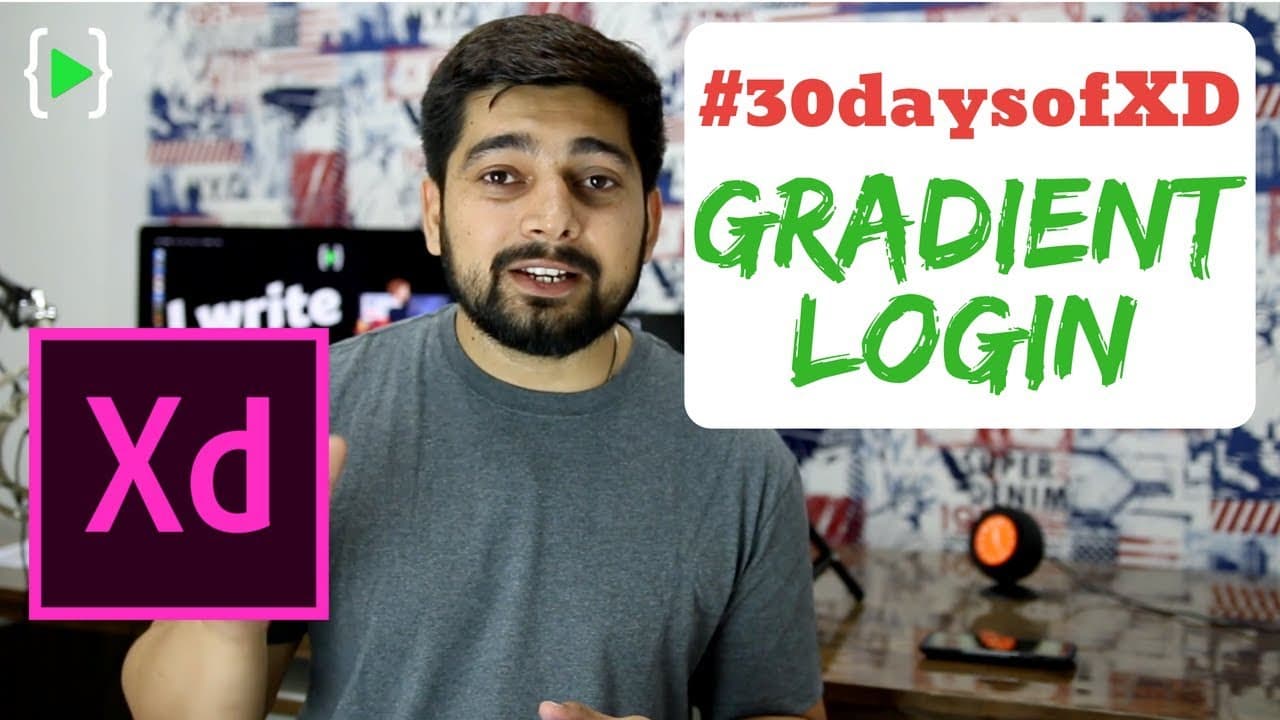
In this video, the creator demonstrates how to design a login app using Adobe XD, providing step-by-step instructions and tips along the way.
Transcript
hey there everyone if they share back again with another video and this is day 2 of our 30 day challenge of Adobe XD and make sure in the comments section if you are following along with me don't forget to post down teddie days of XD hashtag 30 days of XD and also follow along with me on Twitter Instagram Facebook whatever you like so today what we... Read More
Key Insights
- 🥳 Participating in challenges, like the 30-day Adobe XD challenge, can be a great way to improve skills and learn new techniques.
- 🎨 UI kits and components provided by design tools like Adobe XD can save time and enhance the overall design.
- 😀 Gradients can add depth and visual interest to app designs, enhancing the user experience.
- 🎨 Using pre-designed elements as a starting point can help streamline the design process.
- 💯 Attention to small details, such as pixel-perfect alignment, can significantly impact the overall quality of the design.
- 🎨 Seeking inspiration from sources like Pinterest can help generate ideas and improve the creativity of the design.
- 👻 Iteration and experimentation are essential in the design process, allowing for refinement and improvement.
Install to Summarize YouTube Videos and Get Transcripts
Explore YouTube Video Summarizer or Get YouTube Transcript Extractor
Questions & Answers
Q: What is Adobe XD and why is it useful for designing apps?
Adobe XD is a design and prototyping tool specifically created for designing user interfaces and experiences for web and mobile apps. It provides a wide range of features and tools that make it easier and more efficient to create app designs.
Q: How do you access UI kits and components in Adobe XD?
In Adobe XD, you can access UI kits and components by going to the "File" menu and selecting "Get UI Kits." This will provide a variety of pre-designed elements and components that you can use in your app designs.
Q: What is the benefit of using gradients in app design?
Gradients can add depth and visual interest to app designs, making them more visually appealing and engaging for users. They can also help create a sense of hierarchy and highlight specific elements within the design.
Q: How can you ensure pixel-perfect alignment in Adobe XD?
To ensure pixel-perfect alignment, you can enable layout grids in Adobe XD and align elements to the grid. This helps maintain consistency and precision in the design, resulting in a more polished and professional-looking app.
Summary & Key Takeaways
-
The creator is participating in a 30-day Adobe XD challenge and is designing a login app.
-
They use UI kits and components provided by Adobe XD to enhance their design.
-
The video provides detailed instructions on creating a background gradient, adding elements like a moon and trees, and designing the username and password fields.
Read in Other Languages (beta)
Share This Summary 📚
Summarize YouTube Videos and Get Video Transcripts with 1-Click
Try YouTube Summary with ChatGPT & Claude or YouTube Transcript Generator
Explore More Summaries from Hitesh Choudhary 📚






Summarize YouTube Videos and Get Video Transcripts with 1-Click
Try YouTube Summary with ChatGPT & Claude or YouTube Transcript Generator