Products
Features
YouTube Video Summarizer
Summarize YouTube videos
Web & PDF Highlighter
Highlight web pages & PDFs
Chat with PDF
Ask any PDF questions with AI
Ask AI Clone
Chat with your highlights & memories
Audio Transcriber
Transcribe audio files to text
Glasp Reader
Read and highlight articles
Kindle Highlight Export
Export your Kindle highlights
Idea Hatch
Hatch ideas from your highlights
Integrations
Obsidian Plugin
Notion Integration
Pocket Integration
Instapaper Integration
Medium Integration
Readwise Integration
Snipd Integration
Hypothesis Integration
Apps & Extensions
Chrome Extension
Safari Extension
Edge Add-ons
Firefox Add-ons
iOS App
Android App
Discover
Discover
Ideas
Discover new ideas and insights
Articles
Curated articles and insights
Books
Book recommendations by great minds
Posts
Essays and notes from readers
Quotes
Inspiring quotes collection
Videos
Curated videos and summaries
Explore Glasp
Glasp Newsletter
Weekly insights and updates
Glasp Talk
Interview series with great minds
Glasp Blog
Latest news and articles
Glasp Use Cases
Learn how others use Glasp
Build & Support
Glasp API
Access Glasp's API for developers
MCP Connector
Connect Glasp to Claude & ChatGPT
Community
Glasp Reddit Community
Students
Student discount and benefits
FAQs
Frequently Asked Questions
AboutPricing
DashboardLog inSign up

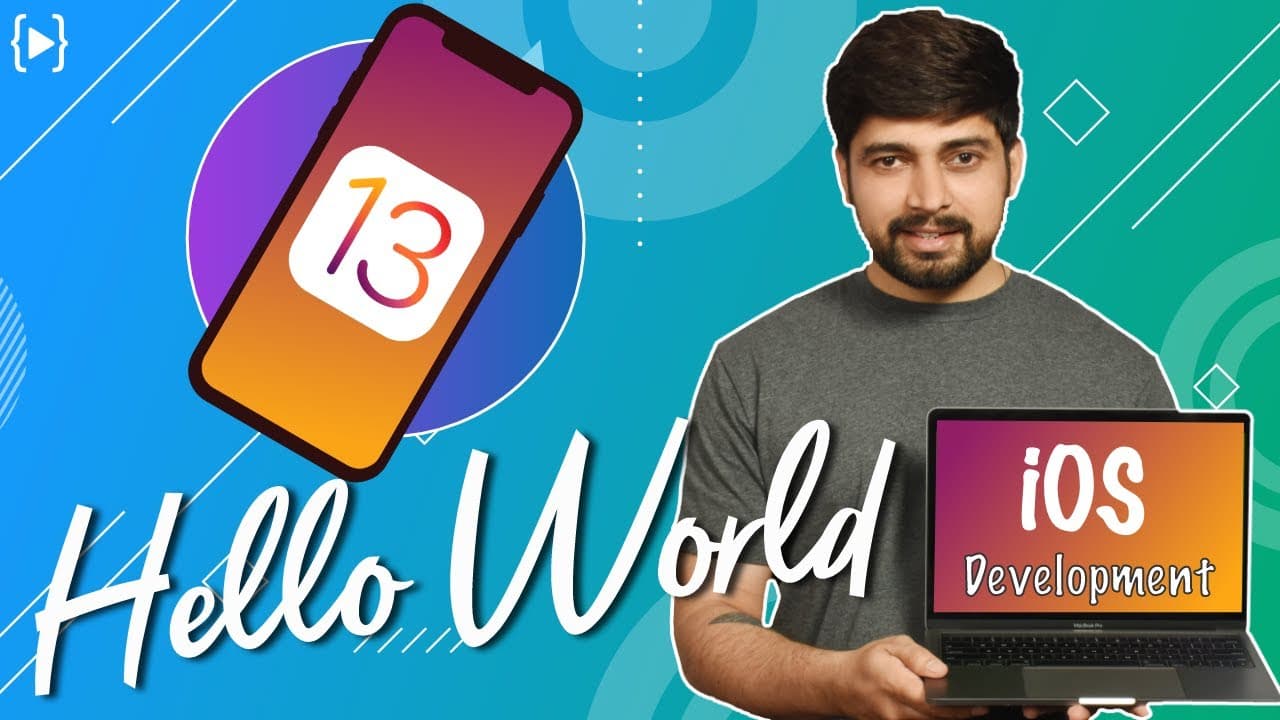
More than Hello World app in iOS 13
3.6K views
•
September 25, 2019
by
Hitesh Choudhary
YouTube video player
More than Hello World app in iOS 13

TL;DR

Learn the basics of iOS 13 app development, including creating a Hello World app, incorporating buttons and text, running on different simulators, and designing app icons and splash screens.

Transcript

dear everyone my name is Satish and let's get started with our iOS 13 and welcome to a new section in this section we are gonna be focusing just on the holo world app I know hello world app seems to be absolutely basic but it used to be basic in the time when we were making just browser apps or something like that in the world of app development he... Read More

Key Insights

  • 😀 Creating a Hello World app is an important first step in iOS app development, as it introduces beginners to basic concepts and elements.
  • 🈸 SwiftUI in iOS 13 provides a graphical way of changing app elements, such as labels and buttons, allowing for easy customization.
  • 😀 Running the app on different simulators helps ensure compatibility across various iOS devices.

Install to Summarize YouTube Videos and Get Transcripts

Explore YouTube Video Summarizer or Get YouTube Transcript Extractor

Questions & Answers

Q: Why is creating a Hello World app important in iOS development?

Creating a Hello World app allows beginners to understand basic concepts and get familiar with different elements of app development, such as buttons and text.

Q: How can I change the text and color of the Hello World label?

To change the text, you can select the label, hold down the command key, and click on it. Then, you can modify the text using the UI Inspector panel. To change the color, select the label and modify the foreground color property in the UI Inspector.

Q: How can I add multiple elements to the screen using SwiftUI?

You can use SwiftUI's VStack or HStack to stack multiple elements vertically or horizontally, respectively. By adding more Text elements inside the stack, you can display multiple lines of text on the screen.

Q: How can I make a button perform an action when clicked?

You can define an action for a button by adding a closure inside the Button view. For example, you can use a print statement to display a message when the button is clicked.

Summary & Key Takeaways

  • This tutorial focuses on creating a Hello World app using iOS 13 and covers the basics of buttons, text, and incorporating multiple elements on the screen.

  • It also discusses running the app on different simulators and designing app icons, storyboards, and splash screens.

  • The tutorial emphasizes the importance of following Apple's design guidelines to avoid app rejection during the review process.


Read in Other Languages (beta)

English

Share This Summary 📚

Summarize YouTube Videos and Get Video Transcripts with 1-Click

Download browser extensions on:

Try YouTube Summary with ChatGPT & Claude or YouTube Transcript Generator

Explore More Summaries from Hitesh Choudhary 📚

creating a video player in java at 4 in morning thumbnail
creating a video player in java at 4 in morning
Hitesh Choudhary
Capacitor by Ionic - Successor of Cordova and phonegap thumbnail
Capacitor by Ionic - Successor of Cordova and phonegap
Hitesh Choudhary
Sunday Live 3 September, 2017 thumbnail
Sunday Live 3 September, 2017
Hitesh Choudhary
God Father of AI warns about AI risks thumbnail
God Father of AI warns about AI risks
Hitesh Choudhary
WildCard Character Regular expressions thumbnail
WildCard Character Regular expressions
Hitesh Choudhary
Android studio 3 - Create hello world App in Kotlin thumbnail
Android studio 3 - Create hello world App in Kotlin
Hitesh Choudhary

Summarize YouTube Videos and Get Video Transcripts with 1-Click

Download browser extensions on:

Try YouTube Summary with ChatGPT & Claude or YouTube Transcript Generator

Apps & Extensions

  • Chrome Extension
  • Safari Extension
  • Edge Add-ons
  • Firefox Add-ons
  • iOS App
  • Android App

Key Features

  • YouTube Video Summarizer
  • Web & PDF Summarizer
  • Web & PDF Highlighter
  • Chat with PDF
  • Ask AI Clone
  • Audio Transcriber
  • Glasp Reader
  • Kindle Highlight Export
  • Idea Hatch

Integrations

  • Obsidian Plugin
  • Notion Integration
  • Pocket Integration
  • Instapaper Integration
  • Medium Integration
  • Readwise Integration
  • Snipd Integration
  • Hypothesis Integration

More Features

  • APIs
  • MCP Connector
  • Blog & Post
  • Embed Links
  • Image Highlight
  • Personality Test
  • Quote Shots

Company

  • About us
  • Blog
  • Community
  • FAQs
  • Job Board
  • Newsletter
  • Pricing
Terms

•

Privacy

•

Guidelines

© 2026 Glasp Inc. All rights reserved.




